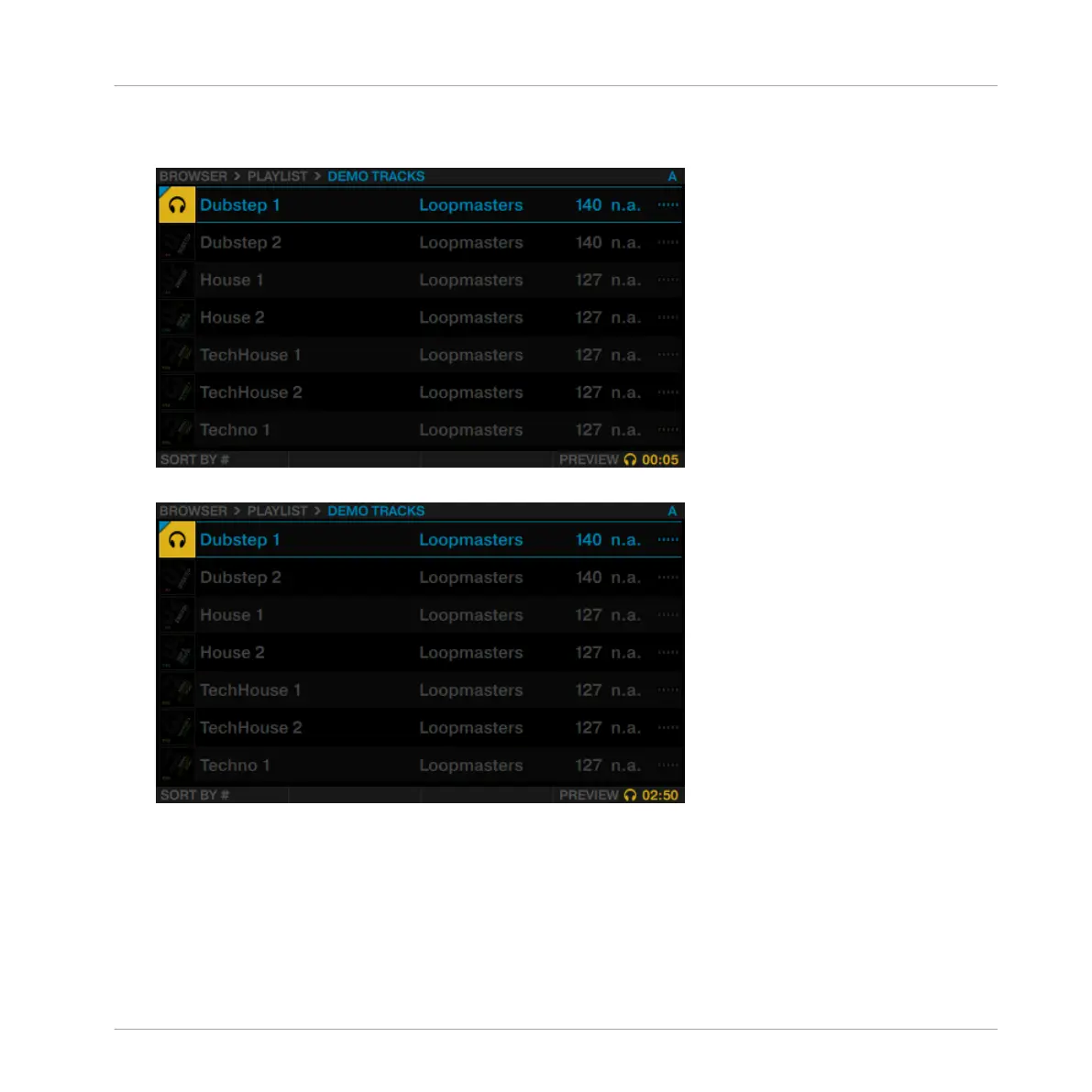
1. Press the ON button 4 to start preview. The preview is now audible in the Output Preview
channel.
2. Rotate Performance knob 4 to seek within the track in preview.
2.1.4 Sorting Tracks
To speed up scrolling through folders including a very large number of tracks, you can sort the
tracks by categories TITLE, ARTIST, BPM, IMPORT DATE, #, and KEY. The selected category is dis-
played at the bottom-left in the Browser.
To sort your tracks by another category:
Using Your D2—Getting Started
Using the Browser
TRAKTOR KONTROL D2 - Manual - 19



 To Next Page