►
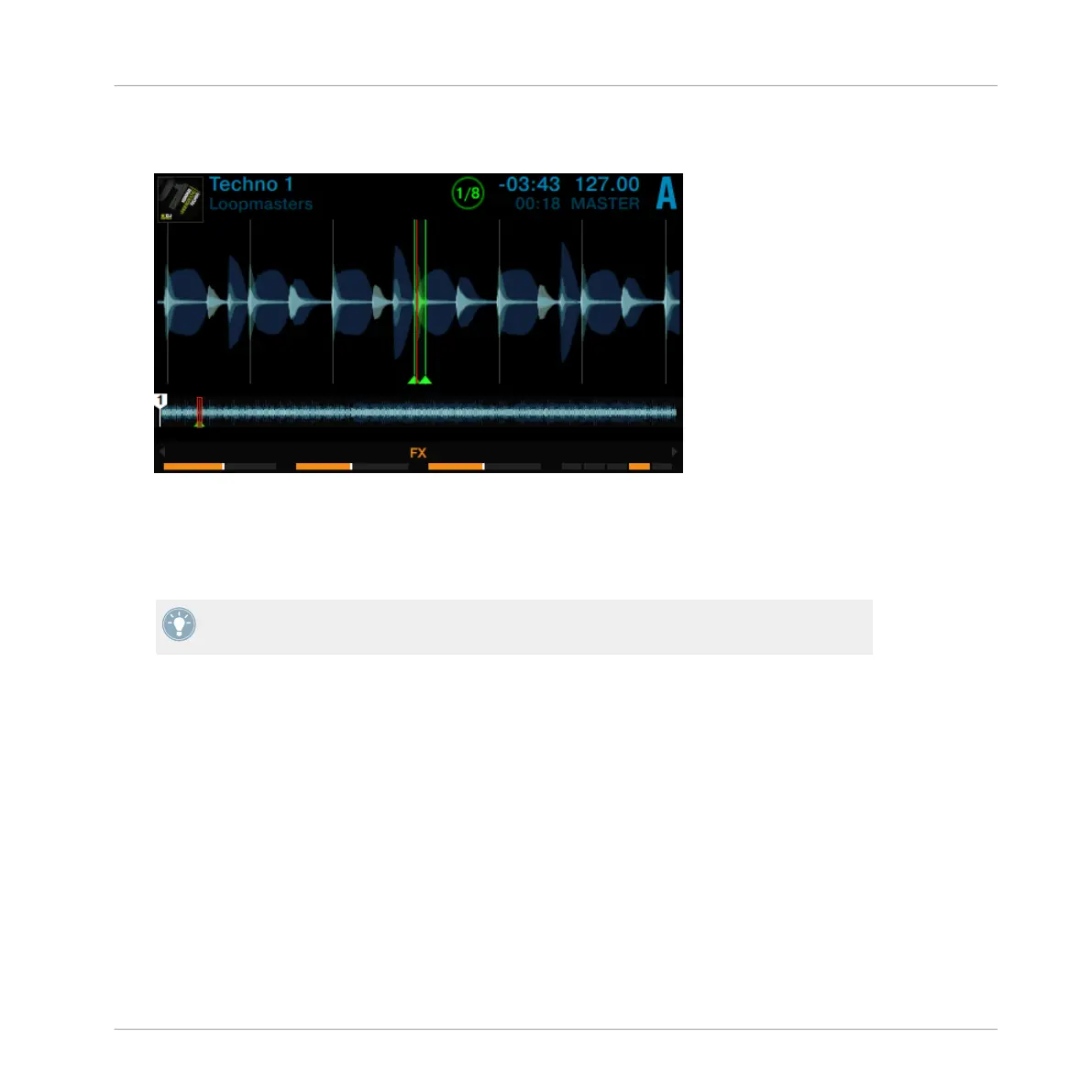
Press one of the green pads to engage a Loop of 1/8 beat, 1/4 beat, 1/2 beat, or 1 beat.
The LED ring around the LOOP encoder starts to rotate indicating a loop is engaged.
►
Press the same green pad again or press the LOOP encoder to disengage the Loop.
►
While a loop is engaged, rotate the LOOP encoder to alter the LOOP's size. This will pro-
duce some interesting sound variations.
Loop sizes can be changed in TRAKTOR's software preferences: Preferences>TRAK-
TOR KONTROL D2>Loop Mode Sizes>Loop.
3.3.2 Beatjumping
With the orange pads, you can jump forward or backward in the track by the amount prede-
fined as Beatjump size. By default, the orange pads 6 and 7 represent the Beatjump sizes of 1
beat backward and forward, whereas the beat-jump sizes of pad 5 and 8 are defined by the
Loop encoder.
To beat-jump within a track by 1 beat:
1. Press the PLAY button to start playback.
Using Your D2—Getting Advanced
Playing with Loops in LOOP Mode
TRAKTOR KONTROL D2 - Manual - 61



 To Next Page