Besides using the dedicated LOOP mode which will be explained in the next tutorial, you can
work with loops in default HOTCUE mode. This allows you to perform with HOTCUES and
loops at the same time.
Prerequisites
We assume here that the D2 is in the following state:
• The track “Techno 1” is loaded on Deck A and stopped.
3.2.1 Engaging and Disengaging a Loop
Let’s add a loop to the track on Deck A.
To engage a loop on a Deck:
1. Press the PLAY button to start playback.
2. Press the HOTCUE button to enable HOTCUE mode.
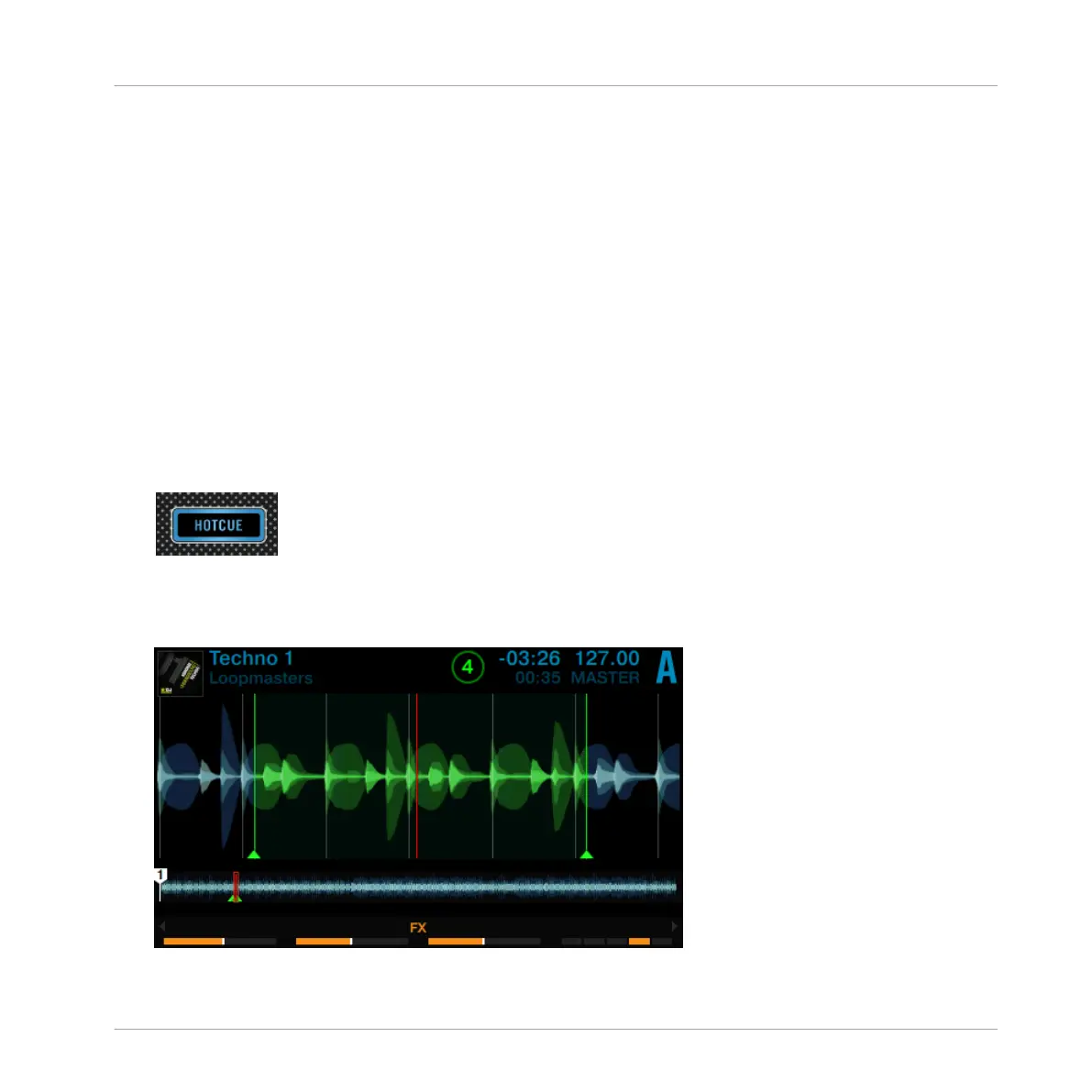
3. Press the LOOP encoder. The LED ring around the LOOP encoder starts to rotate to indi-
cate the loop is activated.
→
This will automatically add a loop at the current playback position in the track.
Using Your D2—Getting Advanced
Playing with Loops in HOTCUE Mode
TRAKTOR KONTROL D2 - Manual - 55



 To Next Page