►
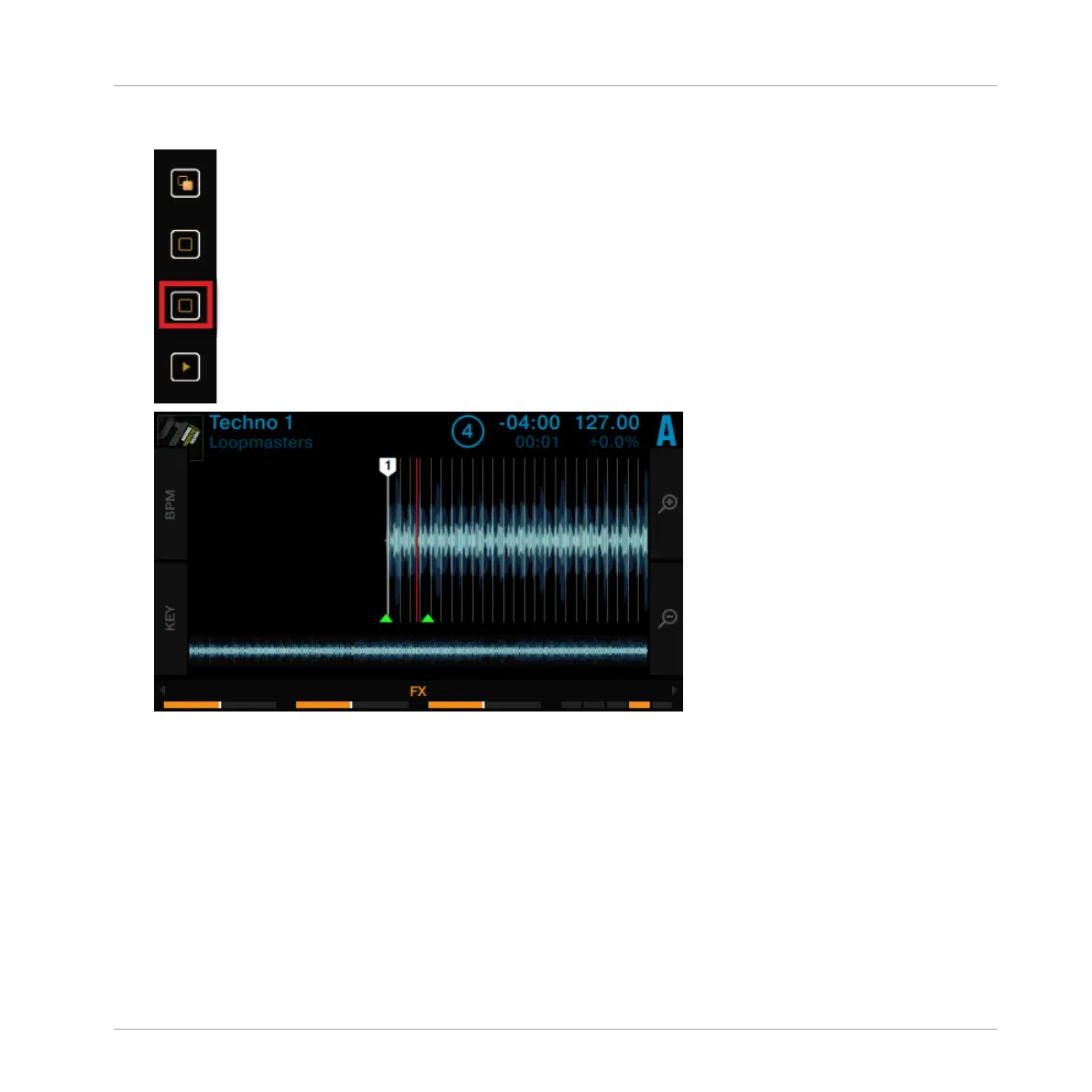
Press Display button 4 several times until you reach the desired zoom level.
2.5 Using Cue Points
This tutorial will explain how to work with HotCues for jumping directly to certain points within
a track. HotCues can be assigned to the pads when the Track Deck is in HOTCUE mode.
On a Track Deck in HOTCUE mode, pad 1 always represents the Start Cue Point that will be
assigned automatically as soon as a track is loaded. The remaining pads can be assigned with
further HotCues, as explained in the following section.
Using Your D2—Getting Started
Using Cue Points
TRAKTOR KONTROL D2 - Manual - 30



 To Next Page