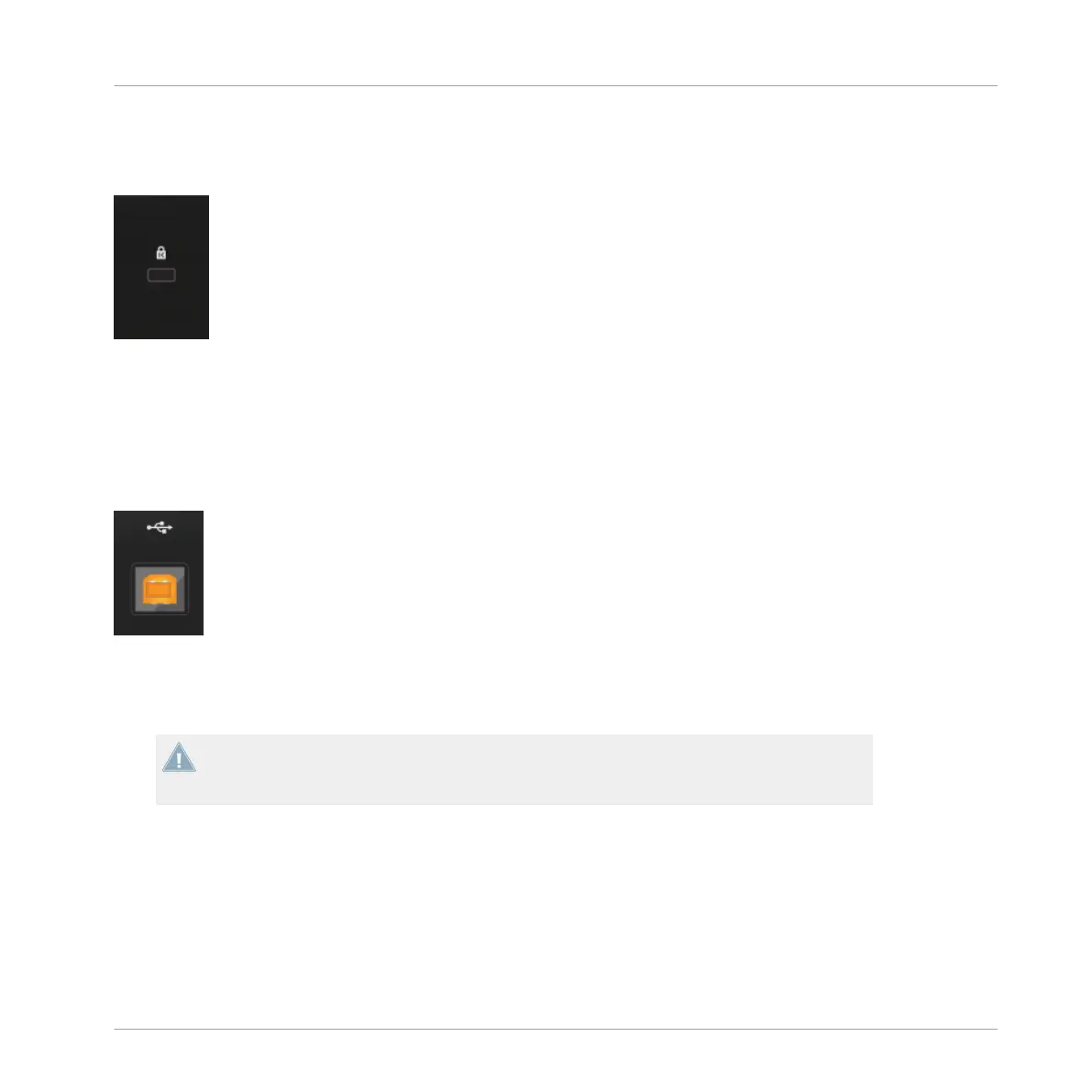
4.4.1 Kensington Lock Slot
Kensington Lock Slot
Use a Kensington-slot compatible lock to lock your D2 to a heavy object like a table to prevent
theft.
4.4.2 USB Connector
USB Connector
Connect D2 to your computer here, using the included USB cable. The connection is USB 2,
but is compatible to USB 3-equipped computers.
Due to the large amounts of data transmitted to the TRAKTOR KONTROL D2, it may not
work properly when connected to a USB hub. Make sure to connect D2 directly to a USB
port on your computer if possible.
Hardware Reference
The Rear Panel
TRAKTOR KONTROL D2 - Manual - 149



 To Next Page