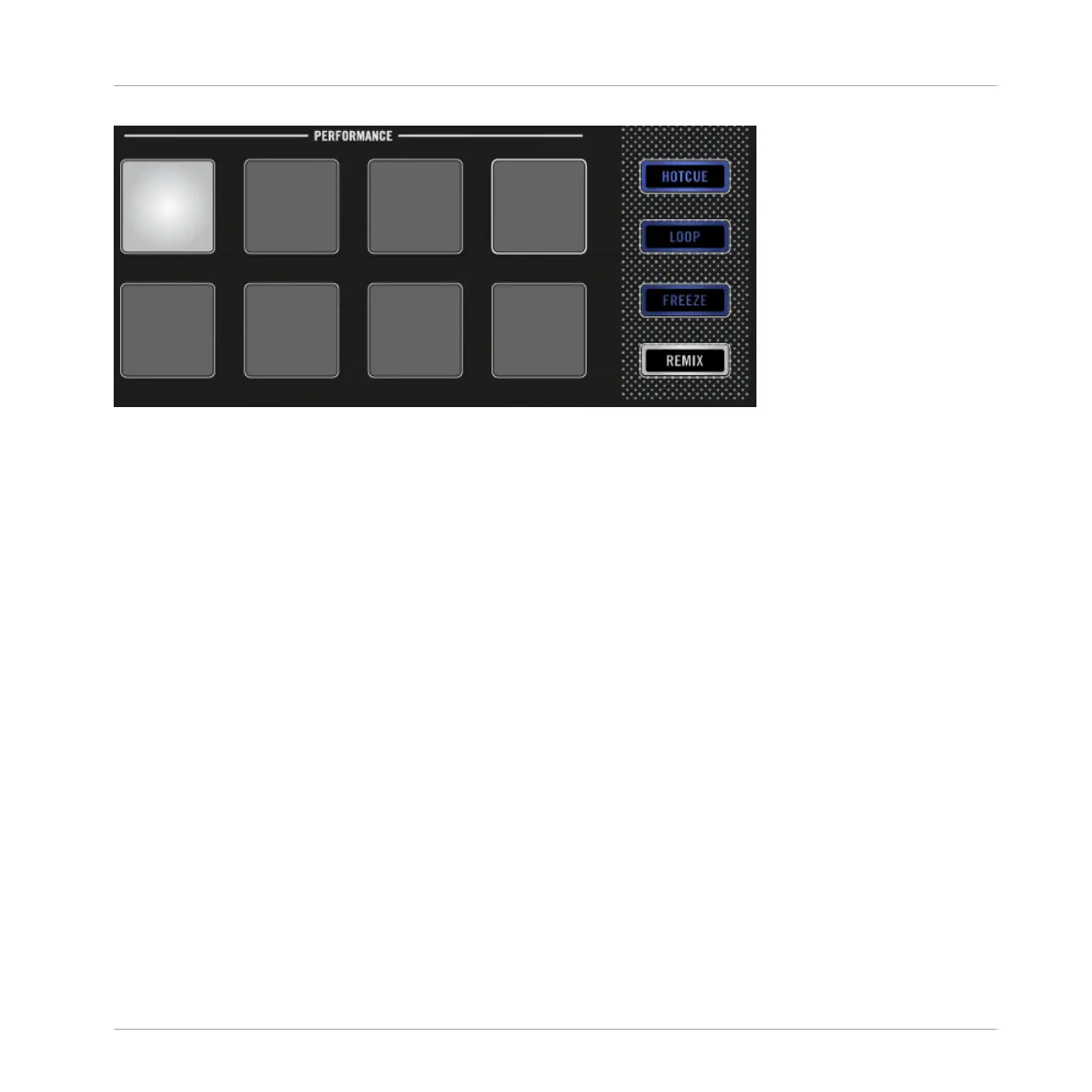
Pad 1 as Start Cue Point.
Prerequisites
We assume here that you already followed the instructions in the previous tutorials (see Ena-
bling Decks). TRAKTOR KONTROL D2 is in the following state:
• The track “Techno 1” is loaded on Deck A.
• The Deck A is set to HOTCUE mode (default state).
2.5.1 Setting and Deleting Cue Points (HotCues)
To set Cue Points within a track:
Using Your D2—Getting Started
Using Cue Points
TRAKTOR KONTROL D2 - Manual - 31



 To Next Page