Prerequisites
• The Remix Set "Remix Set Tutorial" is loaded to Remix Deck C.
• FX Unit 2 is set to Single Mode and has the Reverb FX loaded.
• FX Unit 2 is assigned to Deck C.
3.9.1 Selecting and applying a Performance Mode
To select the FX SEND Performance Mode on Deck C:
1. Set the Deck focus to Deck C.
2. Press pads 2, 3 and 4 to trigger samples.
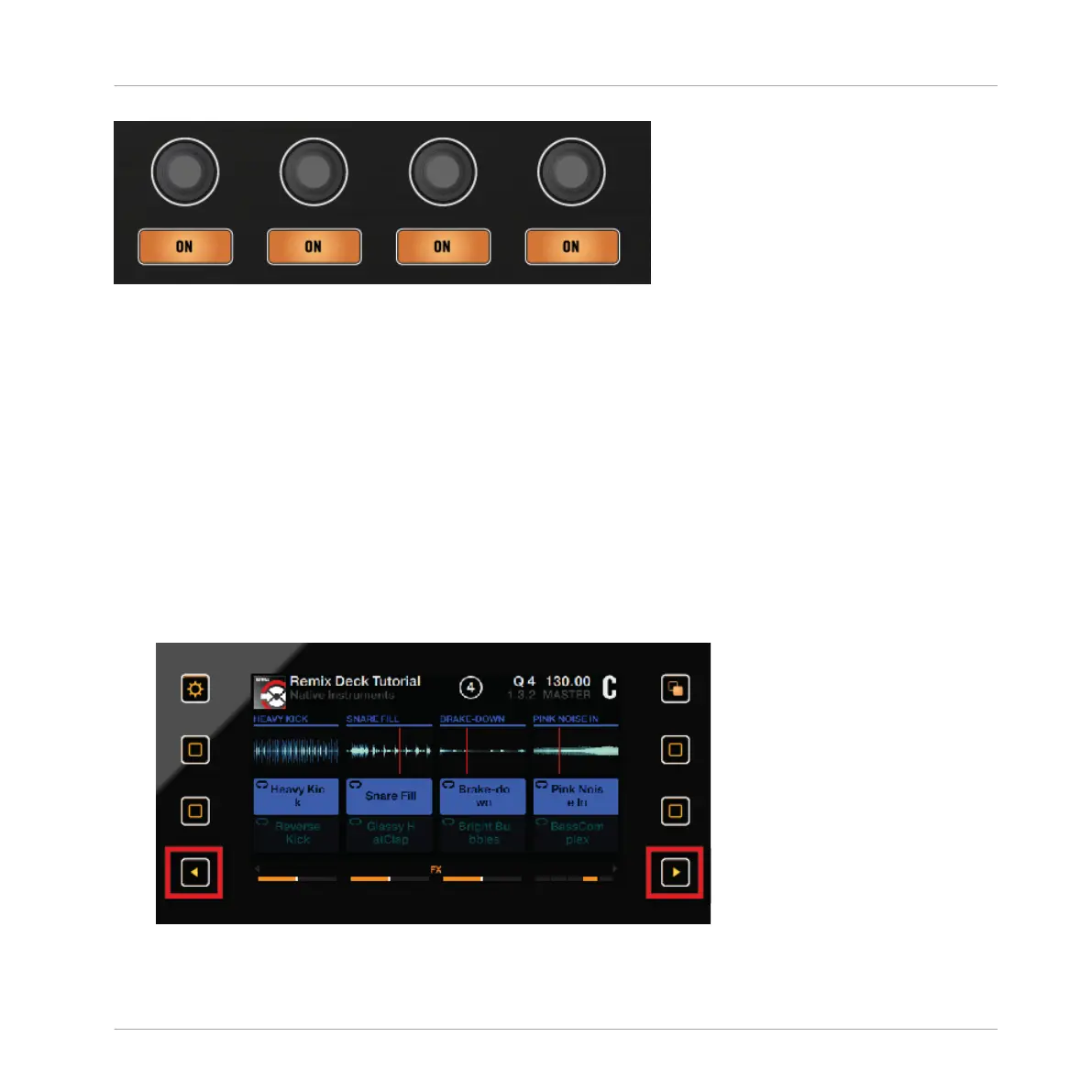
3. Press the left Performance Mode button until the Display reads FX SEND just above the Per-
formance controls.
Using Your D2—Getting Advanced
Using Performance Modes on Remix Decks
TRAKTOR KONTROL D2 - Manual - 103



 To Next Page