5 Preferences Pane in TRAKTOR
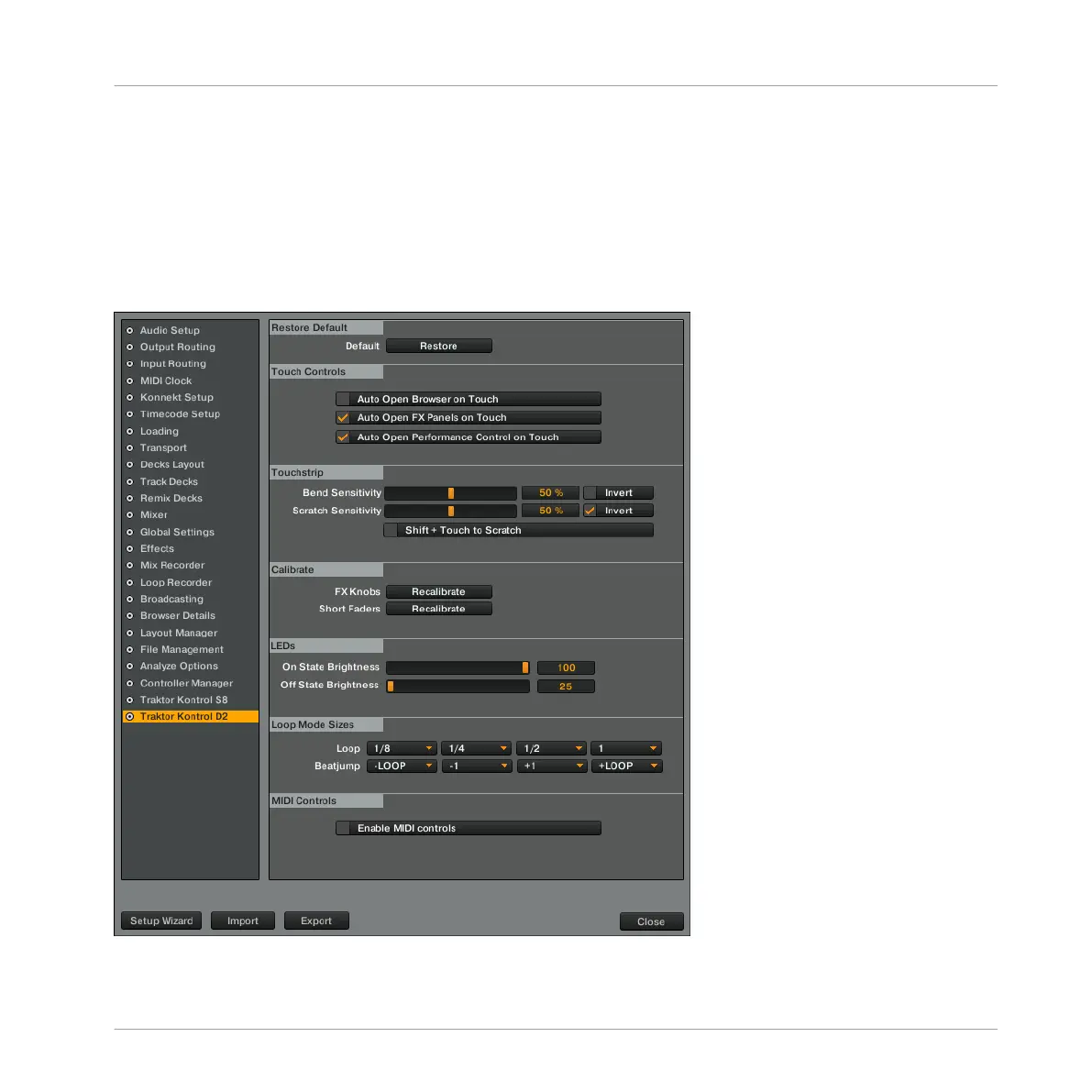
Once configured via the Setup Wizard, a dedicated pane for D2 is added to TRAKTOR's Prefer-
ences window, which lets you configure the behavior of the touch controls, as well as overall
LED brightness for the back-lit buttons and the Loop and Beatjump Sizes assigned to each
Deck's pads.
The D2 pane in TRAKTOR's Preferences
Preferences Pane in TRAKTOR
TRAKTOR KONTROL D2 - Manual - 152



 To Next Page