3.4.2 Adjusting the Freeze Slice Size
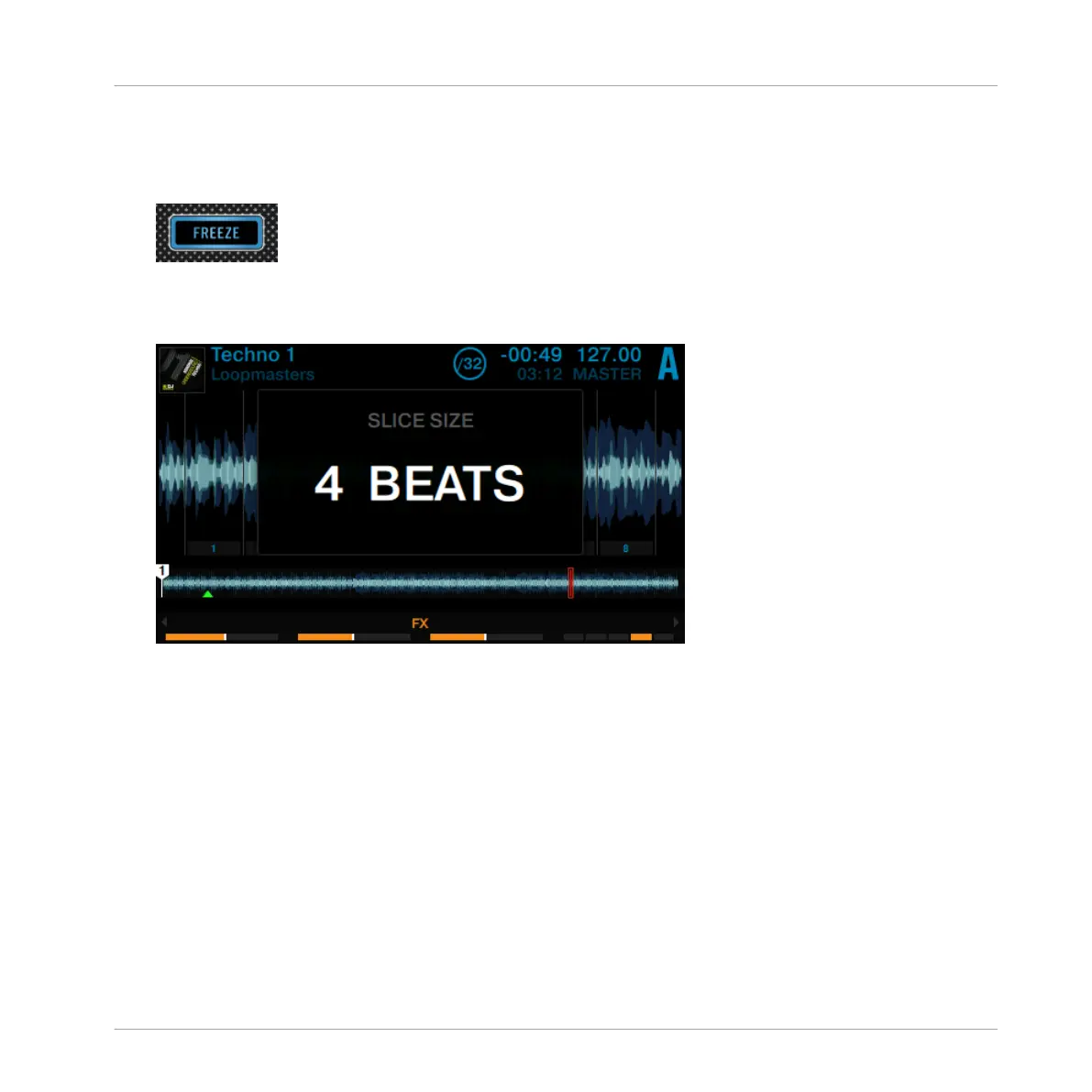
1. Hold the FREEZE button.
The SLICE SIZE window pops up in the display.
2. While holding the FREEZE button, turn the Loop encoder to increase or decrease the slice
size from a 1/4 of a beat to a range of 4 beats.
3. Release the FREEZE button.
Using Your D2—Getting Advanced
Using FREEZE Mode
TRAKTOR KONTROL D2 - Manual - 66



 To Next Page