2.1 Using the Browser
This tutorial explains how to use the Browser to access your music library. You wiill learn how
to sort and preview your tracks in the Browser, and how to load tracks into Decks.
2.1.1 Opening the Browser
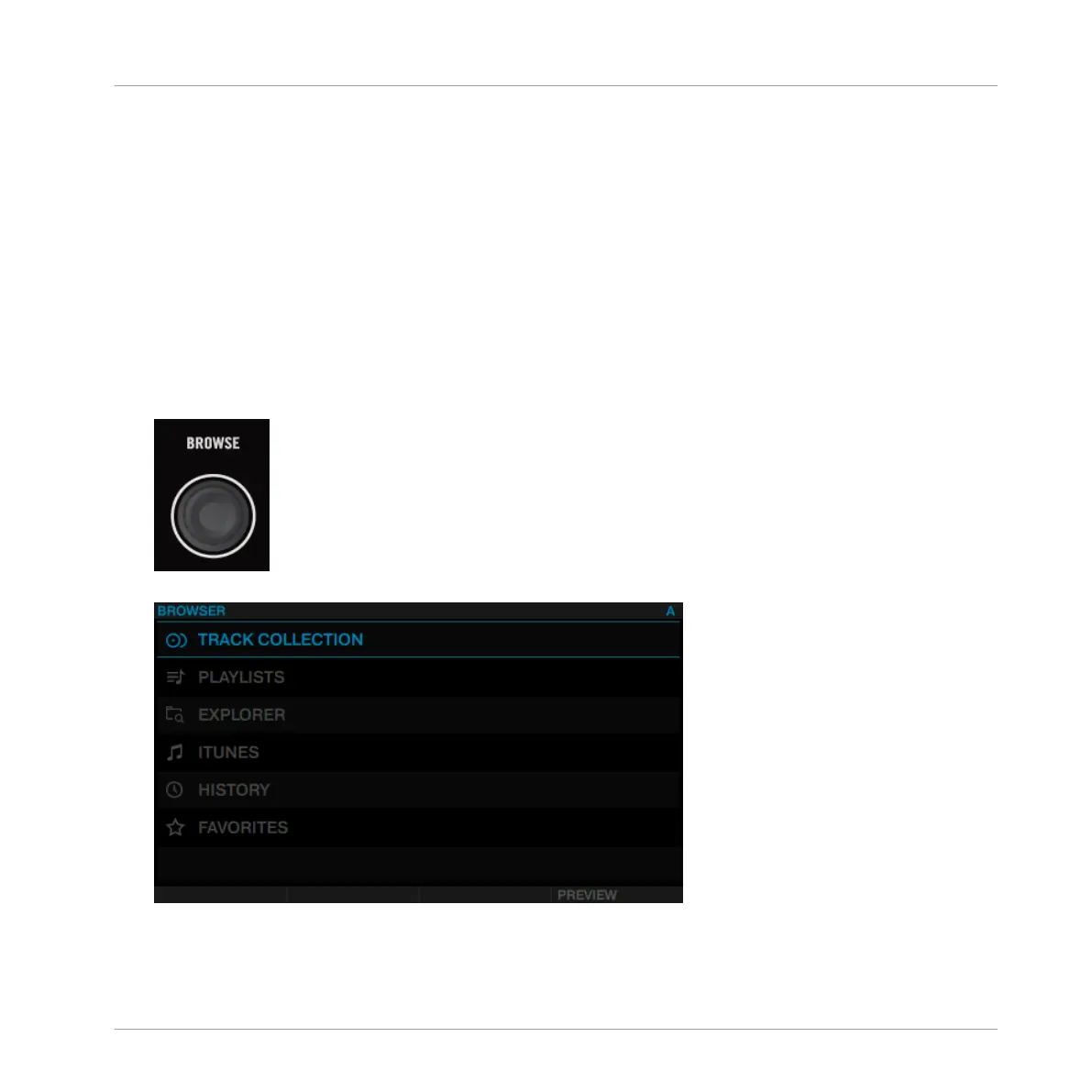
To open the Browser:
►
Push the BROWSE encoder.
The Browser will be displayed in the display.
Using Your D2—Getting Started
Using the Browser
TRAKTOR KONTROL D2 - Manual - 16



 To Next Page