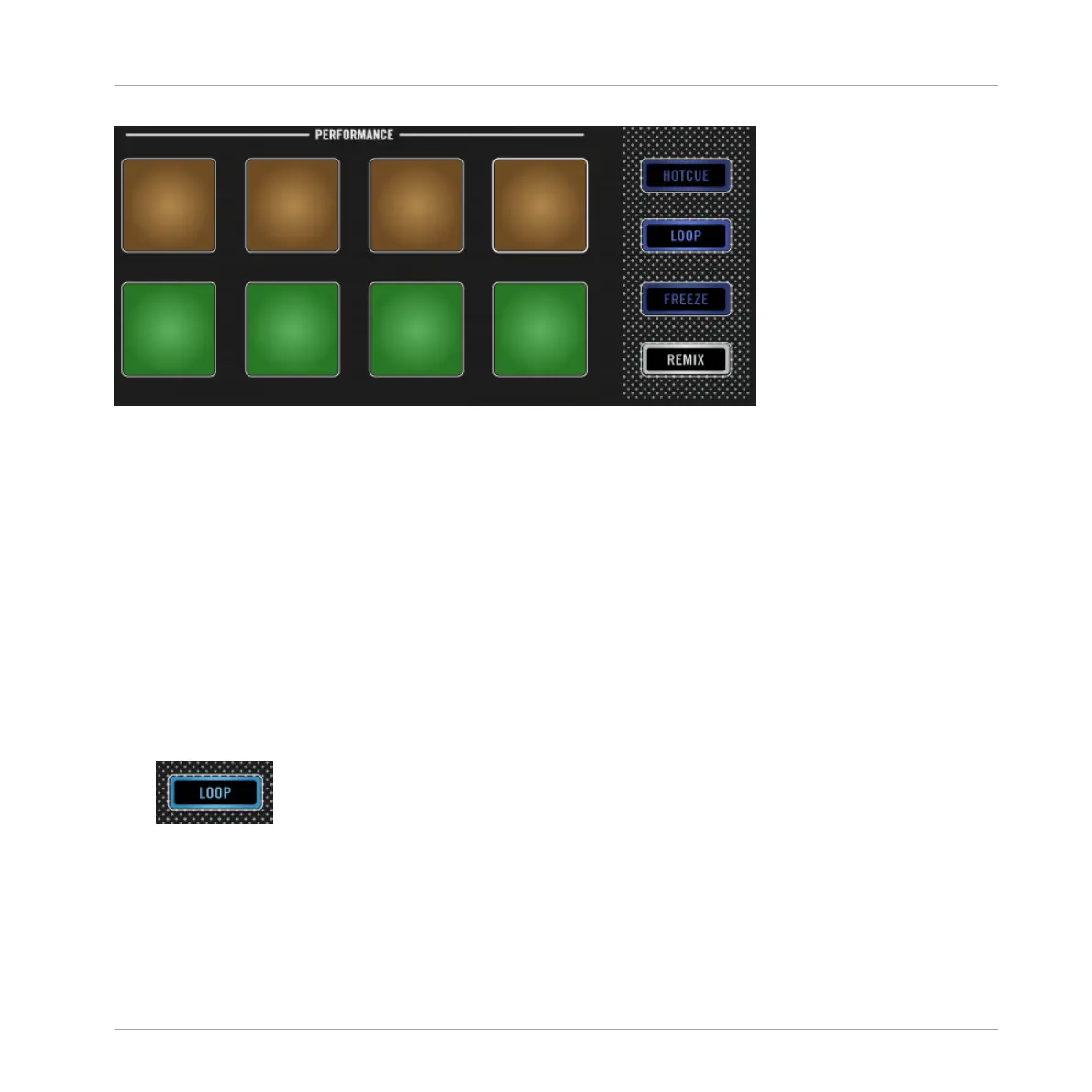
Pads illuminated in Loop Mode.
Prerequisites
We assume here that the D2 is in the following state:
• The track “Techno 1” is loaded on Deck A and is not playing.
3.3.1 Looping with Pre-defined Sizes
In LOOP mode, with the first row of pads you can engage loops with pre-defined values. By
default, these are (from left to right) 1/8, 1/4, 1/2 or 1 beat.
To engage a loop:
1. Press the PLAY button to start playback.
2. Press the LOOP button to enable LOOP mode.
The LOOP button lights up brightly and the pads also illuminate.
With a track playing and LOOP Mode enabled, you can perform the following actions:
Using Your D2—Getting Advanced
Playing with Loops in LOOP Mode
TRAKTOR KONTROL D2 - Manual - 60



 To Next Page