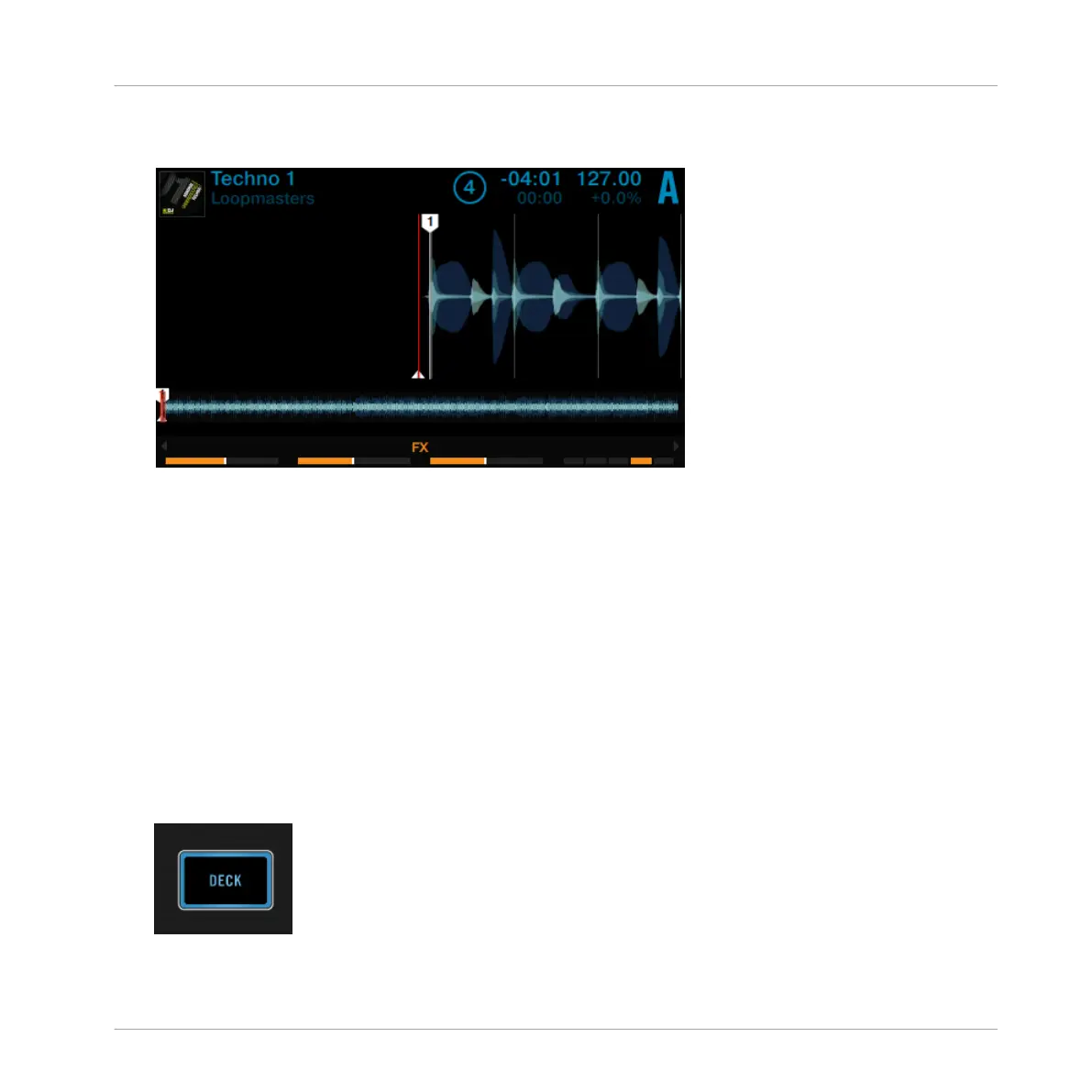
4. Press the BROWSE encoder to load the track into Deck A.
The track is loaded. Its waveform and info appear in the display.
5. Press the PLAY button to start playback. The PLAY button lights up.
→
The waveform starts moving in the display. The track is assigned to MASTER.
The track should now be audible on your mixer. If you don't hear the track, check the cable
connections and read the manual of your mixer.
2.3 Switching Deck Focus
Although you can control four TRAKTOR Decks with the D2, it is only possible to have the fo-
cus on one Deck. To access the respective other Decks, you have to switch the Deck focus.
Depending on the D2's Deck position you can either toggle between Deck A and C respectively
Deck B and D by the following action:
►
Press the DECK button.
Using Your D2—Getting Started
Switching Deck Focus
TRAKTOR KONTROL D2 - Manual - 23



 To Next Page