3 Using Your D2—Getting Advanced
3.1 Using Touch Strip
D2 doesn't feature the conventional Jog Wheel of a regular DJ controller. Functions usually as-
sociated with Jog Wheel are instead controlled by the intuitive Touch Strip. This tutorial ex-
plains how to use the Touch Strip for the following actions:
• Seek/navigate through the entire track.
• Tempo bend (nudge).
• Scratching, backspinning and holding.
Prerequisites
We assume here that the D2 is in the following state:
• The track “Techno 1” is loaded on Deck A and is not playing.
3.1.1 Using Touch Strip to Seek
Press the PLAY button.
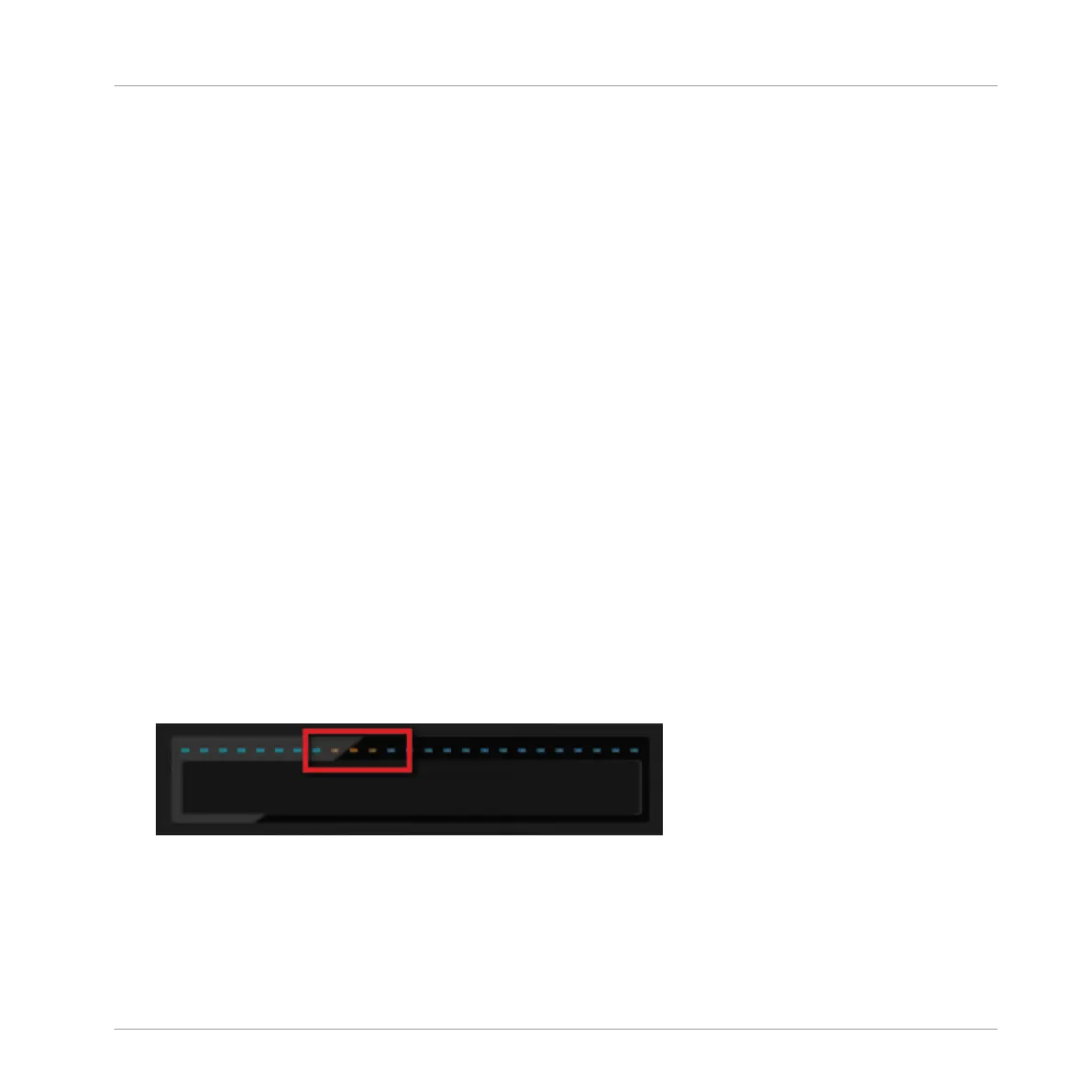
1. While holding the SHIFT button, the LED strip above the recessed touch-sensitive area
will display this:
Using Your D2—Getting Advanced
Using Touch Strip
TRAKTOR KONTROL D2 - Manual - 41



 To Next Page