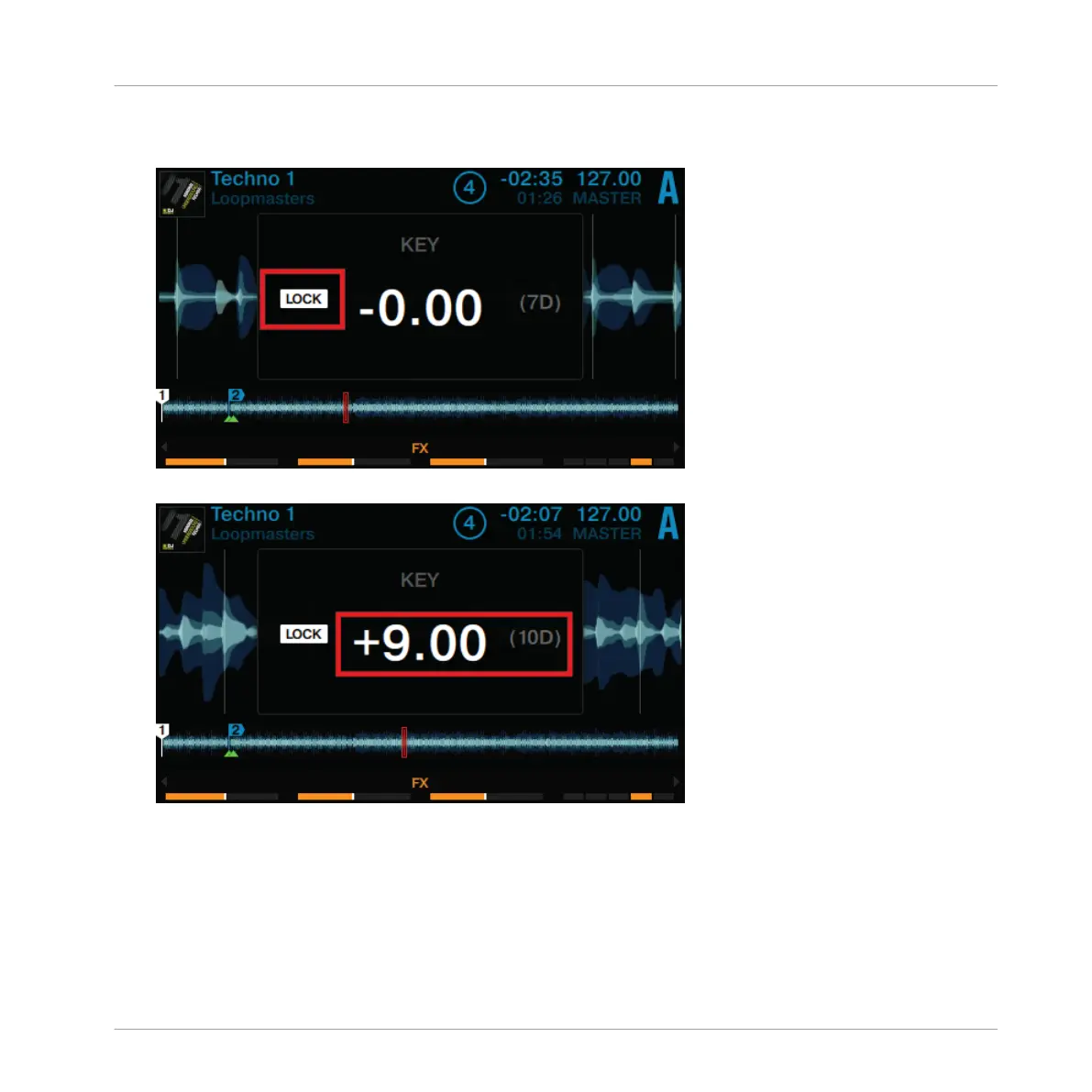
2. Press the Deck's BROWSE encoder to enable Keylock on the track. LOCK is now lit in
white.
3. Now turn the Deck's BROWSE encoder to adjust the key of the track.
4. Press the Display Button 2 again to exit the KEY window in the display.
→
You will hear that the track's key has changed, while the tempo is preserved.
Using Your D2—Getting Started
Using Keylock
TRAKTOR KONTROL D2 - Manual - 40



 To Next Page