Adjusting the Key without changing Original Tempo
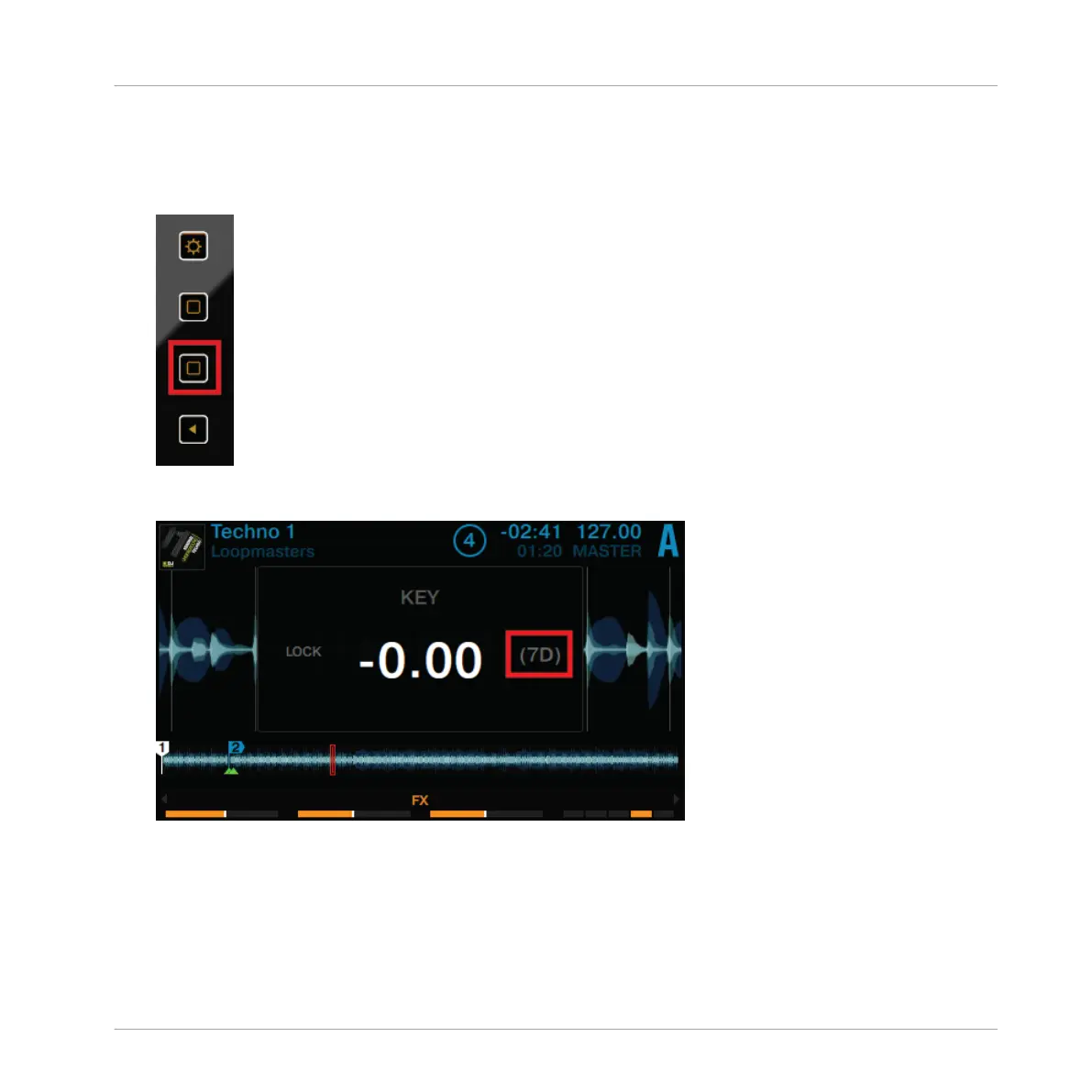
If you want to change just the key of a track without affecting its tempo, proceed as follows:
1. On a Deck, press the Display Button 2.
The KEY pop-up opens on the display. If the track has been analyzed by TRAKTOR, its key
will be displayed here.
Using Your D2—Getting Started
Using Keylock
TRAKTOR KONTROL D2 - Manual - 39



 To Next Page