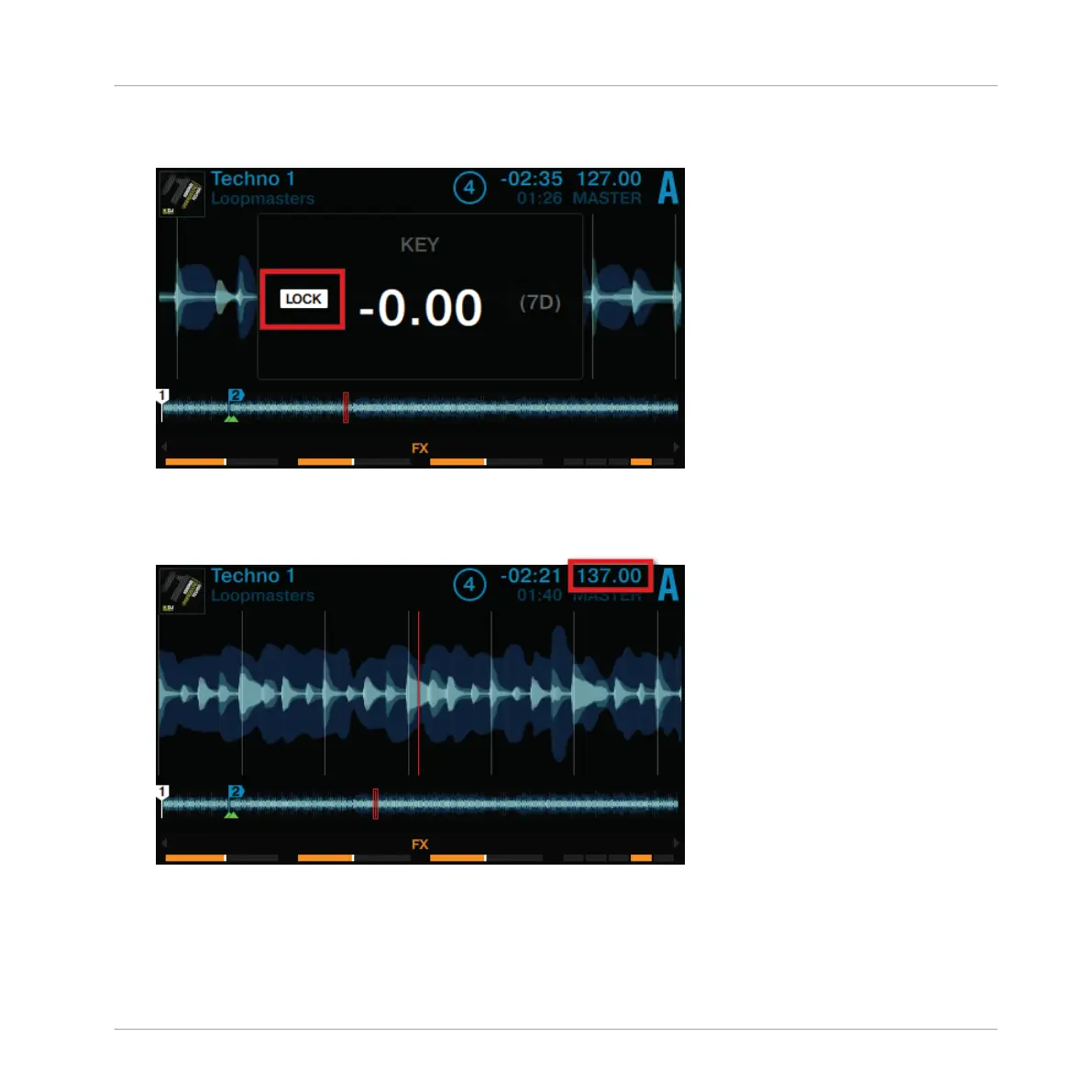
2. Press the Deck's BROWSE encoder to enable Keylock on the track. LOCK is now lit in
white.
3. Press the Display Button 2 again to exit the KEY pop-up in the display.
4.
Now press Display Button 1 to open the BPM pop-up and adjust the track's tempo by turn-
ing the BROWSE encoder.
→
You can hear the tempo change, but the track's key remains intact.
Using Your D2—Getting Started
Using Keylock
TRAKTOR KONTROL D2 - Manual - 38



 To Next Page