4.3.1 FX SELECT Button
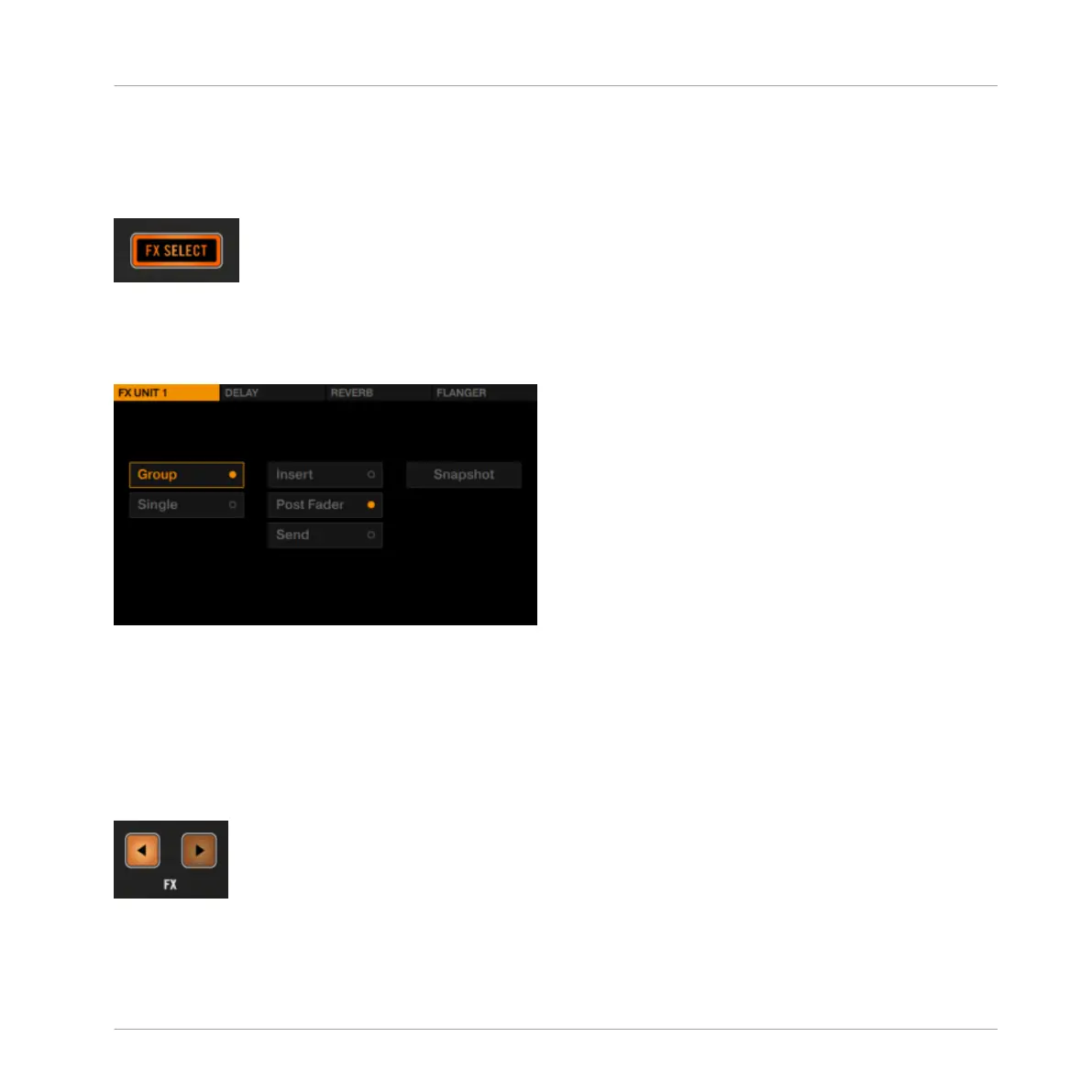
Pressing the FX SELECT button let open the FX Settings in the display.
FX SELECT Button
The FX Settings stay open until the FX SELECT button is pressed again. When disengaged, the
FX SELECT button is dim.
FX Settings of FX Unit 1
The options in these FX Settings determine how you will use the FX Unit.
4.3.2
FX Unit Assignment
In order to route a Deck's signal to an FX Unit, press the corresponding FX Assign button in the
mixer channel.
FX Assign Buttons
Hardware Reference
The FX Unit
TRAKTOR KONTROL D2 - Manual - 147



 To Next Page