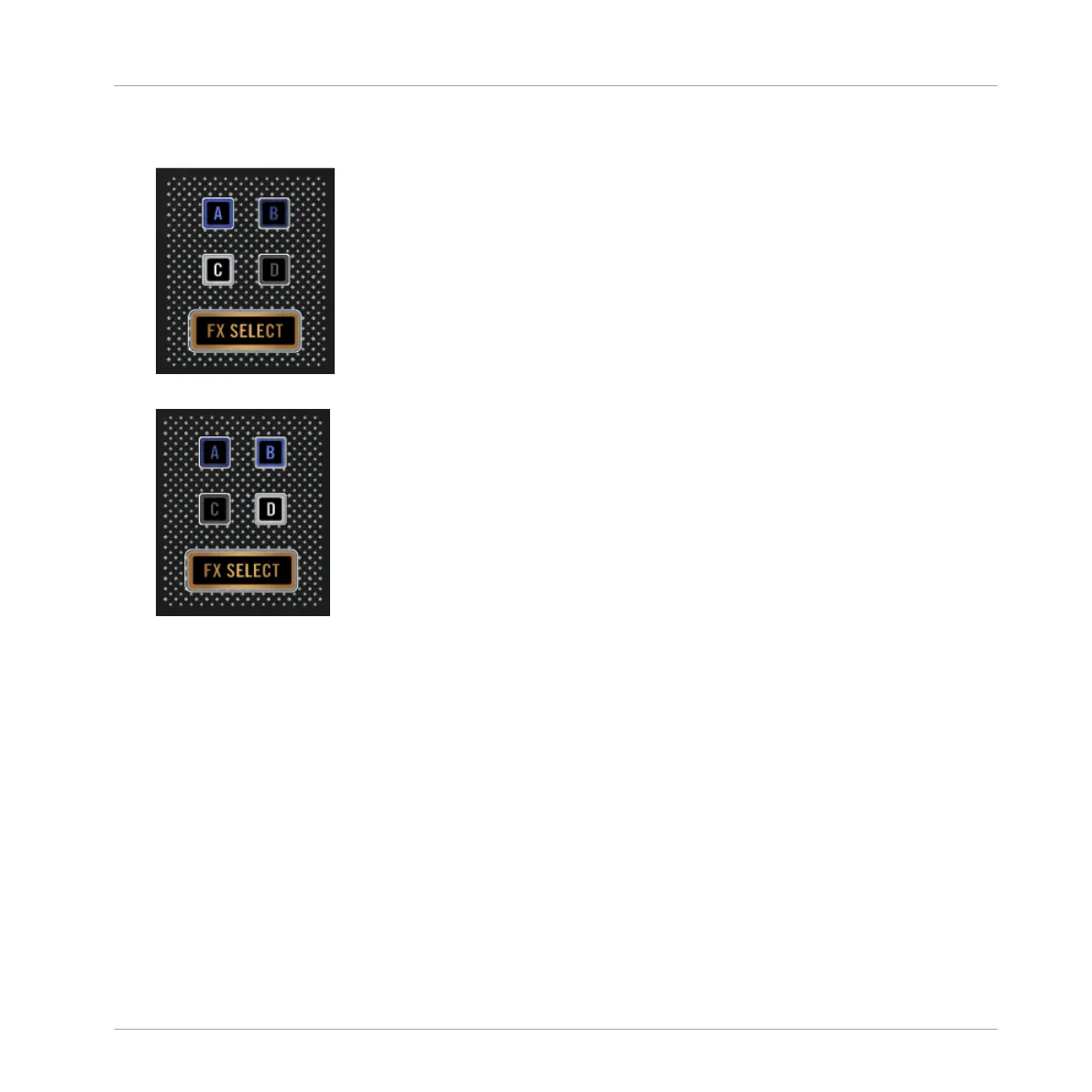
1. Hold the DECK button. The two "Deck Assign" buttons of the current Deck side lit up
brightly.
2. Press one of the dim lit Deck Assign buttons to switch to the other Deck side.
3. Release the DECK button.
2.4
Switching Deck View and Zooming
By default, the display shows only the focused Deck. This is called Single View. Additionally,
you can switch to Spilt View to show both Decks together in the display - Decks A and C on the
left side, Decks B and D on the right side. The display focused on just one Deck has the fol-
lowing appearance:
Using Your D2—Getting Started
Switching Deck View and Zooming
TRAKTOR KONTROL D2 - Manual - 26



 To Next Page