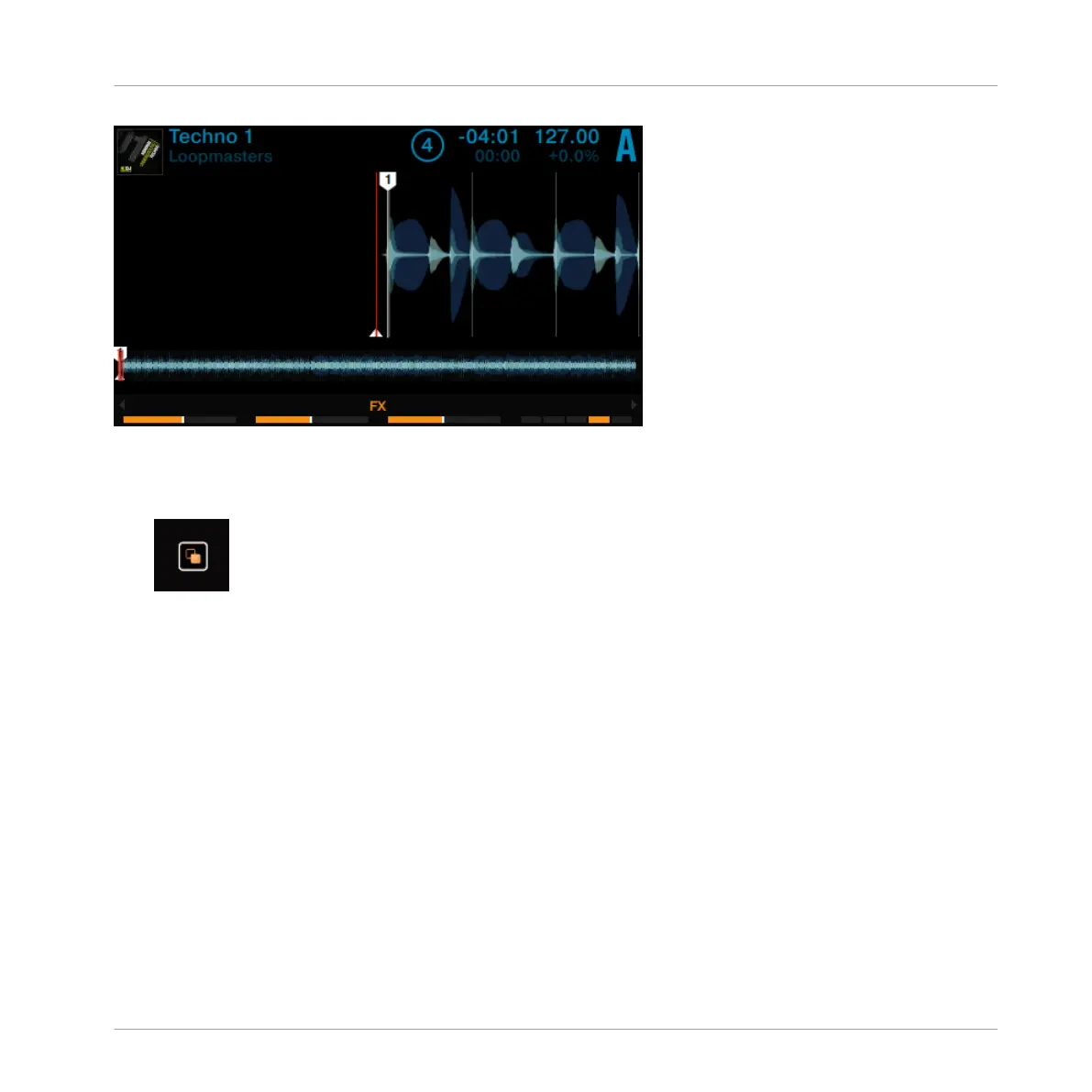
Deck A in Single View
►
Press the View button located in the top-right corner of the display area to toggle Deck
View between Single View and Split View.
→
The display now shows both Decks in Split View.
The focused Deck always acquires the majority of space in the display.
Using Your D2—Getting Started
Switching Deck View and Zooming
TRAKTOR KONTROL D2 - Manual - 27



 To Next Page