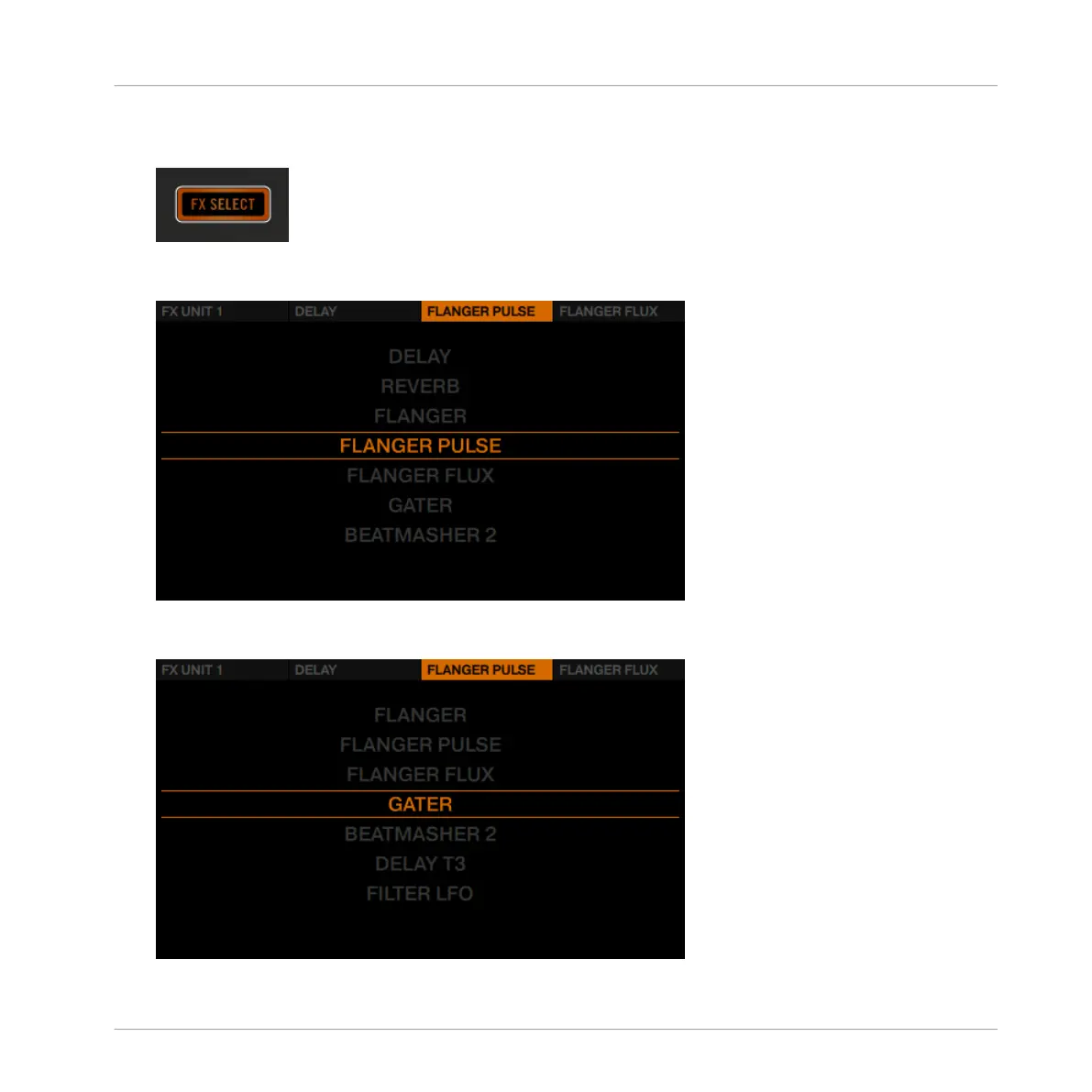
1. Press the FX SELECT button of FX Unit at the top left corner of the D2 to open the FX
Unit menu.
2. In the FX Unit menu, press FX Button 3 to exchange the effect in effects slot 2. An over-
view of available FX will be displayed.
3. Turn the BROWSE encoder to select the Gater effect and press the BROWSE encoder to
load it.
Using Your D2—Getting Advanced
Adding FX
TRAKTOR KONTROL D2 - Manual - 95



 To Next Page