►
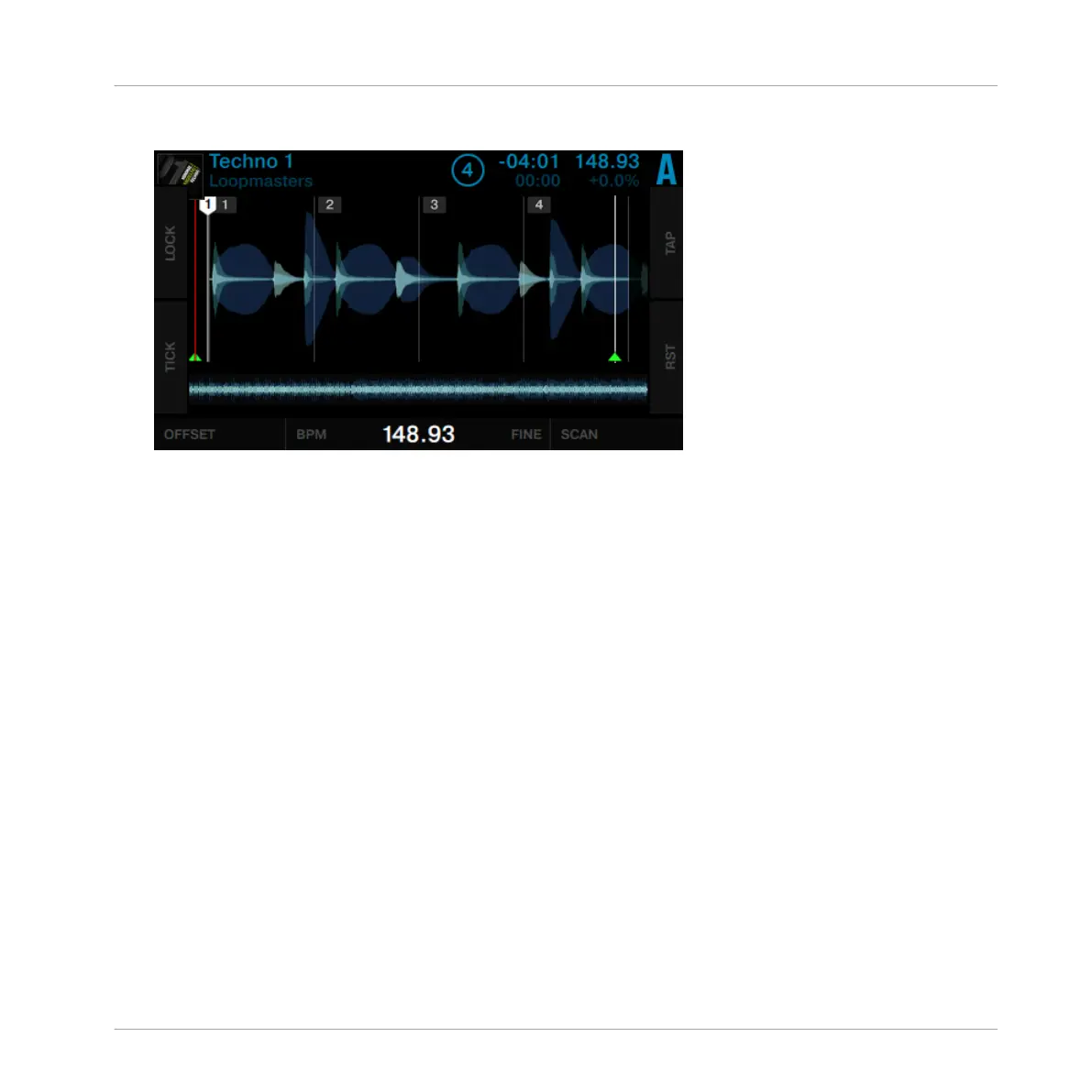
Rotate Performance knob 3 (FINE) to fine-adjust the BPM value.
►
Press SHIFT and turn Performance knob 2 (BPM) to double or halve the current BPM val-
ue.
►
Rotate Performance knob 4 (SCAN) to scroll through the track. Check if the Beatgrid stays
aligned over the course of the track.
Position Aware Beatgrid Tempo Adjustment
Performance knobs 3 and 4 (BPM) are scaled based on the viewing position of Beatgrid mode
so that adjustments made far away from the Beatmarker don’t result in abrupt changes to the
waveform position. For example, if you are near the Beatmarker at the start of a track and
change the tempo of the Beatgrid, you will see the waveform move under the Beatgrid by a
particular amount. If you then scan later into the track, adjusting the tempo will create a simi-
lar amount of motion on the waveform (rather than a large amount of motion) thus allowing for
precise setting of the Beatgrid tempo over the length of the track.
Beatgrid Zoom Mode
To set the position of the Beatgrid with greater precision you can use the Beatgrid Zoom Mode:
Using Your D2—Getting Advanced
Working with Beatgrids
TRAKTOR KONTROL D2 - Manual - 112



 To Next Page