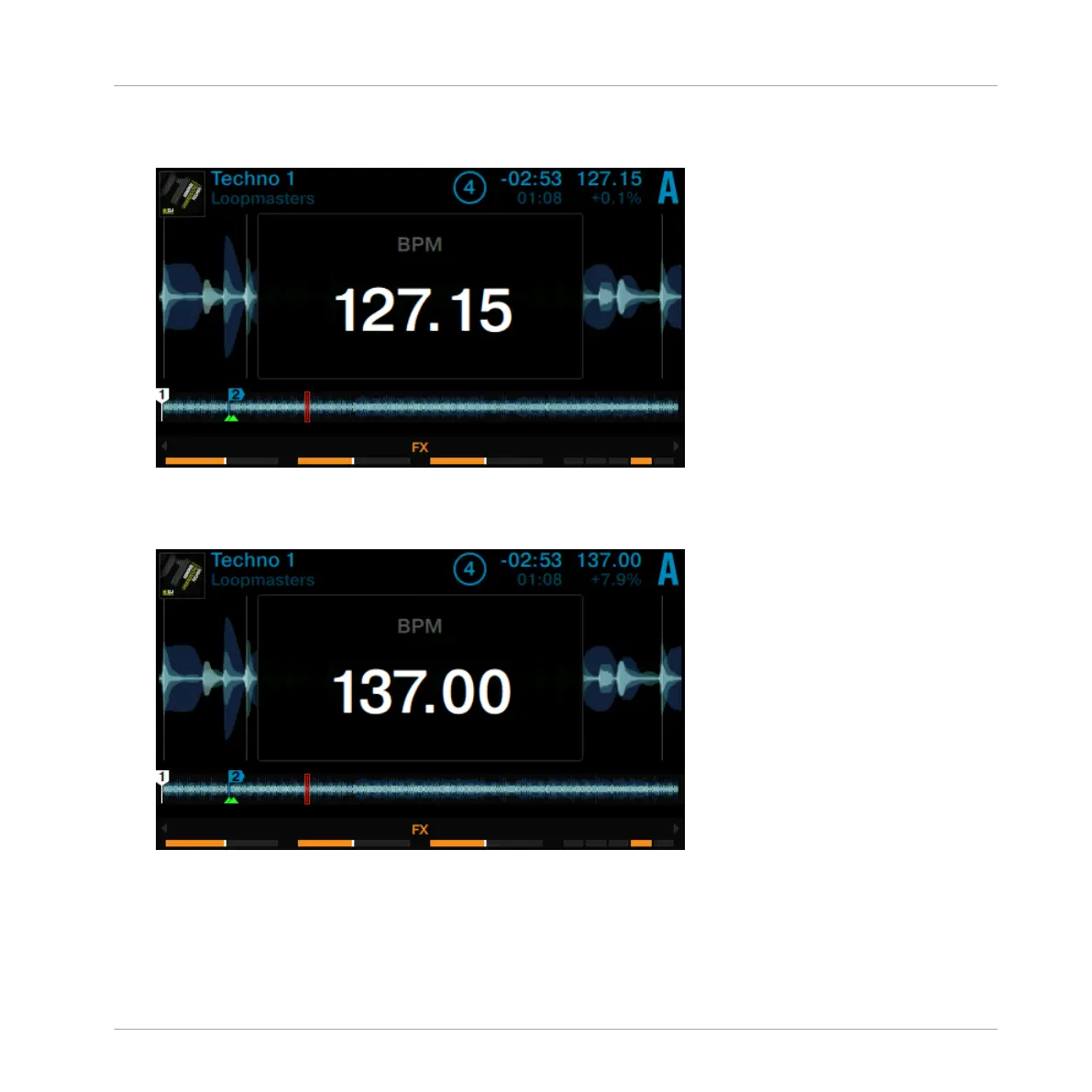
2. Turn the BROWSE encoder clockwise to increase the tempo; turn the BROWSE encoder
counterclockwise to decrease the tempo.
3. Hold the SHIFT button + turn the BROWSE encoder clockwise to increase the tempo in
whole steps; turn the BROWSE encoder counterclockwise to decrease the tempo in whole
steps.
4. Press the Display Button 1 again or press the View Button to close the BMP pop-up.
→
The Deck-specific tempo has changed.
If the Deck is assigned as the MASTER, tempo adjustments made with the BROWSE encoder will
also be applied to any other Deck with their SYNC button activated.
Using Your D2—Getting Started
Adjusting Deck-specific tempo
TRAKTOR KONTROL D2 - Manual - 35



 To Next Page