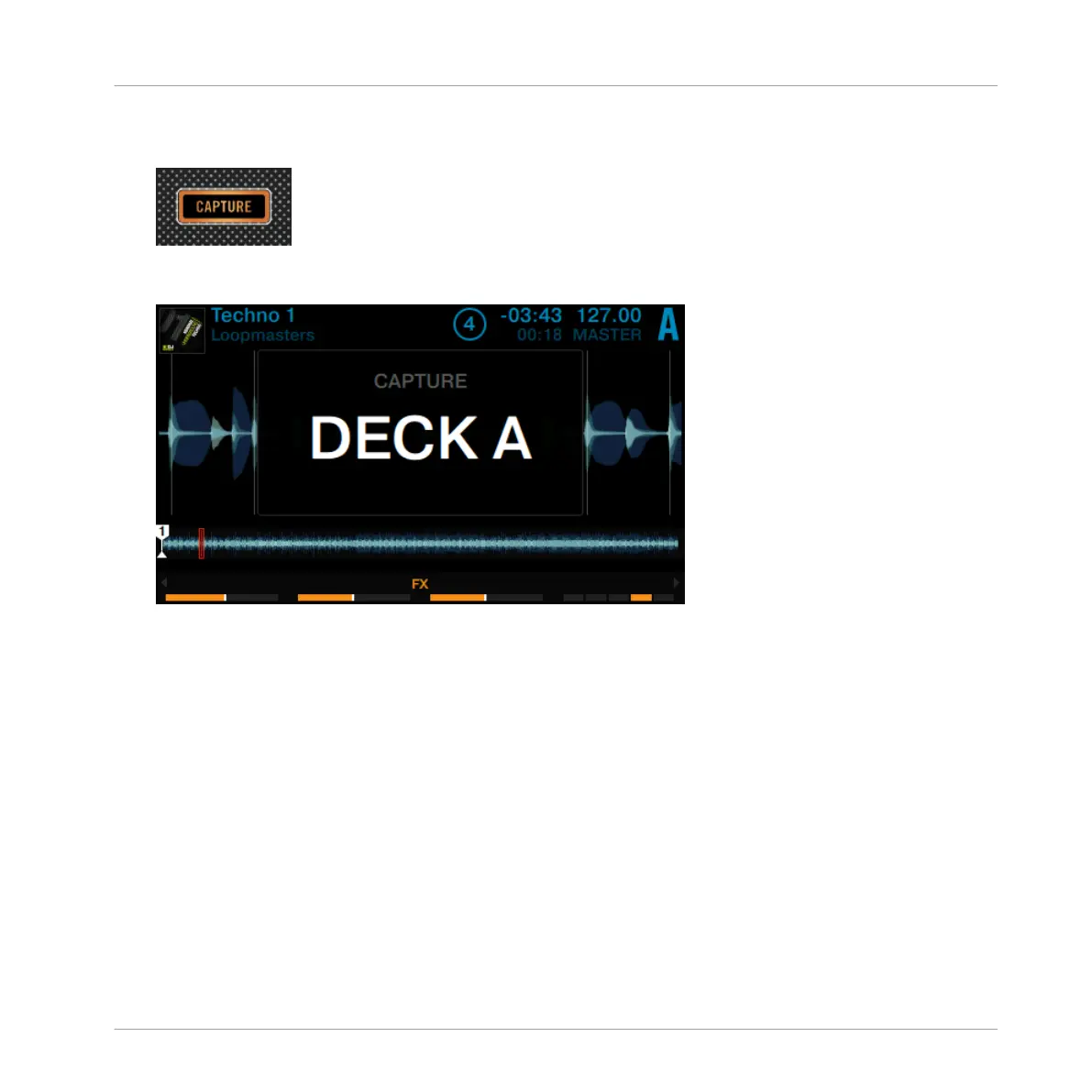
2. Hold the CAPTURE button. The LED ring around the Loop encoder starts to lit alternating
in white and blue.
3. While holding CAPTURE, touch the Loop encoder to let the CAPTURE window pop-up and
turn the Loop encoder to select the capture Source "DECK A".
4. Release the Loop encoder to close the CAPTURE window and release the CAPTURE button.
Using Your D2—Getting Advanced
Capturing Samples from Track Decks (Using Remix Mode)
TRAKTOR KONTROL D2 - Manual - 84



 To Next Page