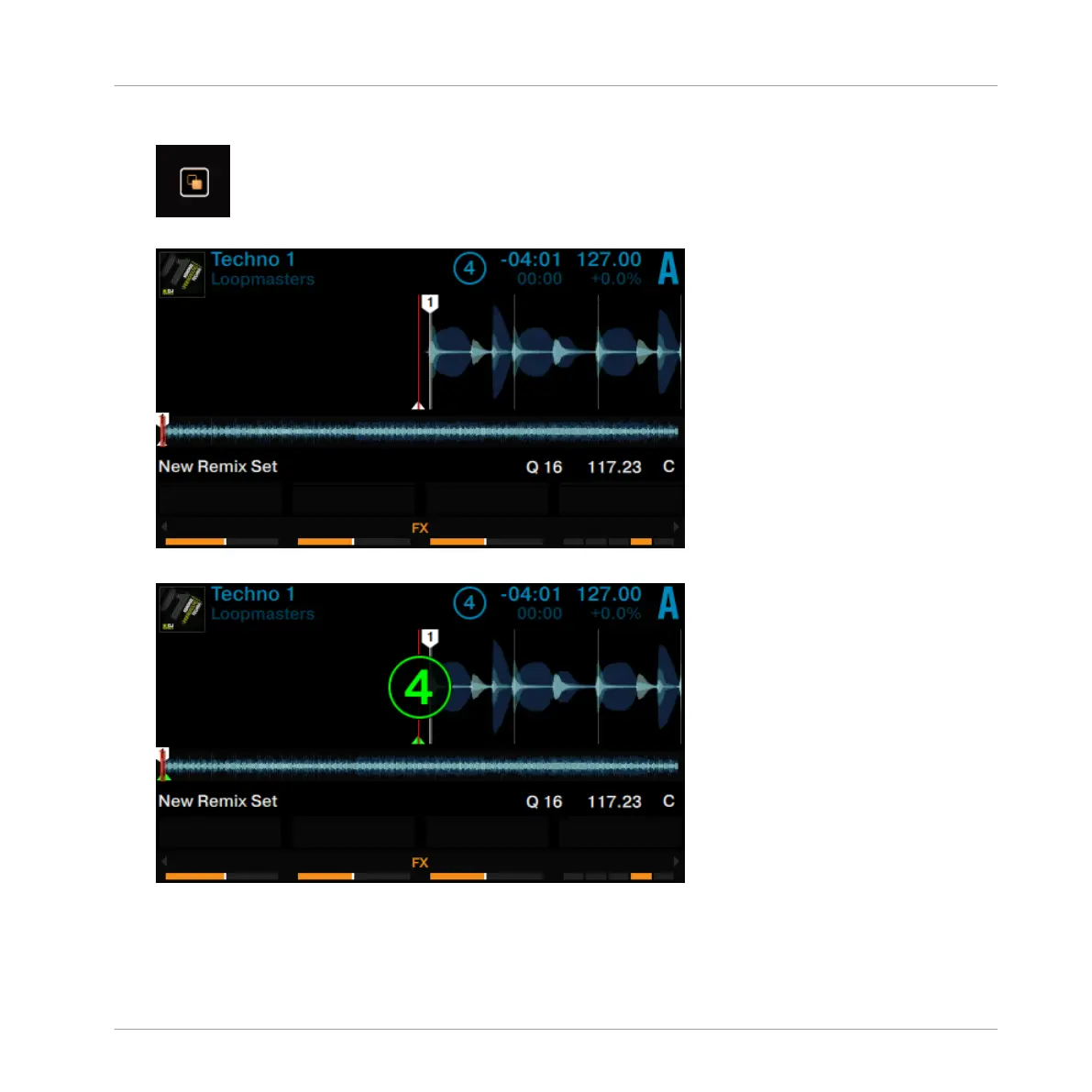
6. Press the View button to switch to Split View.
Both Decks A and C are shown in the display.
7. Turn the Loop encoder to define the capture size.
8. On Deck A press the PLAY button to start playback.
9. Press one of the unlit pads to capture a Sample from the current playback position.
Using Your D2—Getting Advanced
Capturing Samples from Track Decks (Using Remix Mode)
TRAKTOR KONTROL D2 - Manual - 86



 To Next Page