►
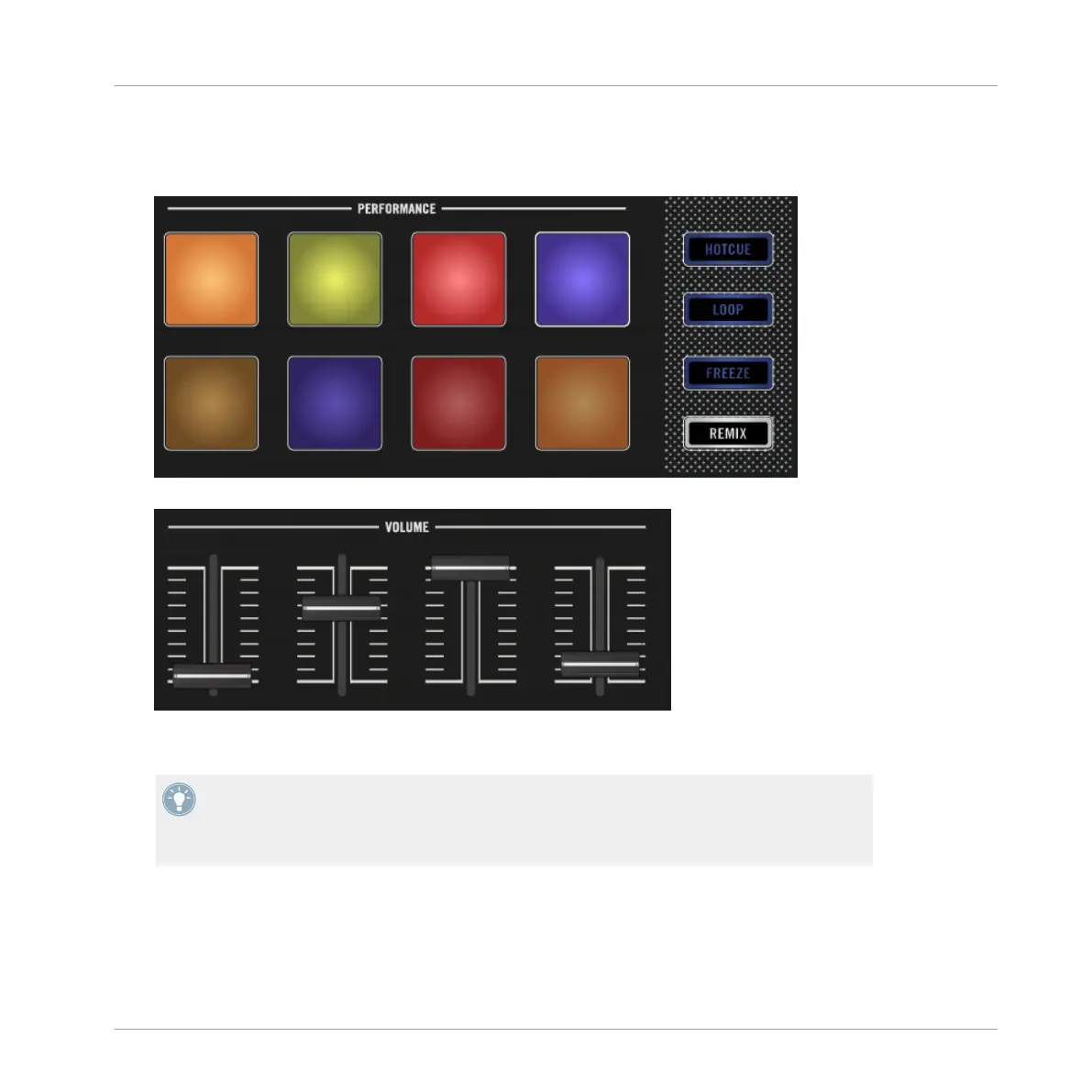
Press the illuminated pads to trigger playback. The Samples are now being mixed with
the track playing in deck A. The Samples will continue to loop within their Remix Slot.
Move the Slot Volume Faders above the pads to smoothly fade the Sample out or in.
►
Hold the SHIFT button and press the illuminated pad to stop playing.
You can save a new Remix Set by clicking on the corresponding Deck letter in the TRAK-
TOR software and selecting Save Remix Set. Rename the set by clicking on the Deck head-
er where New Remix Set is displayed. Saved Remix Sets will be added to: BROWSER>TRACK
COLLECTION>ALL REMIXSETS.
Using Your D2—Getting Advanced
Capturing Samples from Track Decks (Using Remix Mode)
TRAKTOR KONTROL D2 - Manual - 89



 To Next Page