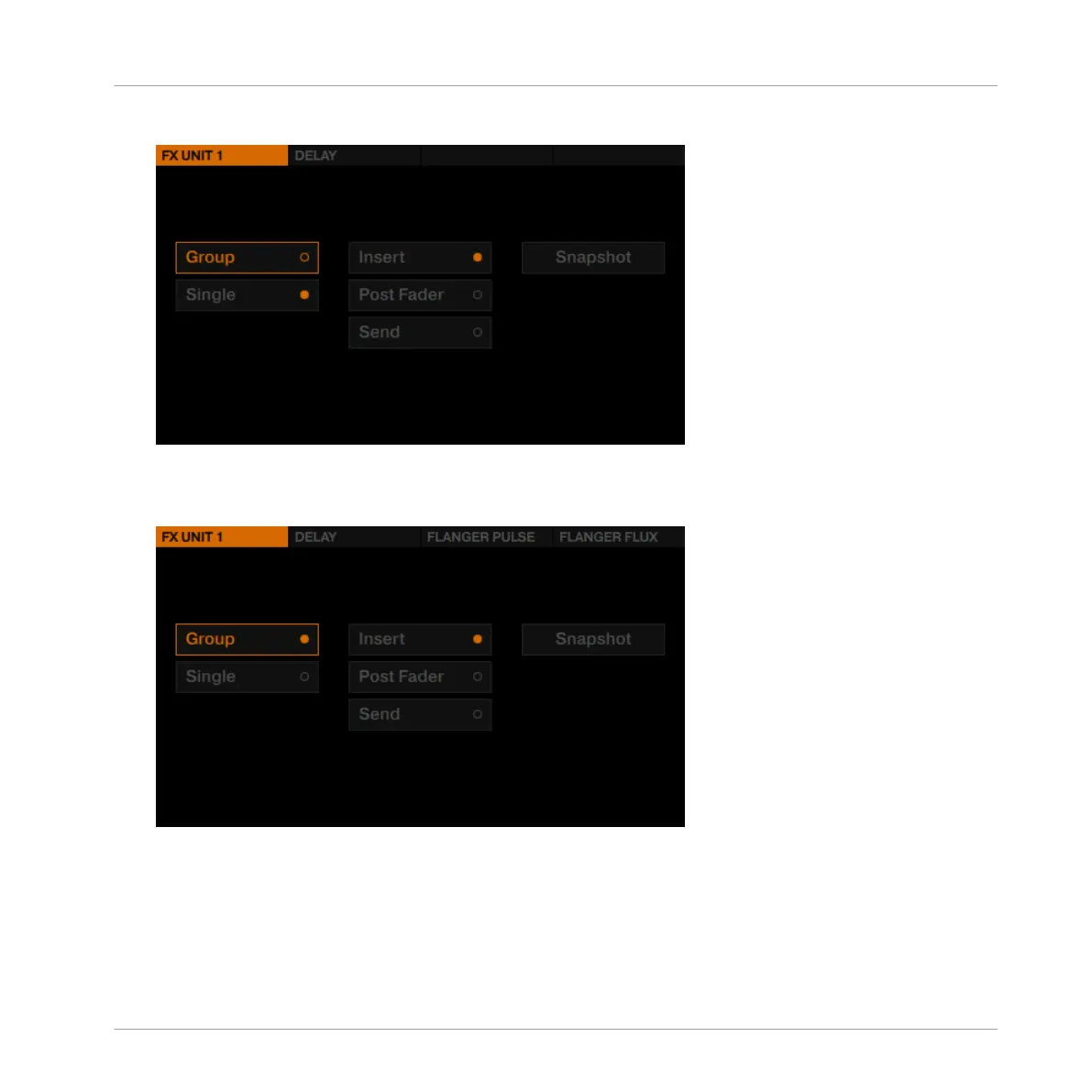
2. Press the FX Button 1 to display the FX Unit 1 options.
3.
Turn the BROWSE encoder to select Group, and press the BROWSE encoder to enable
Group FX mode. Three default effects are loaded into the Group FX and the FX Unit is set
up as Insert.
4. Press the FX SELECT button again to exit the FX Unit menu.
Apply the Group FX to the Track
As soon you set up your Group FX, activate the effects slots with the FX buttons and control
one parameter of each effect with the FX knobs:
Using Your D2—Getting Advanced
Adding FX
TRAKTOR KONTROL D2 - Manual - 92



 To Next Page