Wireless Travel Router 35Wireless Travel Router 35
3. CLIENT MODE
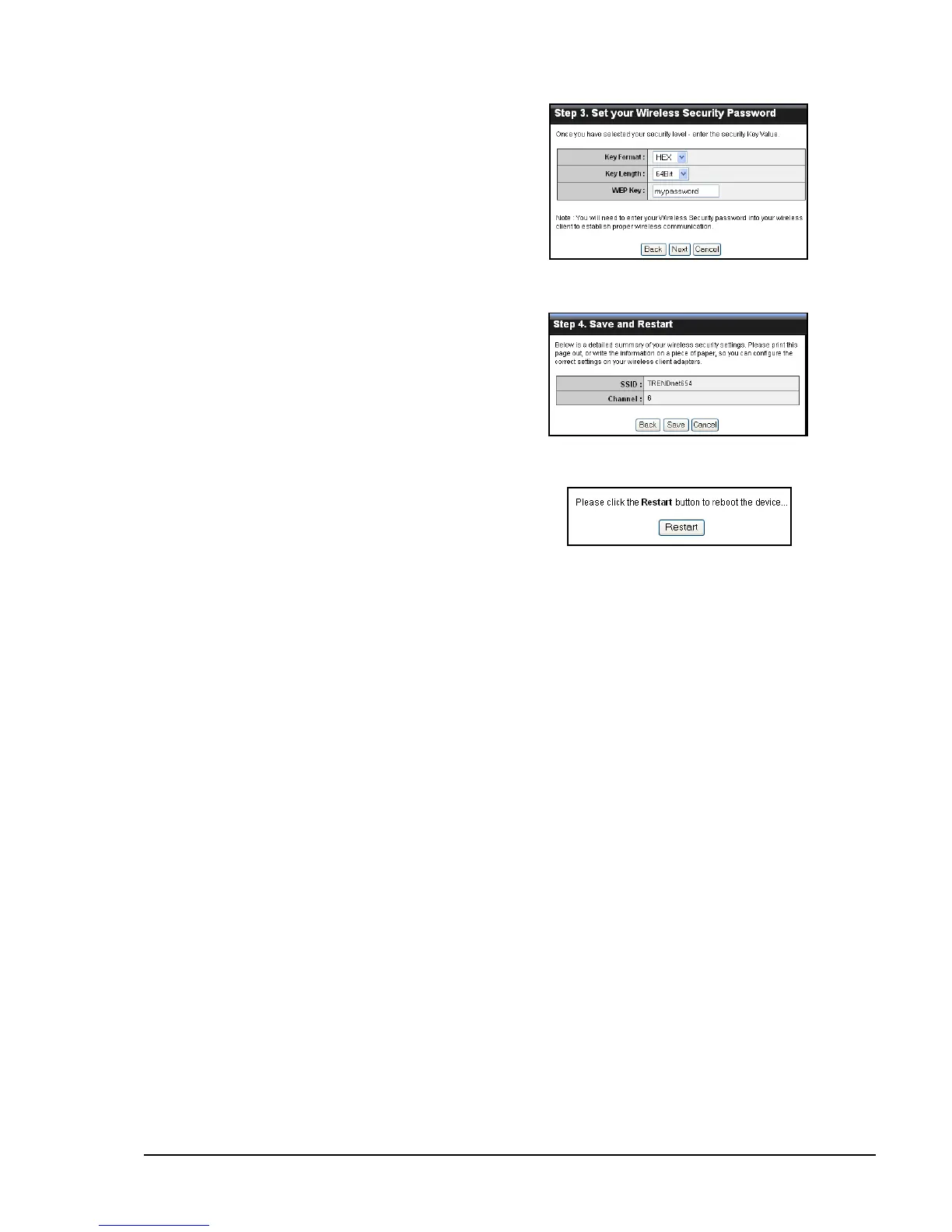
5 The wireless security setting is displayed.
Take note of the information then click
Save.
The information shown varies depending
on the selected security level.
6 Click Restart to reboot the access point
and the device.
If you select Good...
Select the Key Format and Key Length.
Enter the WEP Key, then click Next to
continue.















 To Next Page