36 Juno Series Handhelds User Guide
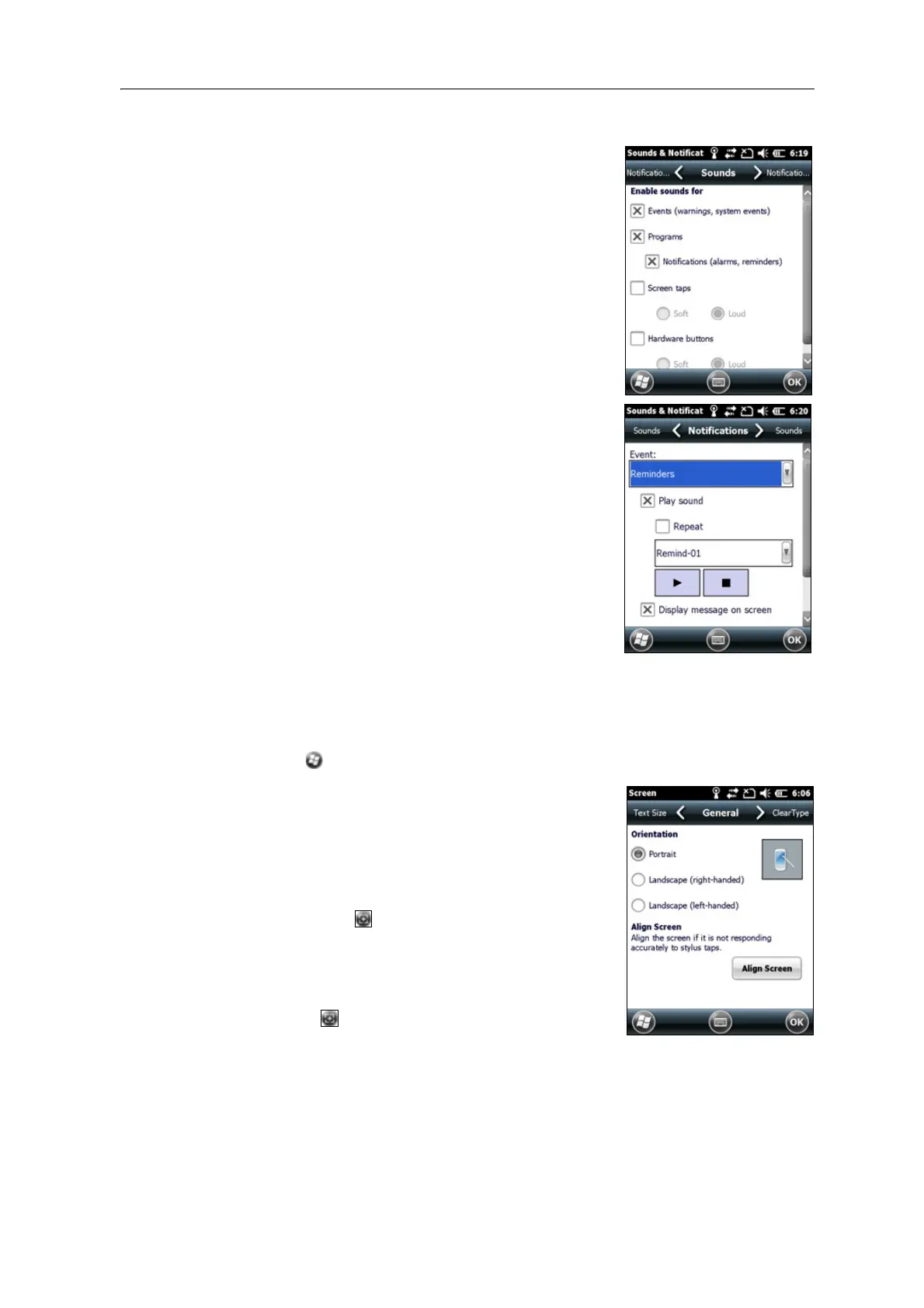
To turn on or turn off sounds:
1. Tap the So
unds tab.
2. Select or clear the check boxes to enable or disable
cat
egories of sounds.
3. If you select the Sc
reen taps or Hardware buttons
check boxes, select the Soft or Loud option to
control the volume of the sounds.
4. Tap OK.
You can use predefined schemes to customize sounds, or
y
ou can create your own sound schemes.
To specify a sound scheme:
1. Tap the No
tifications tab.
2. From the Ev
ent drop-down list, select an event.
3. Select the type of notification you want to receive
for t
hat event.
4. Tap
OK.
Screen
Use the Screen control to align the touch screen or to change the appearance of text on
th
e screen. To open the Screen control:
• Tap / Settings / System / Screen.
To change the screen settings:
1. Tap the Ge
neral tab.
2. To change the orientation of the screen, select an
op
tion in the Orientation group.
3. To start the alignment sequence for the touch
scr
een, tap
Align Screen.
4. Tap
OK.
Note – To align the screen at any time, press and hold the
Power button for 1 second until the Power menu appears
and then tap .
Using ClearType font smoothing can make text easier to
r
ead on the screen.
Note – ClearT
ype is already on by default on the Juno series handheld.



 To Next Page