Juno Series Handhelds User Guide 61
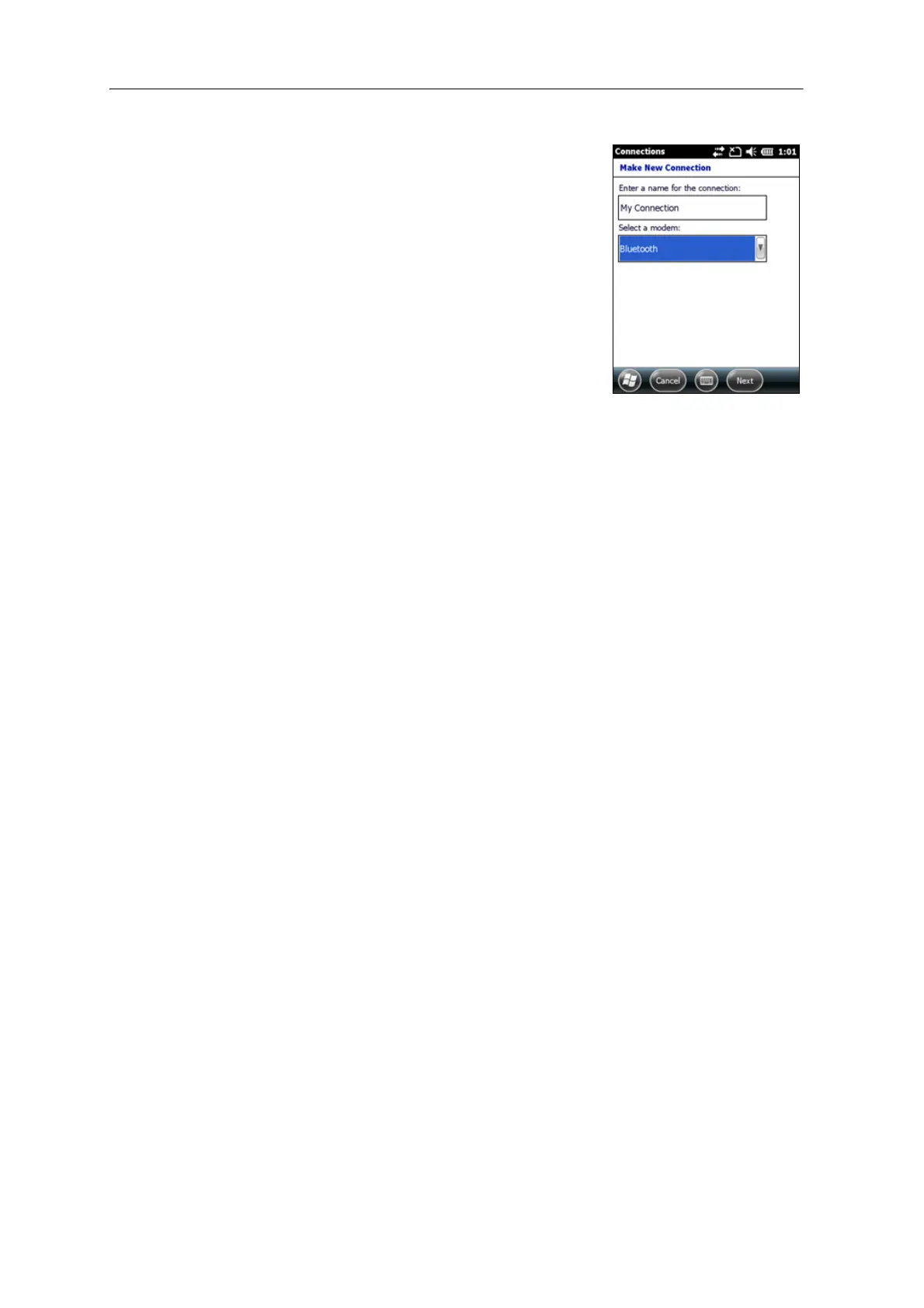
4. Enter the name for the connection. For example,
enter the name of the phone or the VRS network
that you will connect to.
5. From the Se
lect a Modem drop-down list, select
Bluetooth and then tap
Next.
6. If the phone you want to connect to is:
– listed, go to Step 7 below.
– not listed:
a. Tap Ad
d new device. The handheld
searches for other Bluetooth devices and
displays them in the list.
If the handheld’s integrated Bluetooth radio is turned off, it is now
automati
cally turned on.
b. From the list of available devices, select the device you want to connect
to
and then tap
Next.
c. To pair with the phone, enter a passcode of your choice that you will
eas
ily remember onto the handheld and then tap
Next.
d. When prompted by the phone, enter the same password and then
acce
pt the connection.
e. On the Juno series handheld, tap Ad
vanced to open the Partnership
Settings screen. Make sure that Dialup Networking (DUN) is selected
and then tap
Save.
You have now created a partnership between the Juno series handheld and
t
he phone so that they can communicate.
7. From the My
Connections list, select the phone that you want to configure the
connection to.
8. Enter the GPRS access number for the Internet.
Two of the common GPRS access numbers for cellular phones on GSM
n
etworks are *99***1# and *99#. If these access numbers do not work, contact
the cellular phone provider to obtain the appropriate number to use.
Note – Y
ou do not need to set up dialling rules or change the Internet connection settings
on the phone. The connection settings you enter on the handheld are passed to the phone
to use for this connection.
9. Tap
Next.



 To Next Page