82
16. Maintenance
Restore
To restore the KVM switch using a backup file:
1. Click on the Browse button to the right of the filename field and select the backup file.
2. If you set up a password when creating the backup file, enter it in the Password field.
3. Select as many options you wish to restore, then click the Restore button. Once complete, a message will appear stating the procedure
succeeded.
16.4 Ping
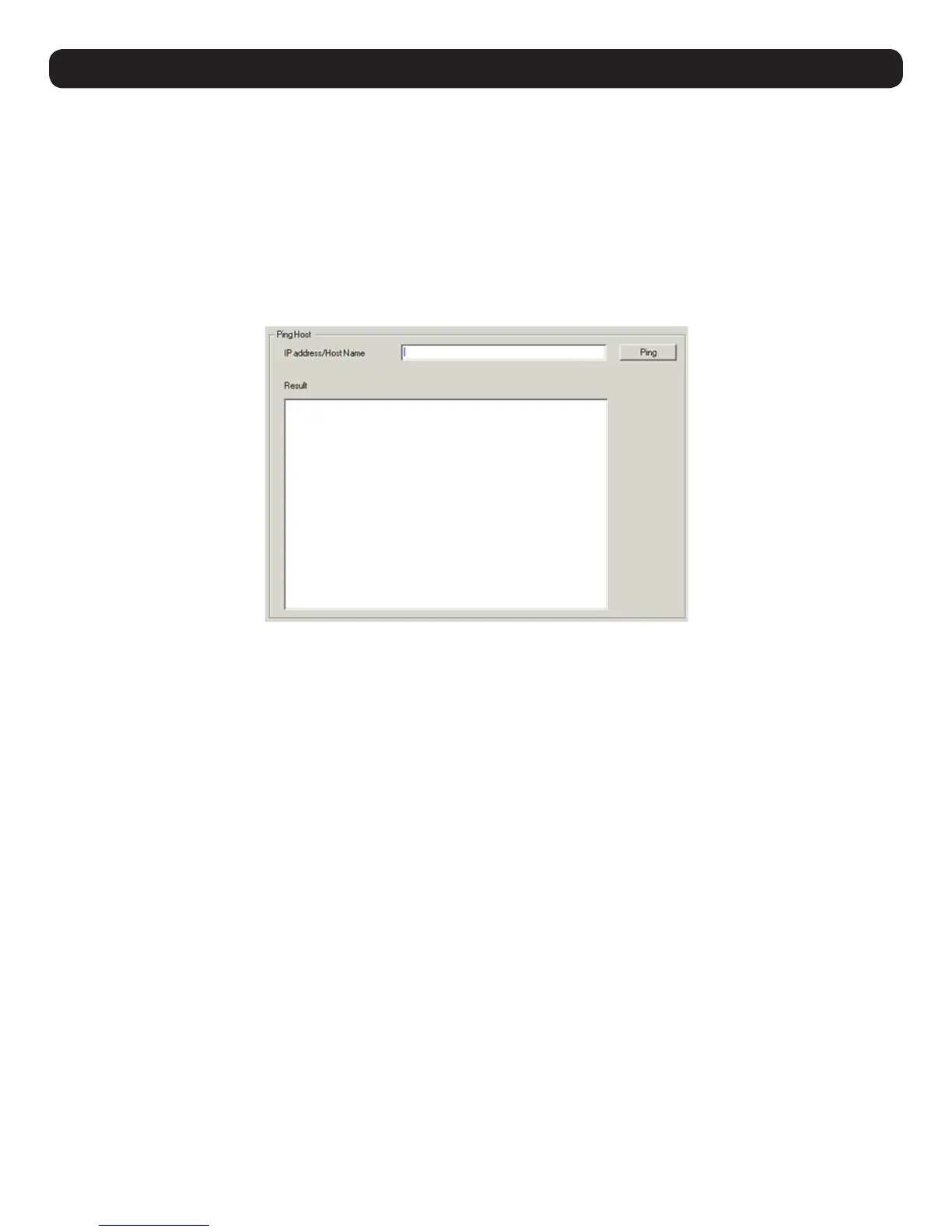
The Ping menu item checks the network status of devices on the B030-008-17-IP installation:
To ping a device:
1. Enter the device’s IP Address or Host Name into the text entry box.
2. Click Ping. The ping results display in the Result panel.


 To Next Page
 Loading...