Section D
86
Interval HRC
Heart Rate Control Stage (Continued)
The treadmill will gradually continue to increase your work load until your heart rate
reaches your selected target.
When your heart rate is at the selected target, the Message Center will read:
AT TARGET
It will then change to:
WORK INT XX:XX
The time will decrease from the work interval time you entered.
When you reach 0, it will give three audible signals and the Message Center will read:
REST INT XX:XX
The time will decrease from the rest interval time you entered.
As your heart rate increases or decreases from your target, the treadmill will automatically
make the adjustments to speed and grade to keep your heart rate at your selected target
while you are in the work interval.
NOTE:
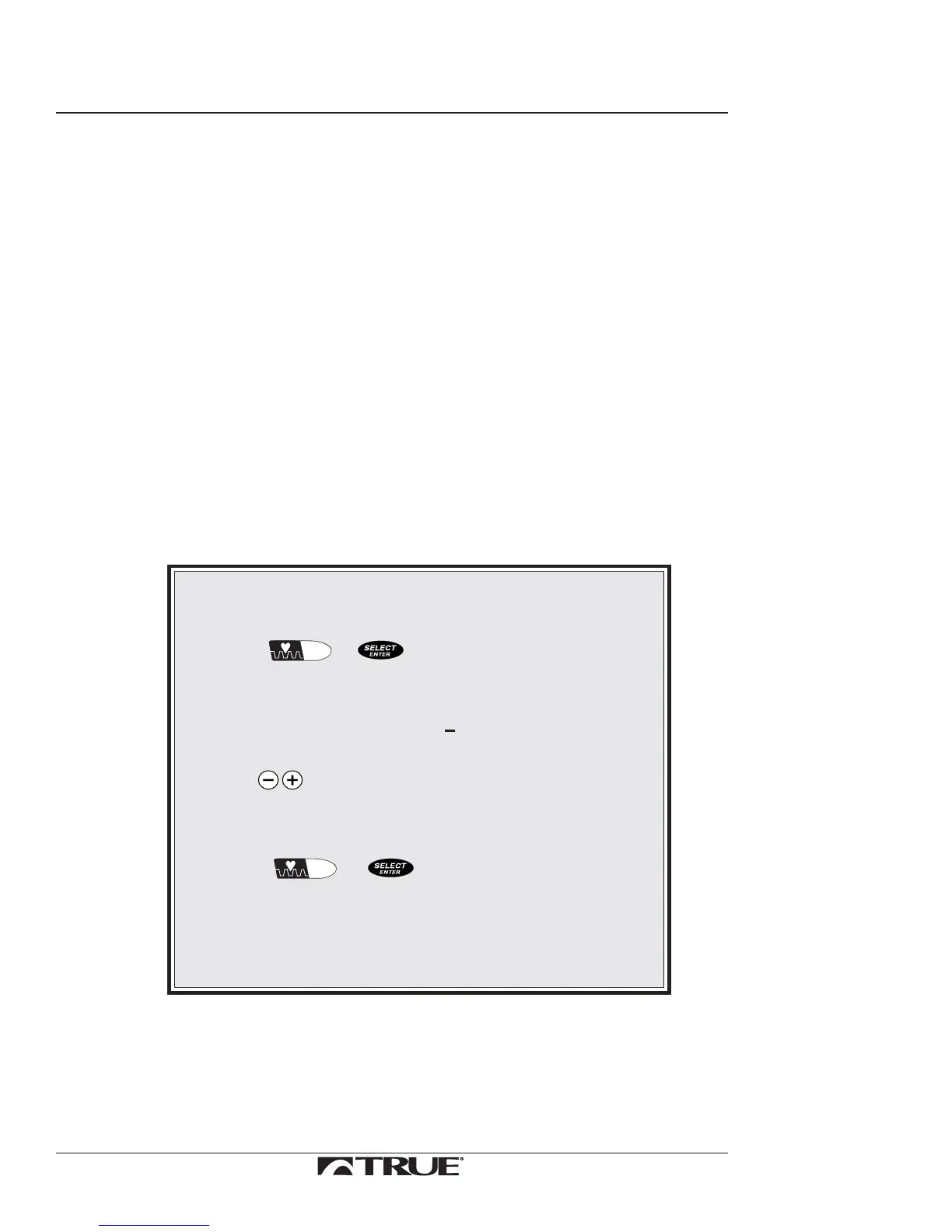
To edit your selected target heart rate during Heart Rate
Control Stage:
1. Press
INTERVAL
HRC
or .
The following messages will repeat themselves in
the Message Center one at a time:
TARGET XXX
ADJUST TARGET +
2. Use to edit heart rate.
Only five beat changes are permitted when editing
the target down.
3. Press
INTERVAL
HRC
or to set the new target heart rate.
The treadmill will now adjust the workload to
bring you to your new target.
Do this only while display is flashing or the software may exit
you from Heart Rate Control Stage.
Continued on Next Page



 To Next Page