Section D
76
Target HRC
Heart Rate Control Stage Instructions (Continued)
NOTE:
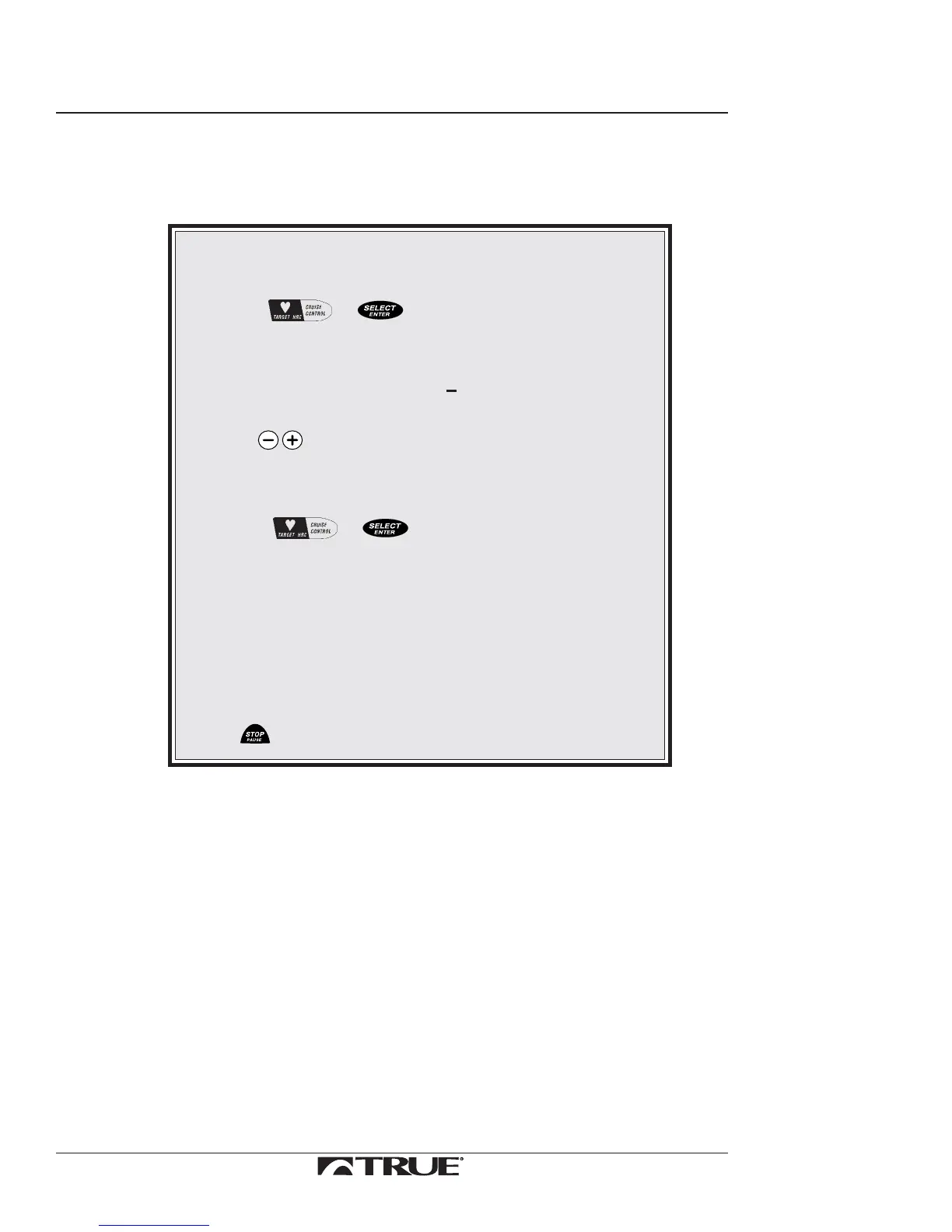
To edit your selected target heart rate during Heart Rate
Control Stage:
1. Press or .
The following messages will repeat themselves in
the Message Center one at a time:
TARGET XXX
ADJUST TARGET +
2. Use to edit heart rate.
Only five beat changes are permitted when editing
the target down.
3. Press or to set the new target heart rate.
The treadmill will now adjust the workload to
bring you to your new target.
Do this only while display is flashing or the software may exit
you from Heart Rate Control Stage.
NOTE:
To end your workout before the time you previously selected
press .
The Heart Rate Control Stage will end when the preset time has elapsed.
Cool Down Stage
The computer will give an audible signal when you enter the Cool Down Stage. It will also
display your accumulated average heart rate, distance, calories, and time.
There will be an immediate 50% MET reduction in your workload. The treadmill now
operates in the manual mode. The time will reset to 00:00 and begin to ascend. You will be
in control of speed and grade changes.
It is recommended that you spend an equal amount of time in the Cool Down Stage as you
did in the Warm-up Stage, or a minimum of at least two minutes.
Continued on Next Page



 To Next Page