Page 53 of 83 Pages
6.7.3 Print Test
This subdirectory enables the operator to test the printer.
When pressing START/STOP key on the Printer Test item the
printer will print out the following print out:
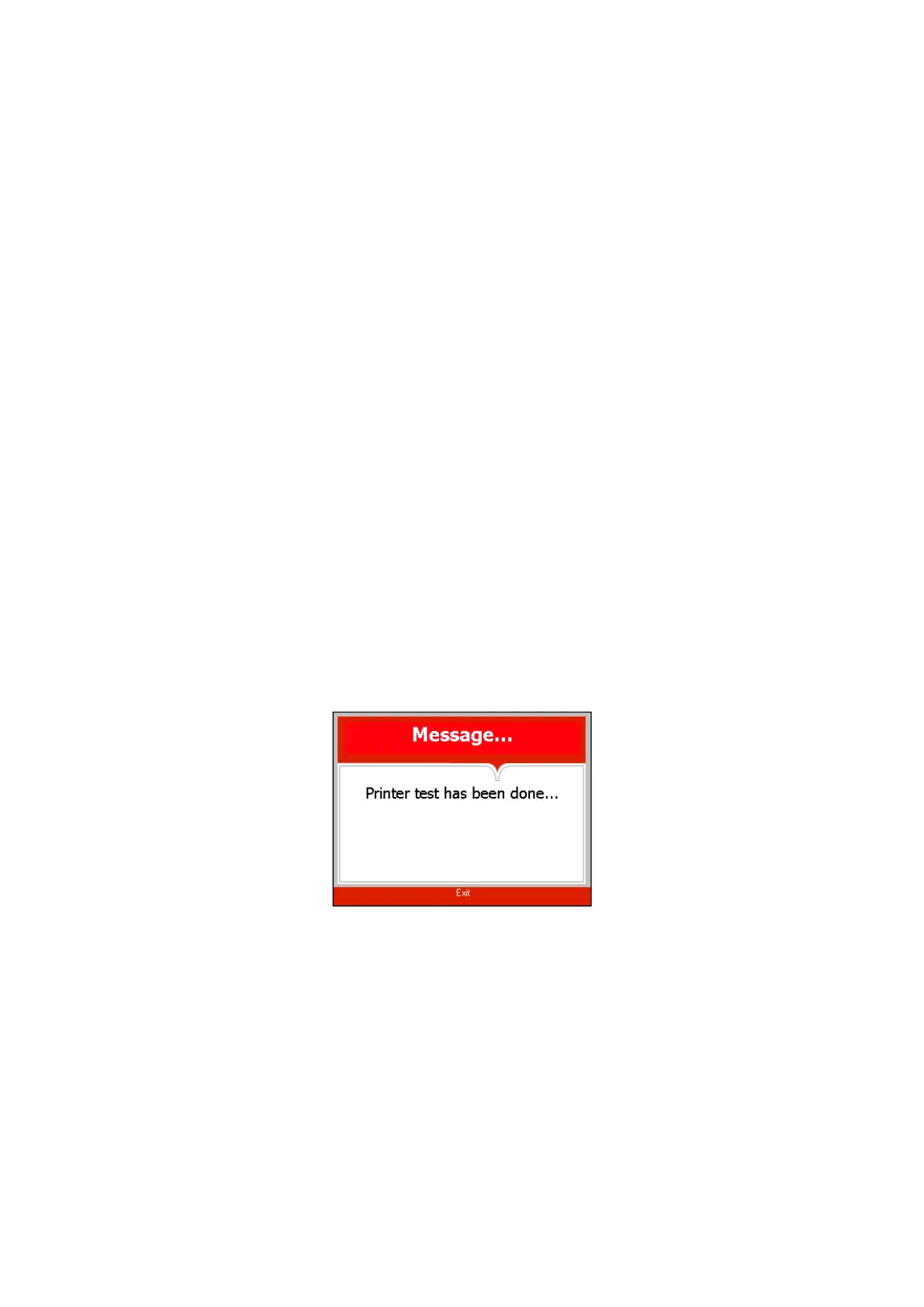
And the following screen will be displayed.
In order to exit this screen and return to MAINTENANCE
directory press START/STOP key.
In order to exit the MAINTENANCE directory follows one of
the next:
Move the cursor to Exit with the UP or DOWN keys and
select it by pressing the
START/STOP key.
Press the UP and DOWN keys simultaneously
Cycle errors:
None
Canceled By User
Door is open
Analog Input Error
I/O Card Failed
Power Down
Invalid Parameter Value
No Water
Heat Time Error
Vacuum Time Error
Pressure Time Error
Heat Time Error (Keep)
Heat Time Error
Low Pressure
High Pressure
Low Temp
High Temp
Time Error
Low Pressure (Cooling)
High Temp. (Cooling)
High Pressure (Exhaust)
High Pressure (Dry)
High Pressure (Ending)
Air Error
High Temp. (Ending)
Error Open Door
Error Close Door
Accessory Timeout








 To Next Page