Page 54 of 83 Pages
6.7.4 Print All Gain and Offset
This subdirectory enables the operator to print all the gain and
offset values.
When pressing START/STOP key on the Print all gain and
offset item the printer will print out the following:
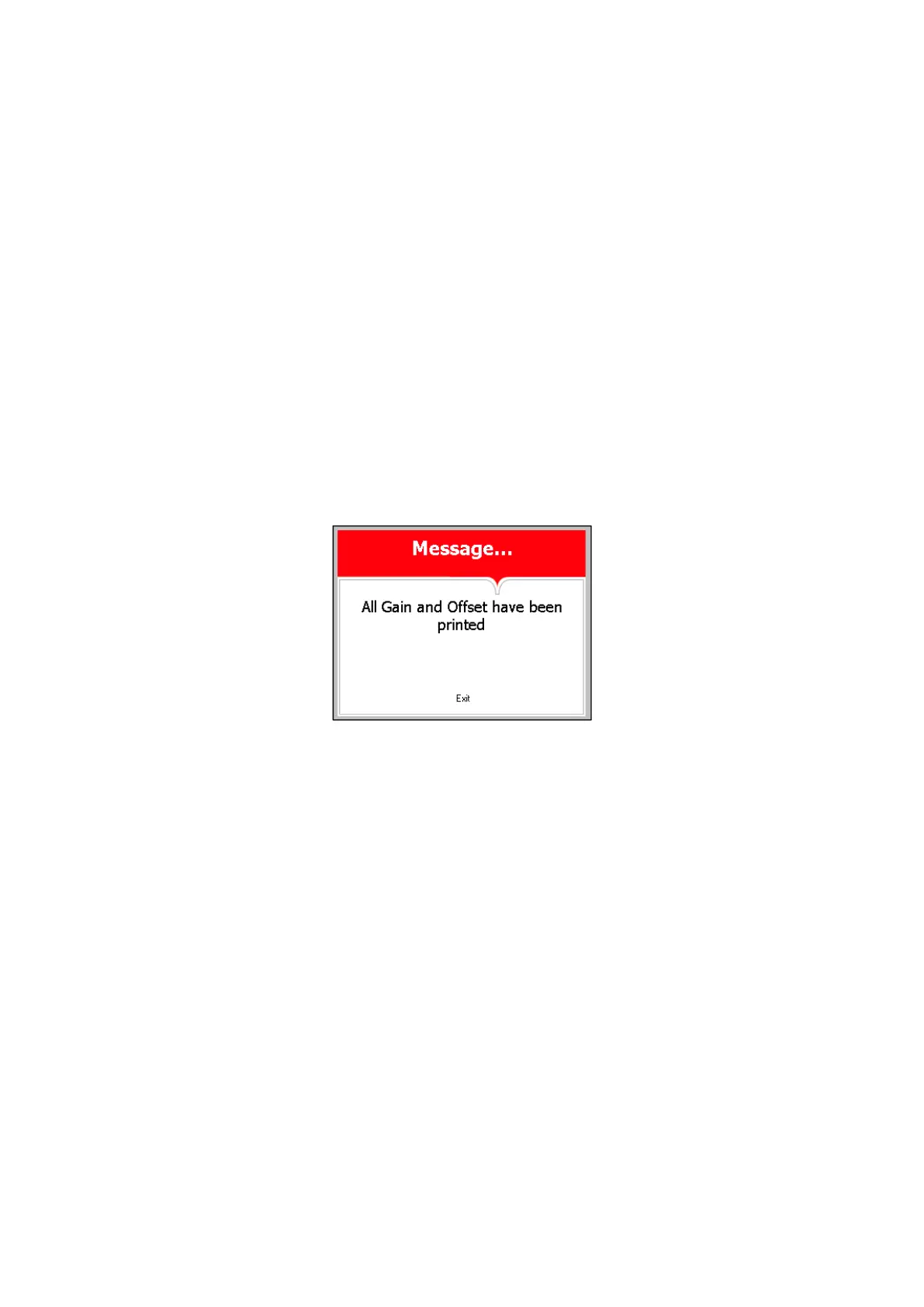
And the following screen will be displayed.
In order to exit this screen and return to MAINTENANCE
directory press START/STOP key.
In order to exit the MAINTENANCE directory follows one of
the next:
Move the cursor to Exit with the UP or DOWN keys and
select it by pressing the
START/STOP key.
Press the UP and DOWN keys simultaneously
Drain Temperature
G:000.0400;O:-004.0000
Chamber Temperature
G:000.0400;O:-004.0000
Ref Temperature 1
G:000.0400;O:-004.0000
Chamber Pressure
G:000.1250;O:-100.0000








 To Next Page