16
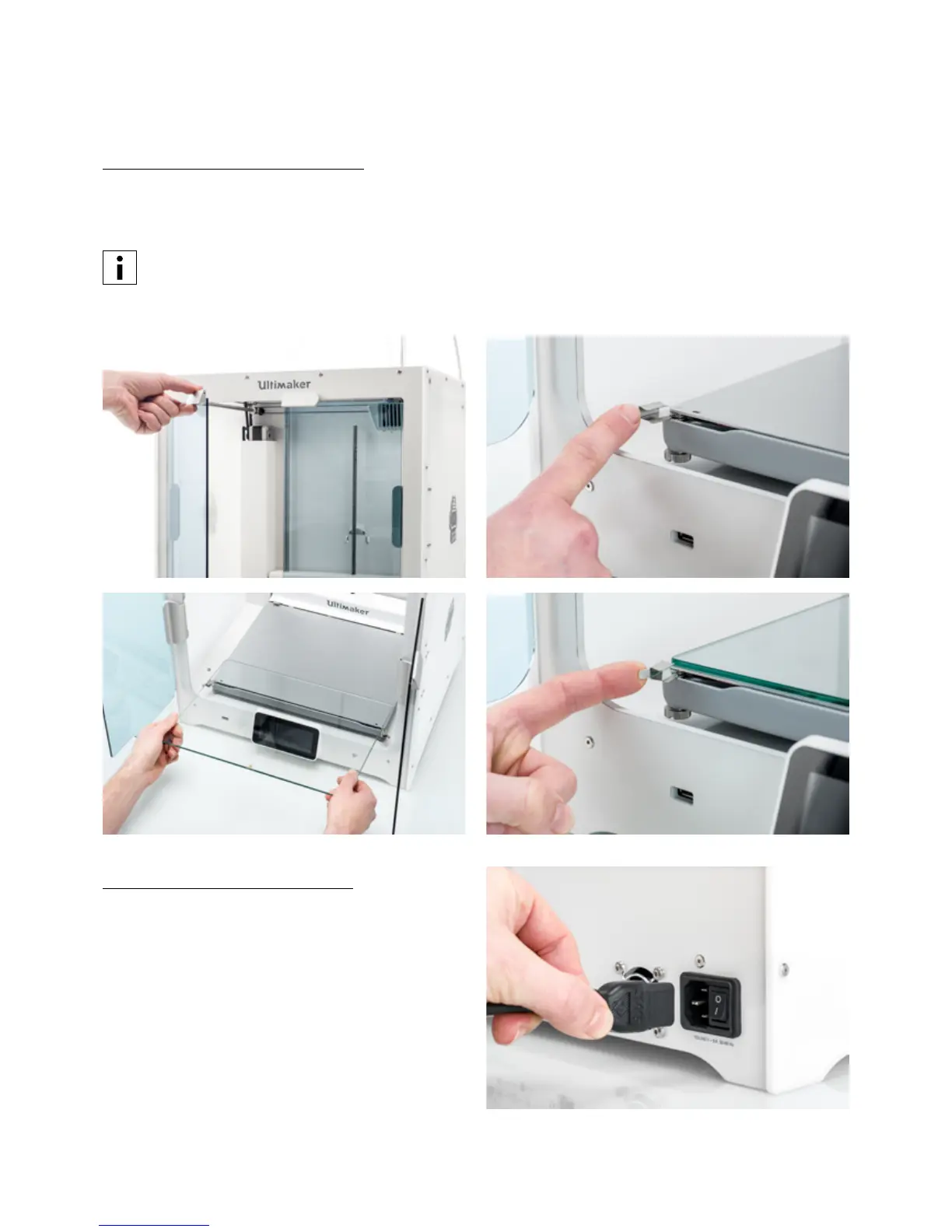
Place the glass build plate
1. Open the glass doors.
2. Open the two build plate clamps at the front of the build plate.
3. Gently slide the glass plate onto the build plate and ensure that it snaps into the build plate clamps at the back.
For the first use it is recommended to use the materials supplied with the Ultimaker S5. These should be
printed on the glass build plate.
4. Close the two build plate clamps at the front to secure the glass build plate and close the glass doors.
Connect the power cable
1. Connect the power cable to the power socket at the
back of the Ultimaker S5.
2. Plug the other side of the cable into a wall outlet.














 To Next Page