4.1 Build plate selection
To perform the setup steps, turn on the printer with the power switch at the back. You will first be asked to select your
preferred language. After this, the welcome setup will appear on the touchscreen. Follow the steps on the touchscreen
and described on the next pages of this user manual.
The language on the printer can always be changed by navigating to Preferences g Settings g Language.
Conrm the glass build plate is installed
For the first use, it is recommended to print with the materials that were delivered with the printer: Tough PLA and PVA.
This material combination must be printed on a glass build plate, which is why the glass build plate was installed in the
previous chapter. In this step of the welcome setup, you must confirm that you have installed the glass build plate.
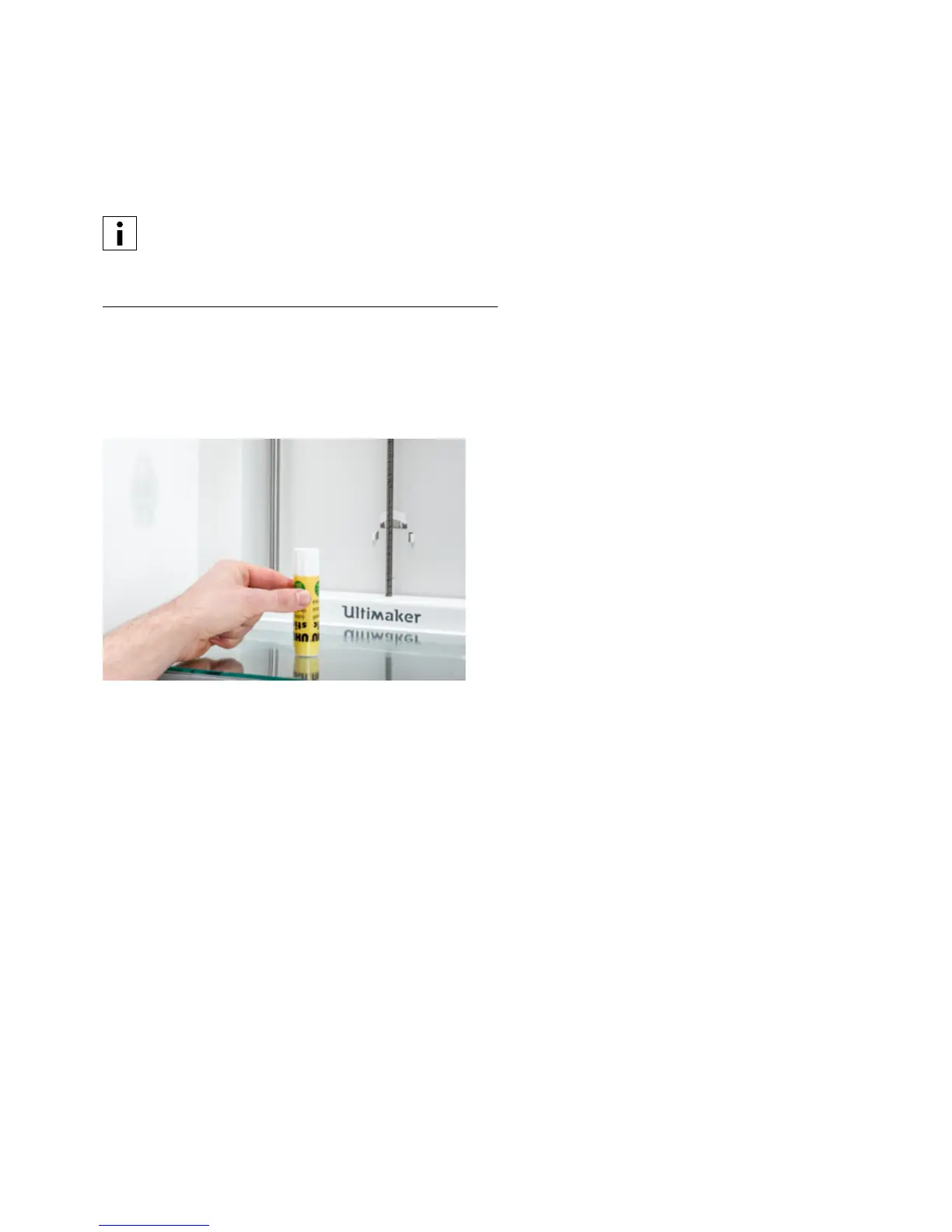
A thin layer of glue should be applied to the glass build plate to ensure reliable adhesion. More information about the
recommended build plate and adhesion method per material can be found in chapter 5.2 Materials.
18














 To Next Page