36
5.8 Calibration
Build plate leveling
While using the Ultimaker S5, build plate calibration should be performed to ensure reliable adhesion of the print to the
build plate. If the distance between the nozzles and build plate is too wide, your print won’t adhere properly to the glass
build plate. On the other hand, if the nozzles are too close to the build plate, it can prevent material from extruding.
Make sure there is no excess material below the tip of the nozzles and the build plate is clean before the start
of a print or when you want to calibrate the build plate, or you might get inaccurate results.
Active leveling
Active leveling is automatically performed by the printer at the start of a print, to create a reliable first layer. During
active leveling, the Ultimaker S5 will create a detailed heightmap of the build plate surface. This information is used to
compensate for any inaccuracies of the build surface during the first layers of the print. It will do this by adjusting the
build plate height while printing.
Do not touch the Ultimaker S5 during the active leveling procedure, as this could affect the calibration process.
Manual leveling
Perform manual leveling when the level of the build plate is too far out of range for active leveling to compensate for.
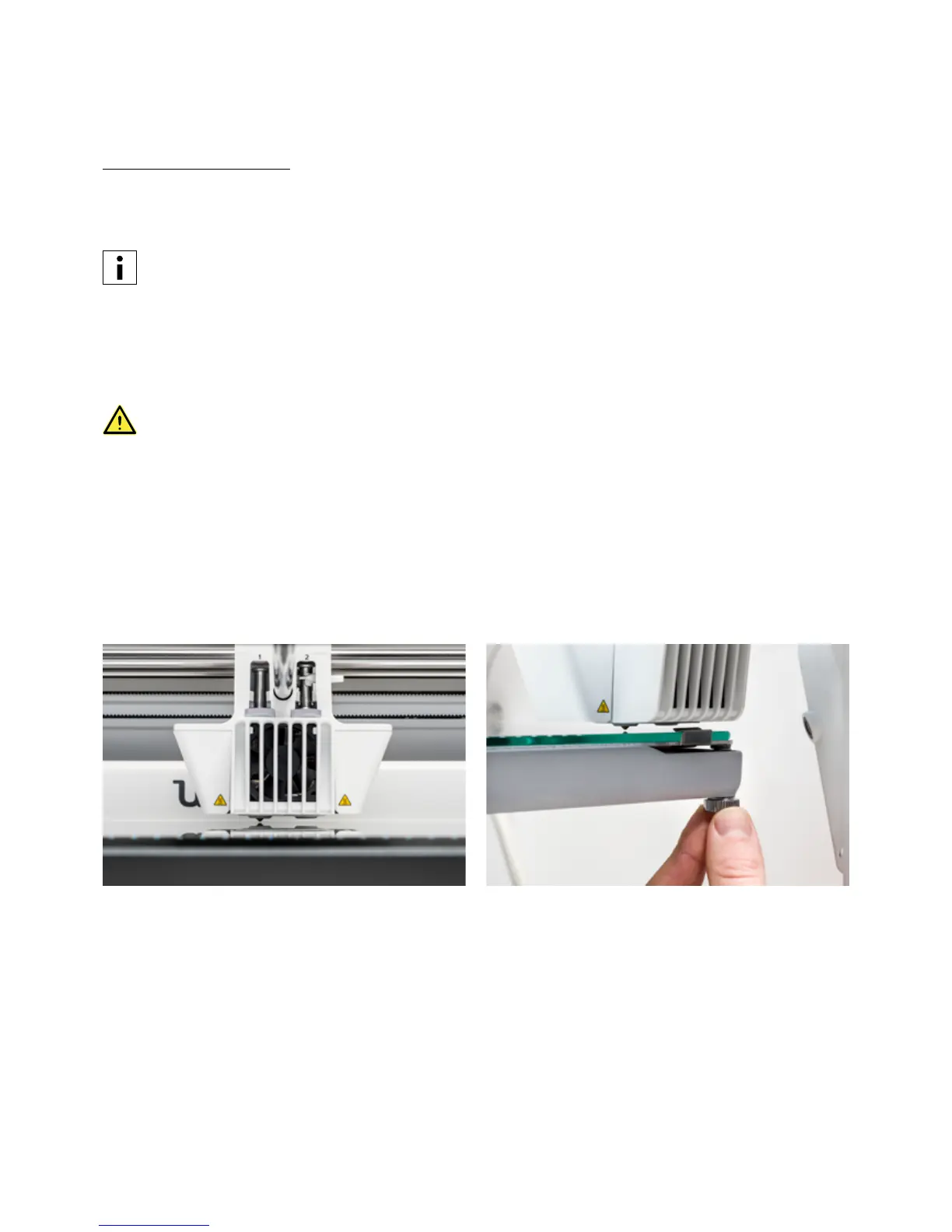
1. Go to Preferences g Maintenance g Build plate g Manual leveling and select Start.
2. Wait while the Ultimaker S5 prepares the manual leveling procedure.
3. Use the touchscreen controls to move the build plate until there is approximately 1 mm distance between the
first nozzle and the build plate. Make sure that the nozzle is close to the build plate without touching it. Confirm to
continue.
4. Adjust the front-right thumb wheel to roughly level the build plate at the front. There should be a distance of
approximately 1 mm between the nozzle and build plate. Confirm to continue.














 To Next Page