55
6.12 Clean the print cores
Maintenance of the BB print core should be performed once every three months. Using the Ultimaker cleaning filament
is the most effective way to clean and unclog the BB print core on the Ultimaker S5. If you don’t have the Ultimaker
cleaning filament at your disposal, you can use PLA instead.
Cleaning filament can be used to clean the print core on an Ultimaker S5 by applying hot and cold pulls. Hot pulls are
used to get the biggest parts of degraded material out of the print core and are especially necessary when a print core
is clogged. With a cold pull, the remaining small particles will be pulled out, ensuring the print core is completely clean.
If necessary, you can also use this method to clean an AA print core.
Preparation
1. Go to Preferences g Maintenance g Print head g Print core cleaning and select Start to start the cleaning
procedure.
The print head will move to the front-right corner to prepare itself.
2. Select the print core you want to clean: print core 1 or print core 2.
3. Select the material you want to use for cleaning: Cleaning filament or PLA filament.
4. Wait for the printer to heat up the print core and to retract the filament until its end is visible in the Bowden tube.
If the material is not retracted there is a chance that the material has been ground down and is stuck in
the feeder. In this case, remove the material manually as described in the troubleshooting section on the
Ultimaker website.
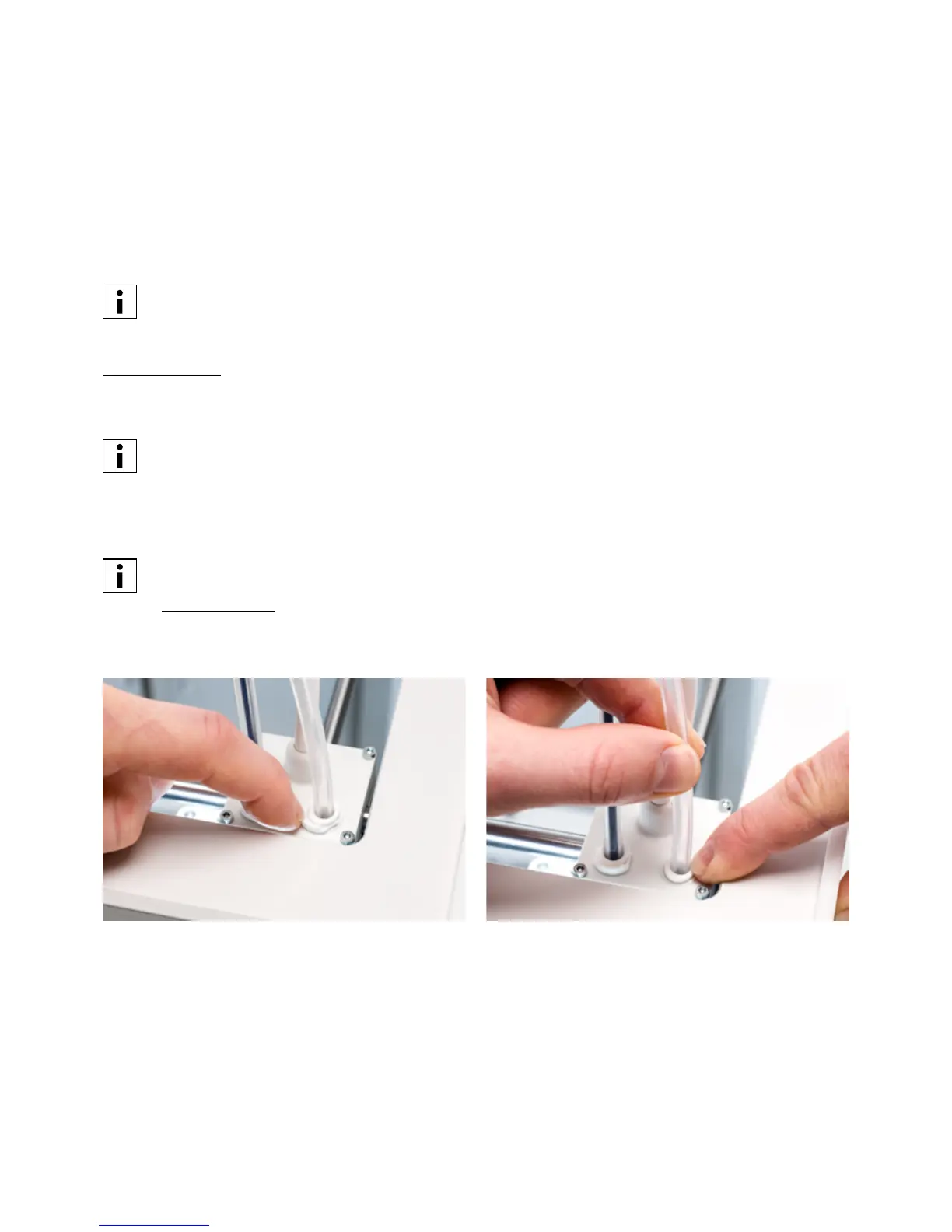
5. Remove the Bowden tube from the print head. First, remove the clamp clip and then push down on the tube
coupling collet while pulling the Bowden tube upwards, out of the print head. Confirm to continue.














 To Next Page