65
7.2 Print core troubleshooting
Clogged print core
If material does not flow from the print core for at least 10 minutes, it could suggest that the print core is clogged with
degraded material. In this case, the print core should be cleaned by performing the hot and cold pull method.
Using the Ultimaker cleaning filament is the most effective way to clean and unclog a print core on the Ultimaker S5. If
you don’t have the Ultimaker cleaning filament at your disposal, you can use PLA. Take a look at chapter 6.11 Clean print
cores for detailed instructions.
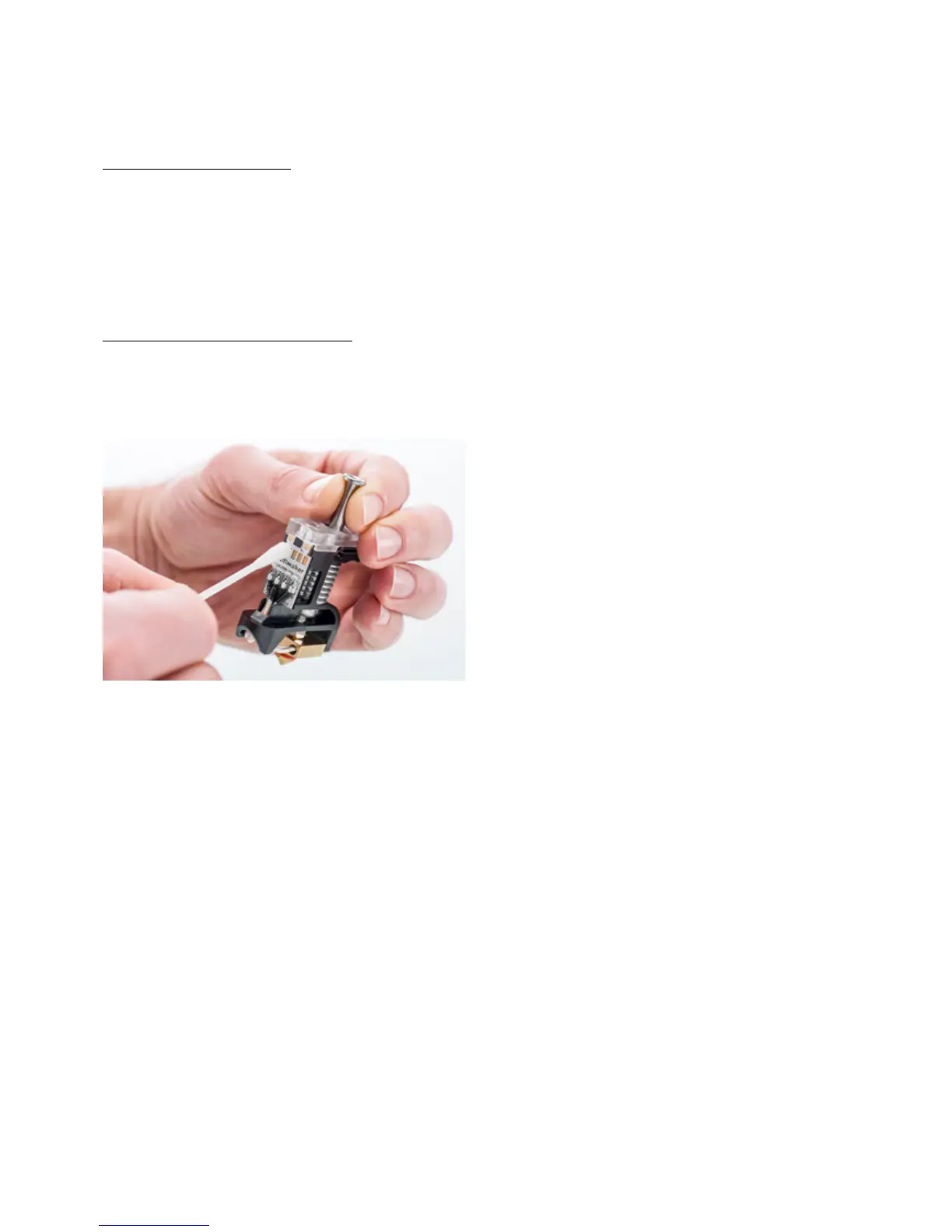
Print core not recognized
If a print core is not recognized by the Ultimaker S5, the printer will inform you about this. The main reason for this is
dirty contact points on the PCB at the back side of the print core. When this happens, clean the contact points with a
cotton swab and some alcohol.














 To Next Page