23
4.5 Install Ultimaker Cura
After successfully setting up your printer, please install Ultimaker Cura – our free print preparation and management
software – on your computer. You can download Ultimaker Cura at www.ultimaker.com/software.
System requirements
Supported platforms
• Windows Vista or higher (64 bit)
• Mac OSX 10.7 or higher (64 bit)
• Linux Ubuntu 14.04, Fedora 23, OpenSuse 13.2, ArchLinux or higher (64 bit)
System requirements
• OpenGL 2 compatible graphics card
• Intel Core 2 or AMD Athlon 64 or newer
• At least 4GB of RAM (8GB or more is recommended)
• A 64 bit processor
Installation
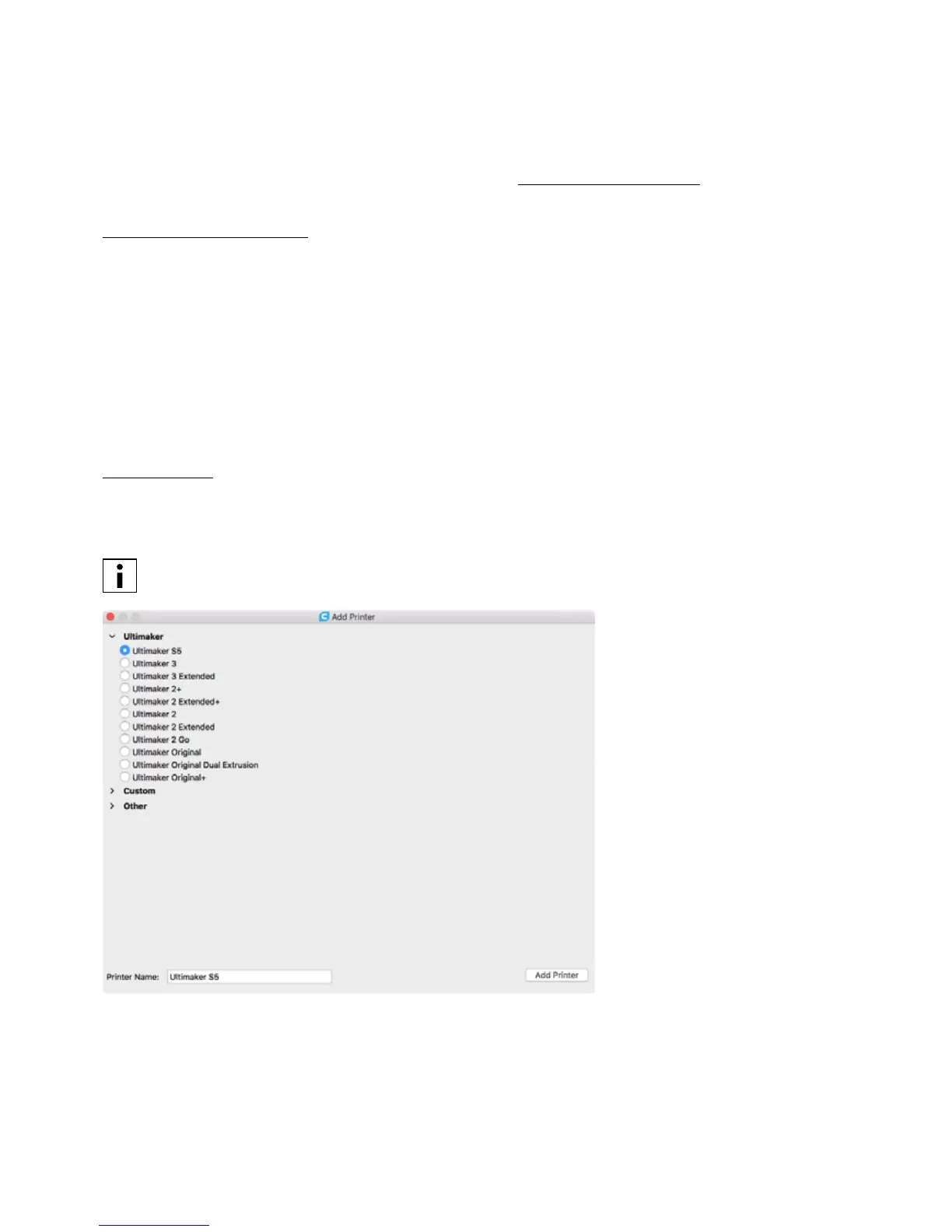
After downloading, run the installer and run the installation wizard to complete the installation of Ultimaker Cura. When
opening Ultimaker Cura for the first time, you will be asked to select your 3D printer. Select the Ultimaker S5 profile,
and you are ready to go. You can now directly connect to the printer and start using Ultimaker Cura.
If you have installed Ultimaker Cura before, you can add the Ultimaker S5 by navigating to
Settings g Printer g Add printer.














 To Next Page