31
Print with USB
When it is not possible to print via a network, 3D print files can still be transferred to your Ultimaker S5 with a USB
stick.
1. Place the USB stick in your computer.
2. Slice your 3D model in Ultimaker Cura. Ensure that the material and print core configuration in Ultimaker Cura
matches the configuration on your Ultimaker S5.
3. Save the print file to the USB stick (GCODE, GCODE.gz or UFP) using the Save to removable drive button.
4. Eject the USB stick in Ultimaker Cura and remove it from your computer.
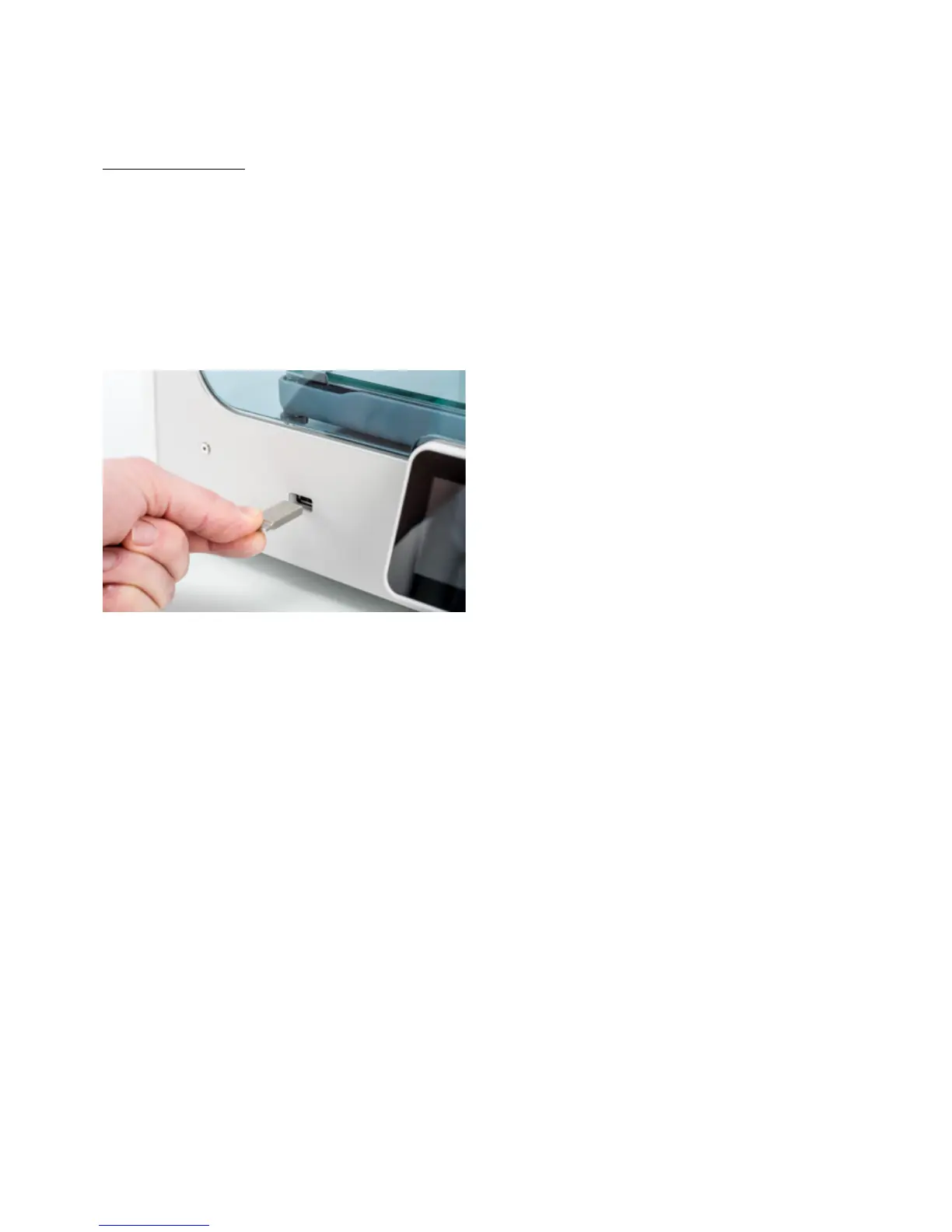
5. Place the USB stick in the USB port on Ultimaker S5.
6. Go to the Status overview menu and select the file you want to print.














 To Next Page