46
Inside of the printer
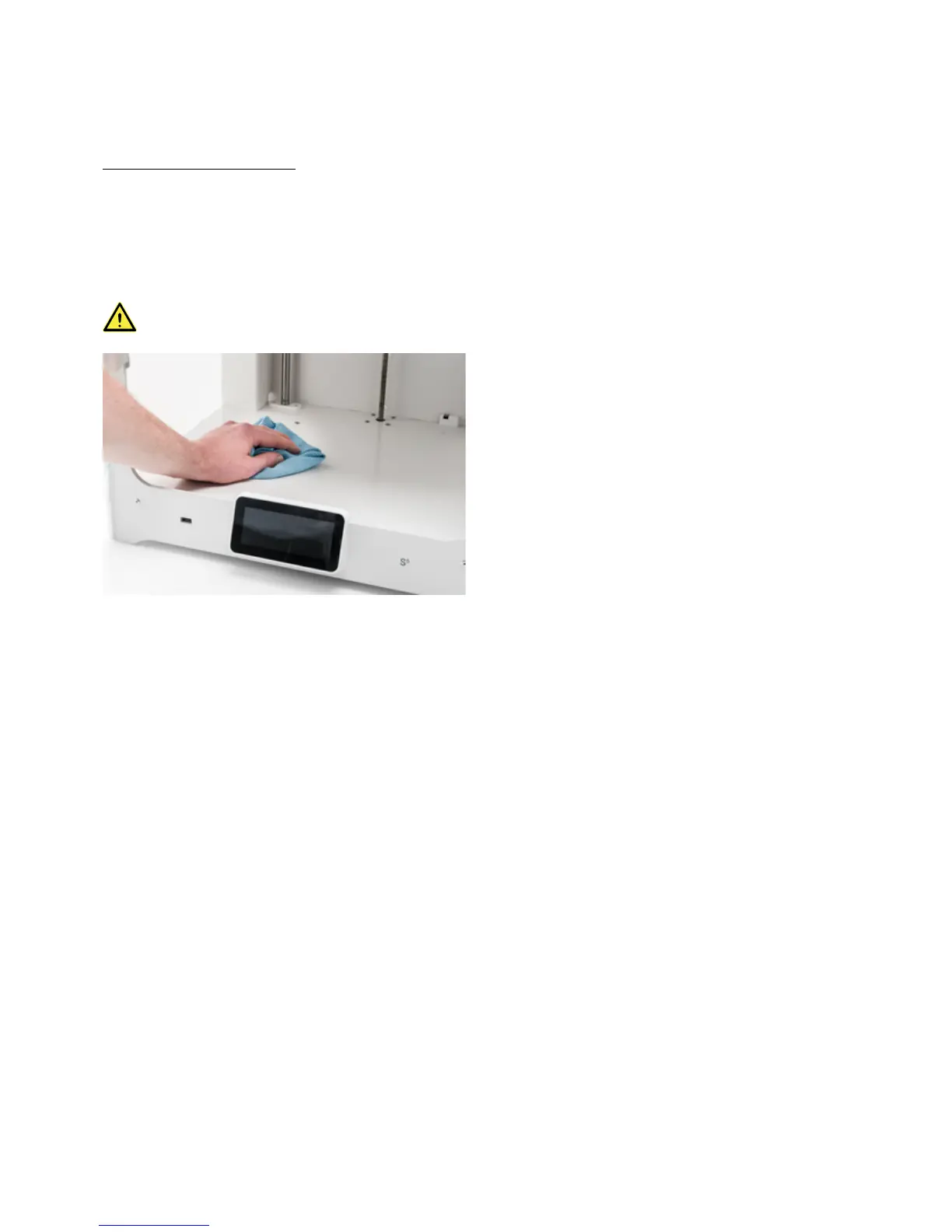
Small pieces of material can gather inside the printer, such as priming blobs. Remove these regularly from the inside of
the printer by taking the following steps:
1. Raise the build plate by navigating to Configuration g Build plate and select Raise.
2. Clean the inside of the printer with a microfiber cloth or vacuum cleaner. Pay extra attention to the area around the
Z limit switch as obstructions here can cause print problems.
Leaving larger objects on the bottom panel can lead to errors, as they prevent the build plate from homing
properly.














 To Next Page