60
Reassembly
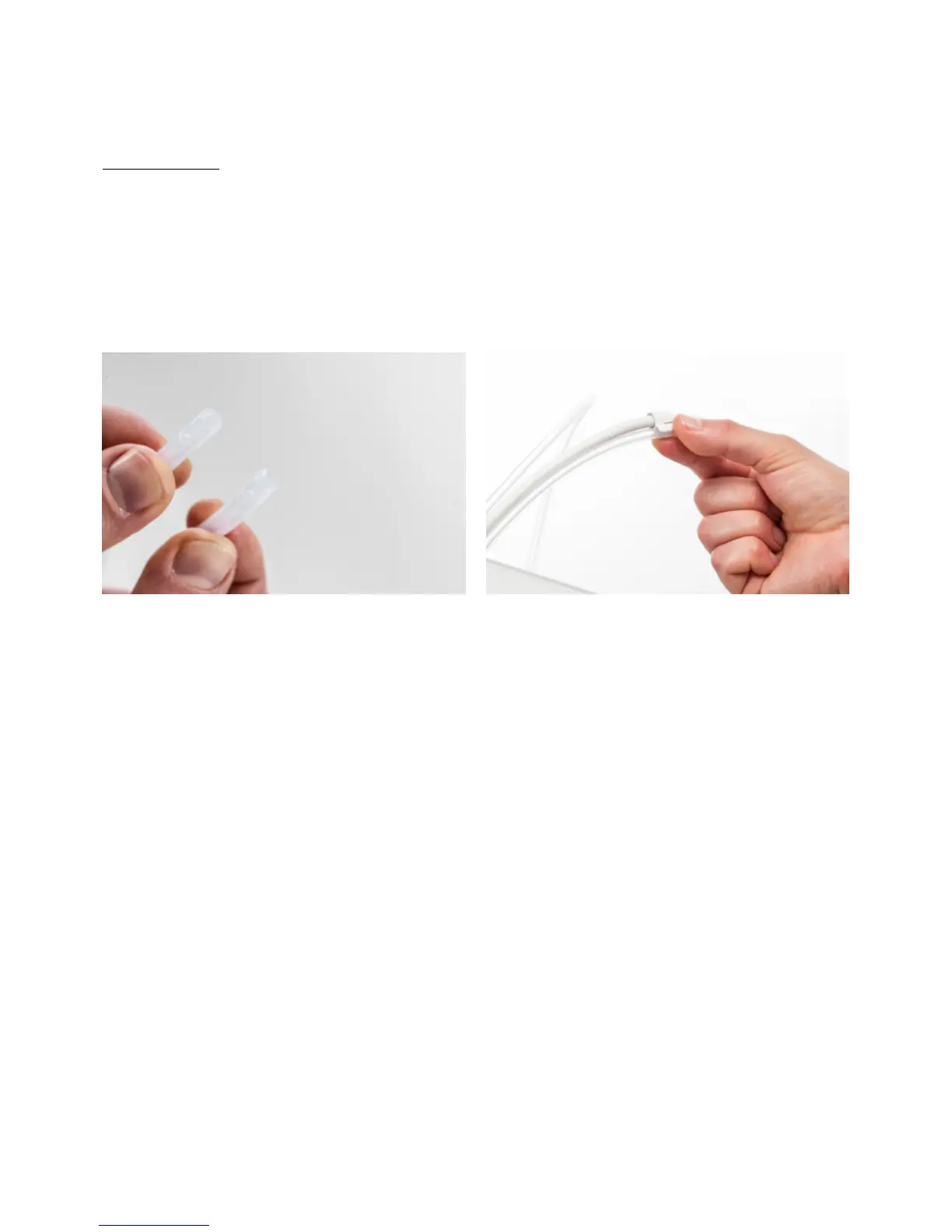
1. Take the new Bowden tube and note the two different sides. The side which is chamfered should be inserted into the
feeder. This allows easier access of the filament into the Bowden tube. The flat side should be inserted into the print
head.
2. Insert the Bowden tube into the feeder by pressing down on the tube coupling collet in the feeder and pushing the
Bowden tube all the way in. Secure the tube with the clamp clip.
3. Insert the Bowden tube into the print head by pressing down on the tube coupling collet in the print head and
pushing the Bowden tube all the way in. Secure the tube with the clamp clip.
4. When replacing the Bowden tube from Extruder 2 (right), click the header cable clips onto the Bowden tube. Equally
divide the clips over the Bowden tube.














 To Next Page