24
BarcodeGuy.com® - UnionNet SP2100 User’s Guide
L
R
0 1 2 3 4 5 6 7
0
NUL DLE SPACE
0 @ P
`
p
1
SOH DC1 !
1 A Q a q
2
STX DC2 "
2 B R b r
3
ETX DC3 #
3 C S c s
4
EOT DC4 $
4 D T d t
5
ENQ NAK %
5 E U e u
6
ACK SYN &
6 F V f v
7
BEL ETB '
7 G W g w
8
BS CAN (
8 H X h x
9
HT EM )
9 I Y i y
A
LF SUB *
: J Z j z
B
VT ESC +
; K [ k {
C
FF FS ,
< L \ l |
D
CR GS -
= M ] m }
E
SO RS
. > N ^ n ~
F
SI US
/ ? O
_
o DEL
Left Digit of HEX Value
Right Digit of HEX
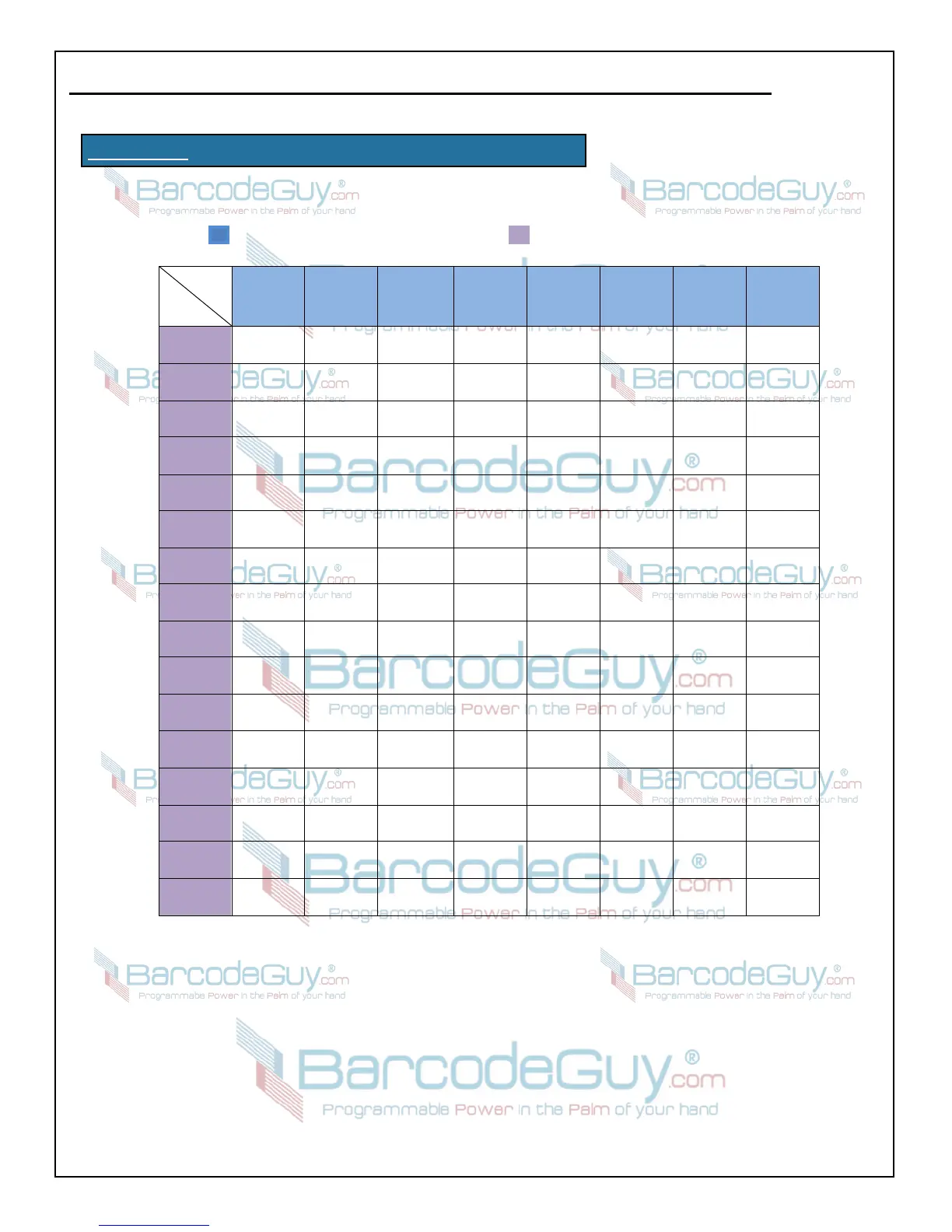
APPENDIX A - ASCII TO Hex Decimal Conversion
How to use this chart - HexDecimal equivalents of ASCII or keyboard characters are 2 digits, from 0 to E.
No matter what character or control code you’re looking up, it will always be represented by a 2-digit hex
decimal number. In the white cells starting in Row2, Column2, look up the character you want to find.
Then follow the column up to the blue column heading to get the right digit and to the left to the purple
row heading to get the left digit. For example:
To find the HexDecimal equivalent of “V” (capital V), the Right digit is “5” and the left digit is “6” so the
HexDecimal conversion is “56”


 To Next Page