About UniStream® Remote I/O
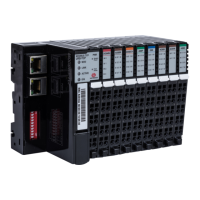
This line of remote Ethernet I/O is compatible with UniStream controllers. The line comprises an Ethernet-
based Remote I/O adapter and I/O Remote modules.
You configure Remote I/Os in UniLogic, using the Hardware Configuration editor, and connect them to the
controller via Ethernet cable
A single UniStream Remote I/O adapter can support up to 63 12mm wide I/O modules. Each adapter
comprises two Ethernet ports; this enables users to link an adapter to a controller, and then daisy-chain
adapters to support up to 8 adapters per controller, increasing the total number of I/Os supported by a single
UniStream.
UniStream Remote I/O offer a broad range of modules; each module offers a different configuration of
analog and digital outputs.
Note that the exact number of I/Os that can be included per adapter is dependent on the specific I/O
connected to that specific adapter.
The adapter is limited to process 192 data bytes for inputs and 192 data bytes for outputs.
Each digital input/output point process data is 1 bit (minimum 1 byte per module if module data size is less
than 8 points) while each analog input/output is 2 bytes (8 inputs/outputs module will be 16 bytes of process
data).
UniStream Remote I/O and Uni-I/O modules
You may use both lines in the same application at the same time.
Since the two lines communicate via different protocols and physical connections:
They work independently of each other
You can use both lines with the same controller at the same time.
Note that the adapters and modules of each line are not interchangeable.
You may only use:
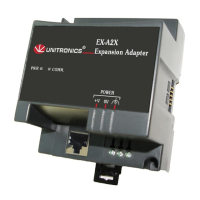
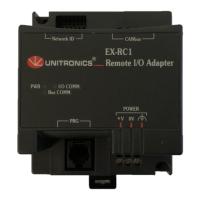
Uni-Local Expansion Adapters with Uni-I/O modules
UniStream Remote I/O Adapters with UniStream Remote I/O modules.


 To Next Page