EasyManua.ls Logo

UTECH VS2000 - User Manual

UTECH VS2000
122 pages
Print Icon
To Next Page IconTo Next Page
Loading...
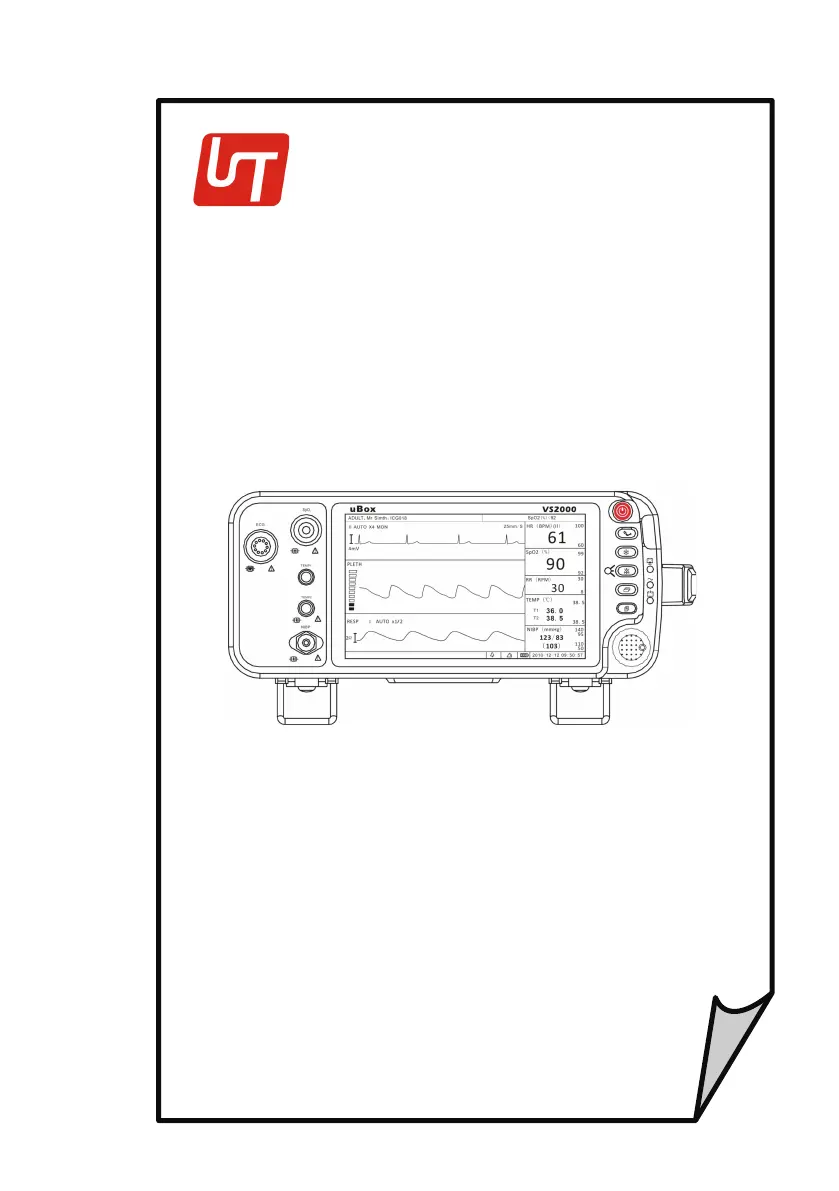
VS2000 Vital Signs Monitor
Operation Manual
-
English
V
ersion
1.0,
January 2011
©
2011 UTECH Co., Ltd
.
All
rights
r
eser
v
ed
.

Table of Contents

Questions and Answers

  • E
    Elizabeth WintersAug 4, 2025
    Why is the pulse rate erratic on my UTECH Monitor?
    • K
      keith68Aug 4, 2025
      If the pulse rate on your UTECH Monitor is erratic, intermittent, or incorrect, it might be due to several factors. First, ensure the SpO2 sensor is correctly positioned on the patient. Poor perfusion can also cause this issue, so try repositioning the sensor. Patient movement can interfere with readings, so ensure the patient remains still. Finally, excessive ambient light can affect the sensor; shield it with a towel to minimize interference.
  • C
    crystalmccartyAug 9, 2025
    How to fix a UTECH Monitor when the power LED is off?
    • C
      Christian ChoiAug 9, 2025
      If the AC power LED on your UTECH Monitor isn't lit, it typically means the power cord isn't properly connected. Ensure the AC power cord is securely connected both to the monitor and to a functioning AC power outlet. Also, make sure the outlet isn't controlled by a wall switch. If the issue persists, the AC line fuse may have blown, and you should contact your authorized repair center.
  • K
    khenryAug 14, 2025
    What to do if the display on my UTECH VS2000 Monitor does not light up?
    • B
      bjenkinsAug 14, 2025
      If the display on your UTECH Monitor doesn't light up, it's likely that the display backlight is defective. In this case, you should contact the service department for assistance.
  • K
    Katherine StoneAug 25, 2025
    What does 'SENSOR OFF' mean on my UTECH VS2000 Monitor?
    • A
      Angela MarshallAug 26, 2025
      If 'SENSOR OFF' is displayed in the Pleth waveform channel on your UTECH Monitor, first, make sure that the SpO2 sensor is correctly positioned on the patient. If the problem continues, you may be using the wrong type of SpO2 sensor for the application, or the sensor might be defective. In either case, try changing the sensor or contact the manufacturer service department.
  • H
    Hannah HarveyAug 30, 2025
    Why is there no pulse on the SpO2 bargraph of my UTECH VS2000?
    • D
      david06Aug 30, 2025
      If there's no peripheral pulse registering on the bargraph in the SpO2 parameter box on your UTECH Monitor, it's possible the SpO2 sensor isn't properly connected. Ensure the sensor is connected to the extension cable, and the extension cable is connected to the monitor.
  • C
    christine09Sep 10, 2025
    What does 'LEADS FAIL' mean on my UTECH Monitor?
    • J
      John SmithSep 12, 2025
      If the message 'LEADS FAIL' appears in the ECG waveform channel on your UTECH Monitor, it indicates a problem with the ECG leads. Ensure that each ECG lead is properly connected to the electrode. If the leads are connected but the error persists, one of the leads may be broken, requiring replacement. Additionally, high impedance at the electrode site can cause this issue; try reapplying the electrodes.

Summary

Warranty and Service Information

Proprietary Notice

Document copyright and usage restrictions.

Limited Warranty

Outlines product and accessory warranty terms and duration.

Disclaimer of Warranties

Specifies limitations and exclusions of express or implied warranties.

Conditions of Warranty

Lists circumstances that void the product warranty.

Limitation of Remedies

Defines the exclusive remedy for product defects.

Service Support

Information on obtaining technical assistance and product service.

Introduction

About this Manual

Explains the purpose and scope of the operation manual.

Using the Manual

Guidance on navigating and effectively utilizing the manual's content.

Definition of Symbols

Lists and defines symbols used in the manual and on the device.

Warning Information

Details general warnings, cautions, and notes for safe device operation.

Intended Use and General Information

Intended Use

Describes the specific applications and purpose of the vital signs monitor.

Measurement Capabilities

Lists the various physiological parameters the monitor can measure.

Controls and Features

Indicators and Displays

Explains the monitor's display elements and access to submenus.

Monitor Keys

Identifies and describes the function of each key on the monitor.

Left Panel Connectors

Details the patient connector receptacles on the left side of the monitor.

Back Panel Overview

Identifies and describes components on the back panel of the monitor.

Internal Battery Information

Provides information about the monitor's internal rechargeable battery.

Setting Up the Monitor

Unpacking and Shipment Check

Instructions for safely unpacking and verifying the monitor's contents.

Quick Setup Instructions

Provides a concise step-by-step guide for initial monitor setup.

Detailed Setup Instructions

Offers comprehensive steps for configuring the monitor for operation.

Basic Operation

Overview of fundamental monitor operating procedures and menu navigation.

Systems Setup and Configuration

Guide to configuring system-wide settings like time, units, and network.

Set Patient Information

Process for inputting and managing patient-specific data.

Display Setup

Instructions for customizing the monitor's screen display modes.

Monitoring the Patient

General Monitoring Instructions

Outlines essential steps for attaching a patient and starting monitoring.

Attach the Patient

Procedure for connecting the patient to the monitor's sensors.

Adjust the Waveforms Settings

Guide to selecting and configuring waveform displays on the monitor.

Adjust the Parameter Box Settings

Procedure for modifying settings within each parameter's display box.

Set Alarm Limits

Instructions for configuring high and low alarm thresholds for monitored parameters.

Use these Features as Needed

Details on utilizing optional monitor functions like alarms, trends, and freeze mode.

Alarms

Parameter Alarms and Technical Alarms

Explanation of different alarm types and their triggers.

High, Medium, and Low Priority Alarms

Description of alarm prioritization and auditory/visual indicators.

Controlling Alarms

Methods for managing alarm settings including silencing and disabling.

Change alarm limits

Procedure for modifying high and low alarm thresholds for parameters.

Silence alarms

Instructions for temporarily or indefinitely muting audible alarms.

ECG

ECG Measurement Capability

Description of the monitor's ability to perform electrocardiogram measurements.

ECG Warnings, Cautions, and Notes

Safety information specific to ECG monitoring procedures and equipment.

Theory of Operation

Explanation of the principles behind ECG signal acquisition and processing.

Attaching the Patient

Step-by-step guide for applying ECG electrodes and connecting leads.

Choosing the Waveform Settings

Options for configuring ECG waveform display parameters.

Adjusting the Settings in the Parameter Box

Procedure for configuring specific ECG parameter settings.

Oximetry

Oximetry Measurement Capability

Description of the monitor's ability to measure oxygen saturation.

Oximetry Warnings, Cautions, and Notes

Safety information specific to SpO2 monitoring procedures and equipment.

Pulse Oximetry Theory of Operation

Explanation of the principles behind pulse oximetry measurements.

Attaching the Patient

Procedure for applying the SpO2 sensor to the patient.

Performance Considerations

Factors that can affect pulse oximetry measurement accuracy.

Choosing the Waveform Settings

Options for configuring SpO2 waveform (plethysmogram) display.

Adjusting the Settings in the Parameter Box

Procedure for configuring specific SpO2 parameter settings.

Non-invasive Blood Pressure

Non-invasive Blood Pressure Measurement Capability

Description of the monitor's NIBP measurement functions.

Non-invasive Blood Pressure Warnings, Cautions, and Notes

Safety information specific to NIBP monitoring procedures and equipment.

NIBP Theory of Operation

Explanation of the principles behind non-invasive blood pressure measurements.

Measurement Limitations

Conditions under which NIBP measurements may be inaccurate or impossible.

Attaching the Patient

Procedure for selecting and applying the NIBP cuff to the patient.

Adjusting the Settings in the Parameter Box

Procedure for configuring specific NIBP parameter settings.

Measuring Non-invasive Blood Pressure (NIBP)

Instructions for performing NIBP measurements in different modes.

Respiration Rate (Resp)

Respiration Rate Measurement Capability

Description of the monitor's ability to measure respiration rate.

Respiration Rate Warnings, Cautions, and Notes

Safety information specific to respiration monitoring procedures.

Attaching to the Patient

Procedure for applying electrodes for respiration monitoring.

Choosing the Waveform Settings

Options for configuring respiration waveform display parameters.

Adjusting the Settings in the Parameter Box

Procedure for configuring specific respiration rate settings.

Temperature

Temperature Measurement Capability

Description of the monitor's ability to measure patient temperature.

Temperature Warnings, Cautions, and Notes

Safety information specific to temperature monitoring procedures and equipment.

Attaching the Patient

Procedure for applying the temperature sensor to the patient.

Adjusting the Settings in the Parameter Box

Procedure for configuring specific temperature parameter settings.

Drug Calculator

Accessing the Drug Calculator

Steps to navigate to and use the drug calculation function.

Measurement Units

Selection options for drug units used in calculations.

Glossary

Definitions of terms used in the drug calculator and infusion management.

Performing Drug Calculation

Guide to inputting data and performing drug dosage calculations.

Charting Infusion Progress

Function to display administered infusion data over time.

Using the Titration Table

Method to view drug dosage at different infusion rates.

Recalculation

Process for clearing previous data and starting a new drug calculation.

Maintenance and Troubleshooting

Cleaning the Monitors Surfaces

Instructions for cleaning and disinfecting the monitor's exterior.

Long-term Storage

Guidelines for properly packing and storing the monitor for extended periods.

Operators Troubleshooting Chart

Table of common problems and their corrective actions.

Maintenance Menu

Access point for system maintenance functions and settings.

Optional Supplies and Accessories

Ordering Information

Contact details and procedures for ordering supplies and accessories.

Specification

Display

Technical specifications for the monitor's LCD screen.

Indicators

List of the monitor's LED status indicators.

Alarm Volume

Specifications for the adjustable alarm volume range.

Keys;User Controls

List of the physical buttons and controls on the monitor.

ECG

Technical specifications for the electrocardiogram measurement function.

SpO2

Technical specifications for the pulse oximetry measurement function.

NIBP

Technical specifications for the non-invasive blood pressure measurement function.

Respiration Rate (RESP)

Technical specifications for the respiration rate measurement function.

Temperature (TEMP)

Technical specifications for the temperature measurement function.

Default Alarms Limits

Table of default high and low alarm limits for various parameters.

Power Requirement

Specifications for the monitor's AC power input.

Dimensions

Physical measurements of the vital signs monitor.

Environmental

Operating and storage conditions for temperature and humidity.

Equipment Classification

Information on the device's safety and operational classifications.

UTECH VS2000 Specifications

General IconGeneral
BrandUTECH
ModelVS2000
CategoryMonitor
LanguageEnglish

Related product manuals