6.2 Communication protocols
VAMP 24h support phone +358 (0)20 753 3264
Available data
VAMPSET will show the list of all available data items for both
modes. A separate document “Profibus parameters.pdf” is also
available.
The Profibus DP communication is activated usually for remote
port via a menu selection with parameter "Protocol". See
chapter 6.1.
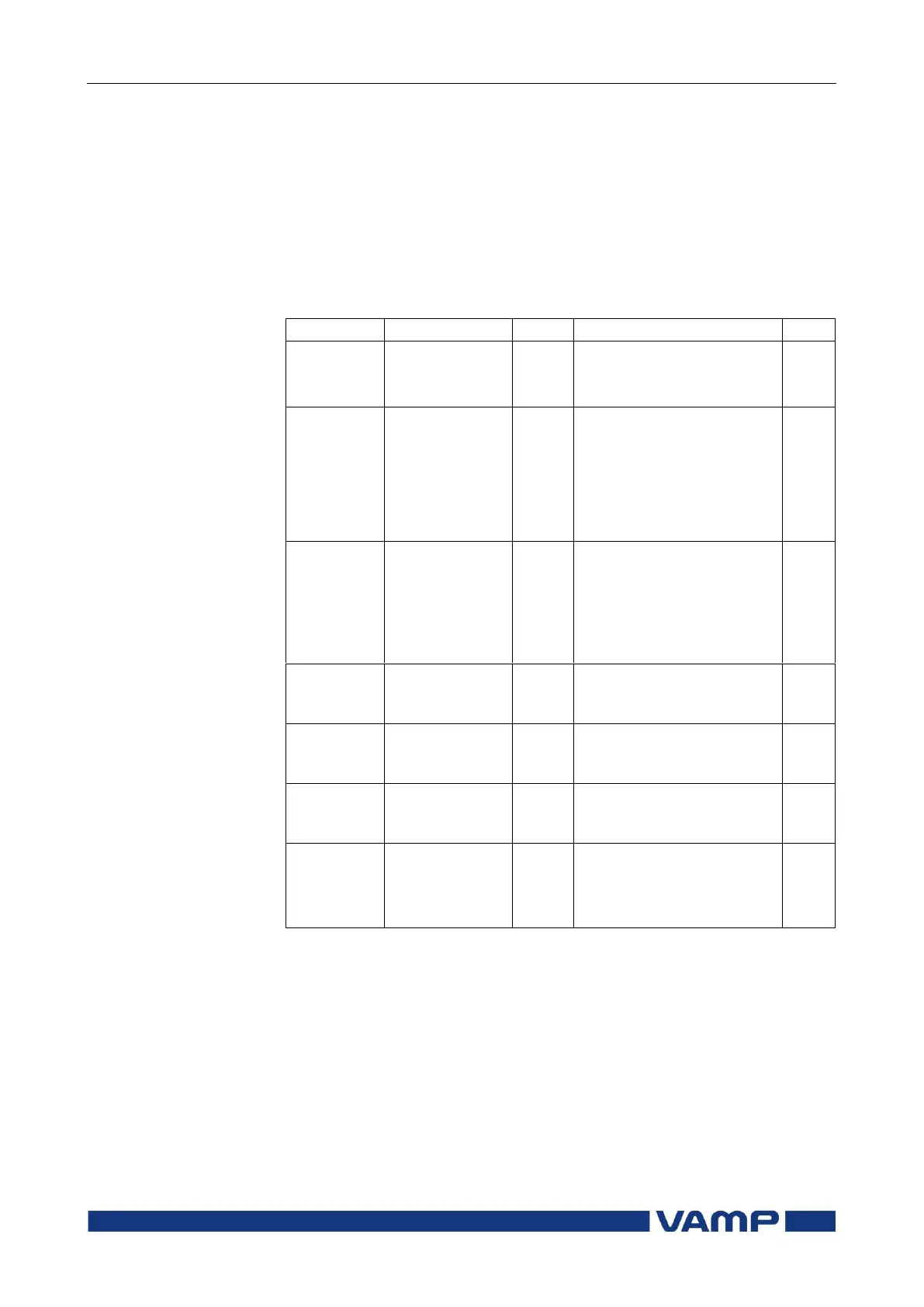
Parameters
Profile selection
Continuous mode
Request mode
Communication speed
from the main CPU to the
Profibus converter. (The
actual Profibus bit rate is
automatically set by the
Profibus master and can
be up to 12 Mbit/s.)
Channel
(Limit60)
(NoLimit)
Event numbering style.
Use this for new
installations.
(The other modes are for
compatibility with old
systems.)
Size of Profibus master's
Rx buffer. (data to the
master)
Size of Profibus master's
Tx buffer. (data from the
master)
This address has to be
unique within the
Profibus network system.
Converter type
No converter recognized
Converter type "VE" is
recognized
Set = An editable parameter (password needed)
Clr = Clearing to zero is possible
1) In continuous mode the size depends of the biggest configured data offset
of a data item to be send to the master. In request mode the size is 8 bytes.
2) In continuous mode the size depends of the biggest configured data offset
of a data to be read from the master. In request mode the size is 8 bytes.
3) When configuring the Profibus master system, the length of these buffers
are needed. The device calculates the lengths according the Profibus data
and profile configuration and the values define the in/out module to be
configured for the Profibus master.
4) If the value is "", Profibus protocol has not been selected or the device
has not restarted after protocol change or there is a communication problem
between the main CPU and the Profibus ASIC.



 To Next Page