Subject to modification! Updated 10/2017
Table 14: Setting as per Q(P) characteristic
Time delay: Enter the time in s, after which the reactive
power is to be adjusted.
Minimum power: Enter the minimum power in %, up to
which the reactive current is not controlled.
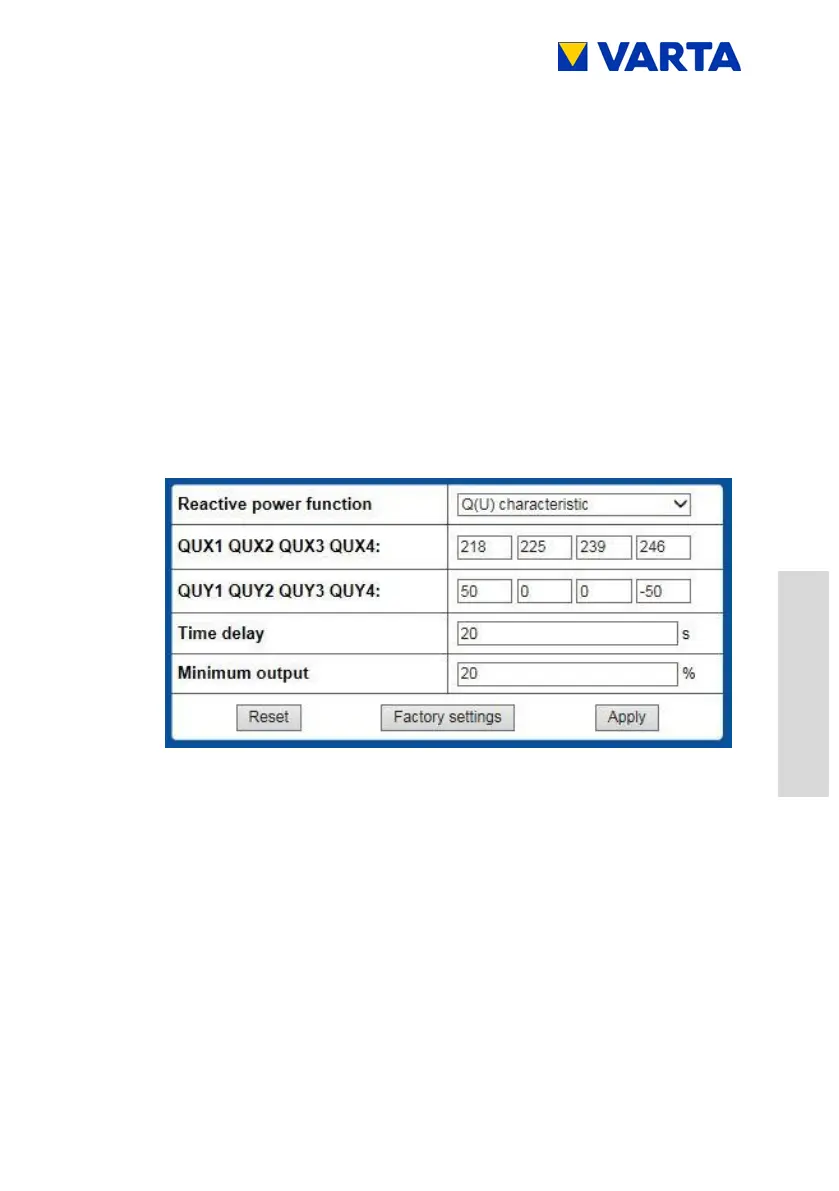
Setting as per Q(U) characteristic
Reactive power function: Select Q(U) characteristic from
the drop-down list.
QUX1 to QUX4: Enter the settings for QUX1 to QUX4 by
using the numerical input fields. You can find the settings in
Figure 28.
QUY1 to QUY4: Enter the settings for QUY1 to QUY4 by
using the numerical input fields. You can find the settings
in Table 15.



 To Next Page