Subject to modification! Updated 10/2017
Make sure that the
battery modules are switched off and no LED
indicator is lit.
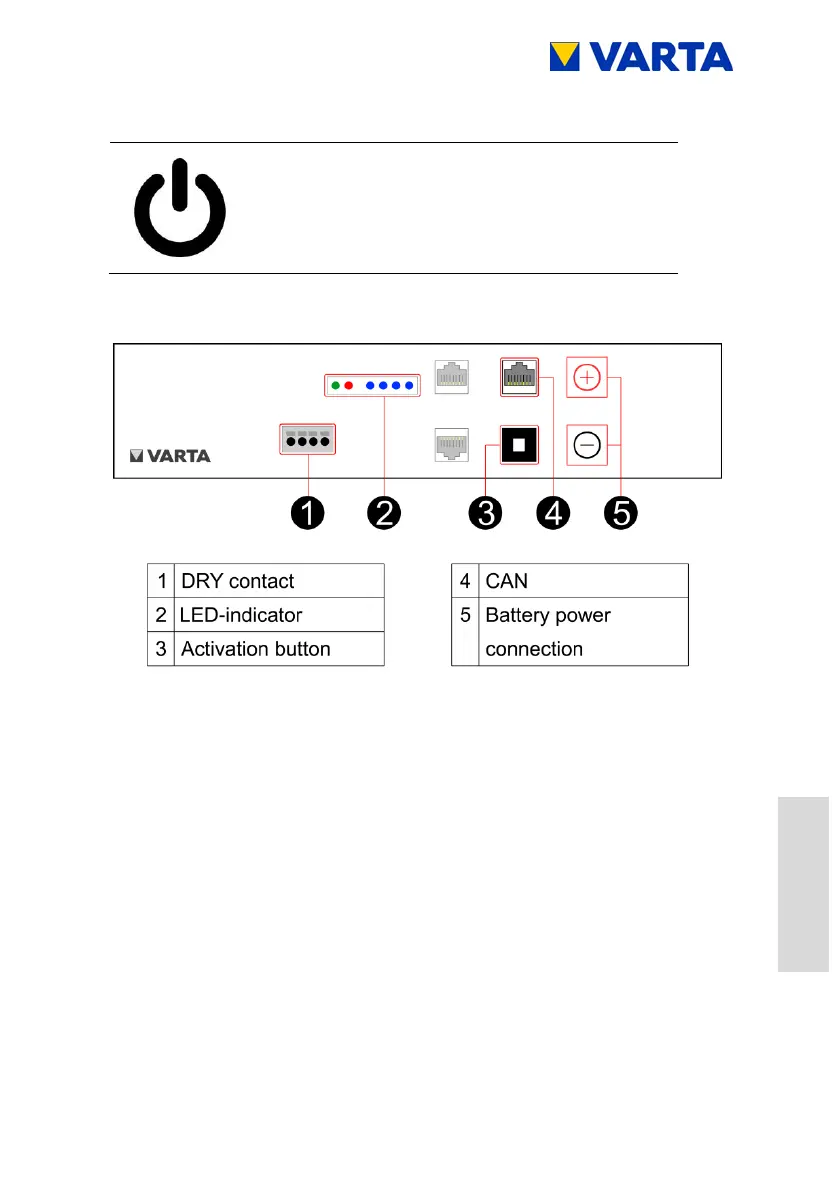
Figure 34: Battery module
Switch off the battery module at the activation button (hold the
button, until the LED goes off).
Plug off the following cable connections:
Battery power connection
Comm 1 Warning and Fault
Comm 3 (RJ48)
Use the handle to pull the battery module forward on the rails.
Installing battery modules
Reinstall the battery modules exactly in reverse order.
Ensure that the assignment corresponds with the previous status.



 To Next Page