Subject to modification! Updated 10/2017
Damaged cables due to improper
assembly!
Check all assembly steps before
closing the energy storage system.
Do not use any force when closing the
energy storage system.
11.5.1 Checking the operating state
Make sure that no contamination or material residues are
inside the device. Clean using a vacuum cleaner or similar if
necessary.
Switch the battery module back on.
Close the door and secure with screws.
Check whether the fuses have been re-connected.
Switch on the energy storage system using the On/Off button.
The button will be locked in the lower position.
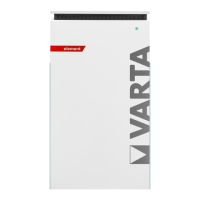
Check whether the LED ring indicates the following operating
states after switch on:


 To Next Page